LEARNING OUTCOME 3

ITERATIVE DESIGN

BUSINESS CARD

Goal

Have to create a Business card that represents and gives enough information aout what I am doing and any socials people might need to know for the future if interested.

Process

Inspiration:

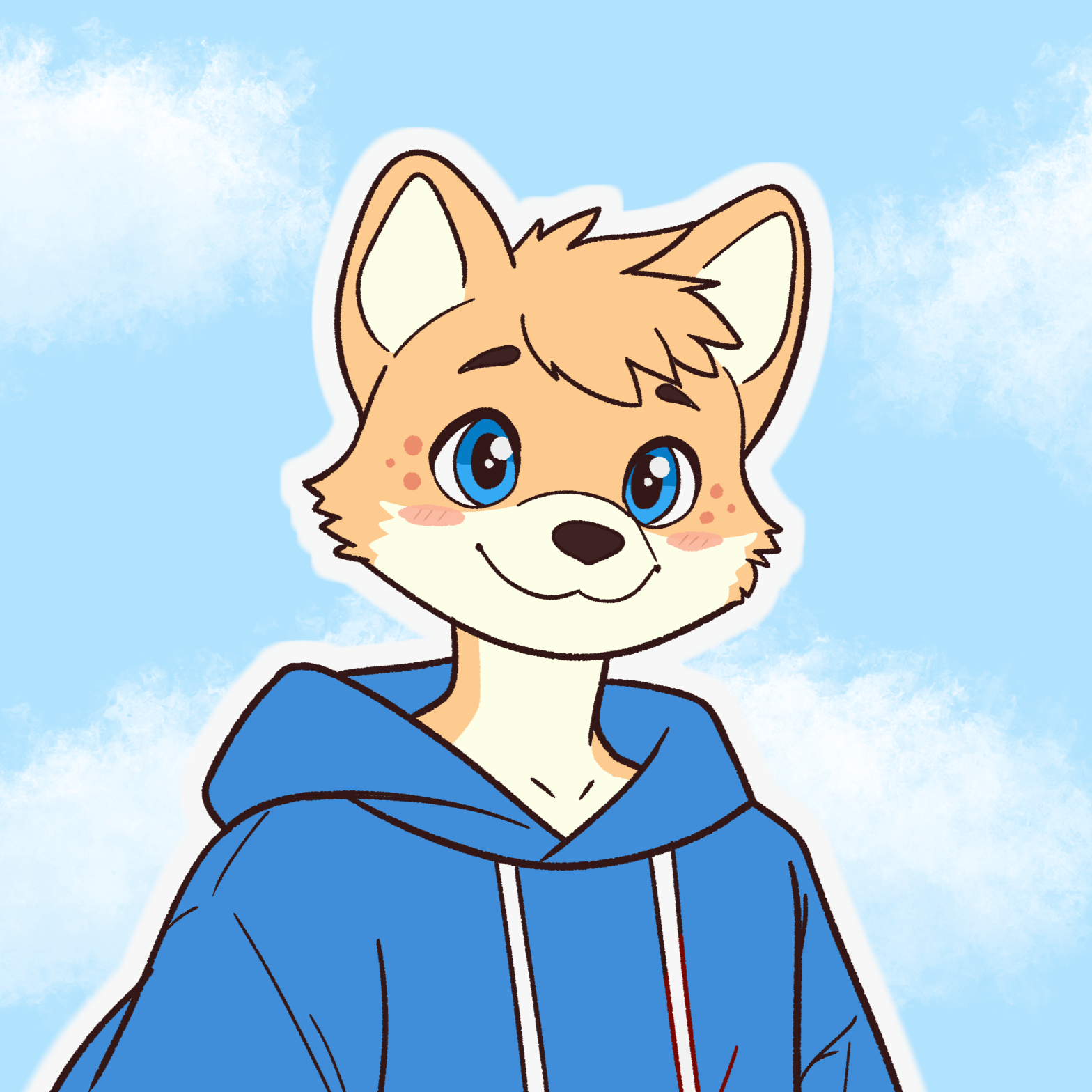
At the very start I already kinda knew what I wanted to I went in to look if there is already something similar I had in mind just to clear up my vision a bit. All I knew for sure is that I wanted to have the colour blue in there, as well as my own character I have created named "Pux".
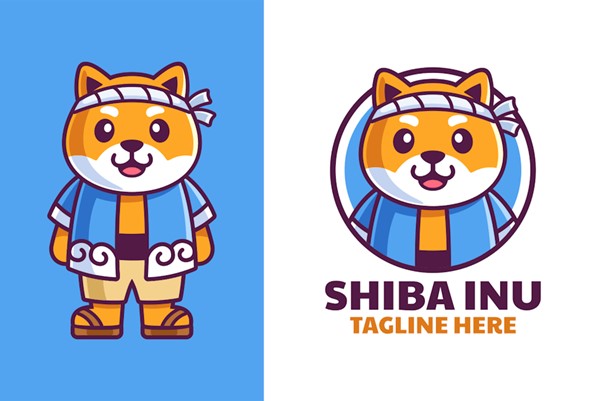
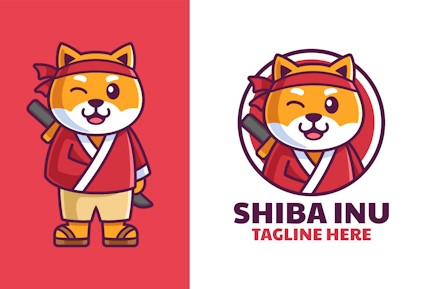
Almost finished card:

I kind of skipped the sketching part and immediately started drawing my character first before everything because it is something my hand is so used to do. One I had the headshot done, I was now looking at my inspiration and relayed heavily on it. Used their layout but the information and decoration was my own. I had as a goal to have one side very plane with my name and what I do, and the other side having all the informationg you might need along with a QR code that leads to my personal portfolio.
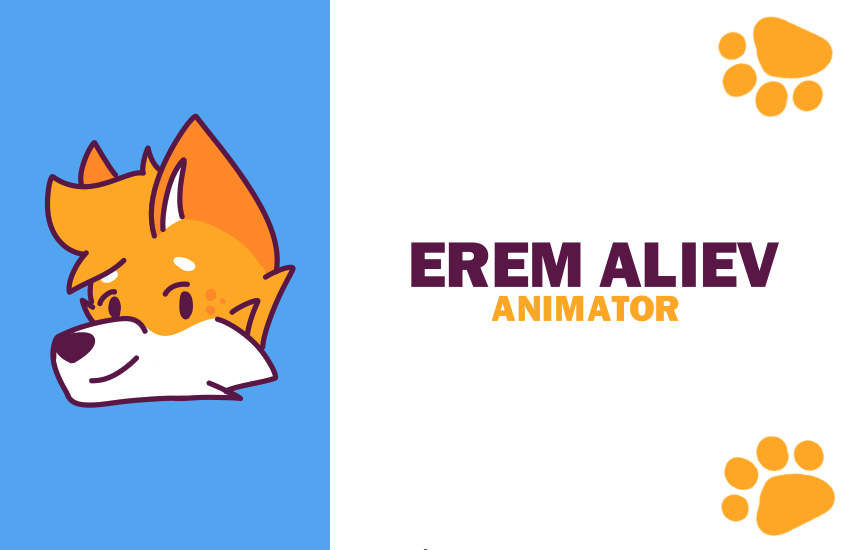
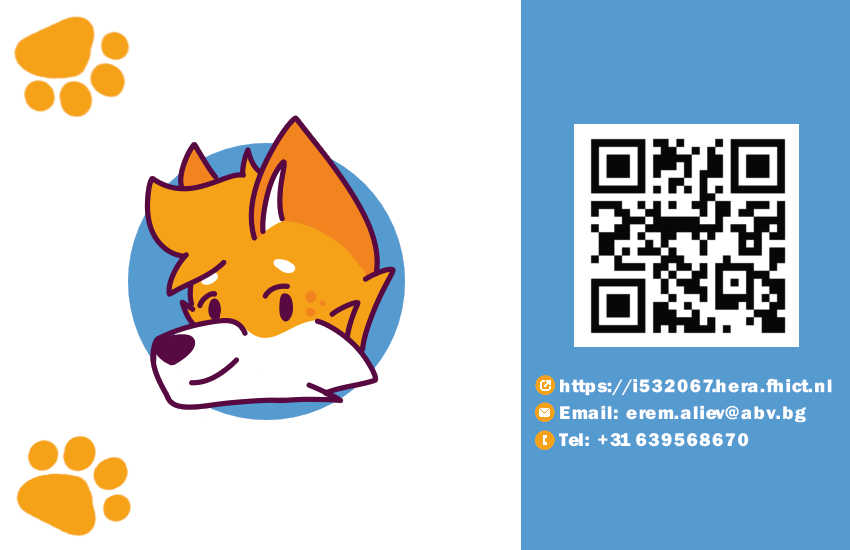
Result

Once I got some feedback, it was about adjusting the content inwards a bit because of the printers sometimes would just cut off part of the border so it is nice to have few milimiters space before your actual card starts. Along with that I adjusted a bit the information to be a bit more clear and ended up with a business card that represents me personally along with giving the necessary information about me.
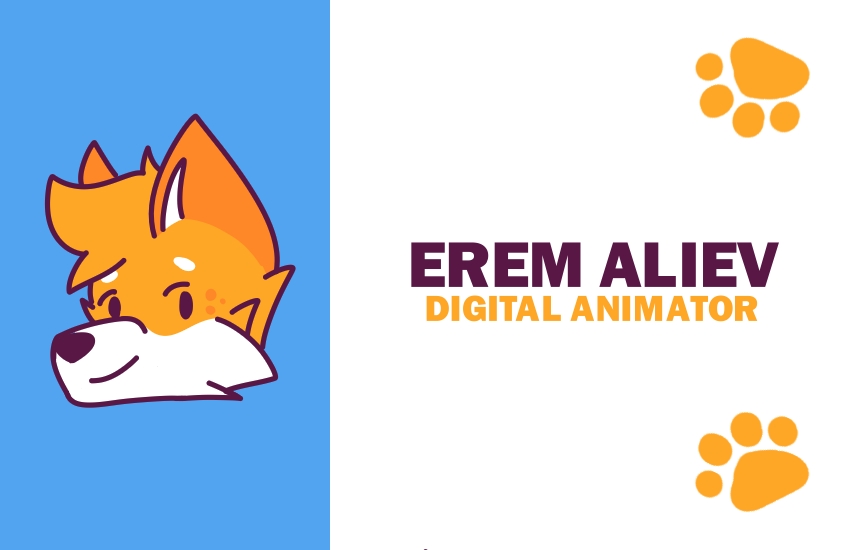
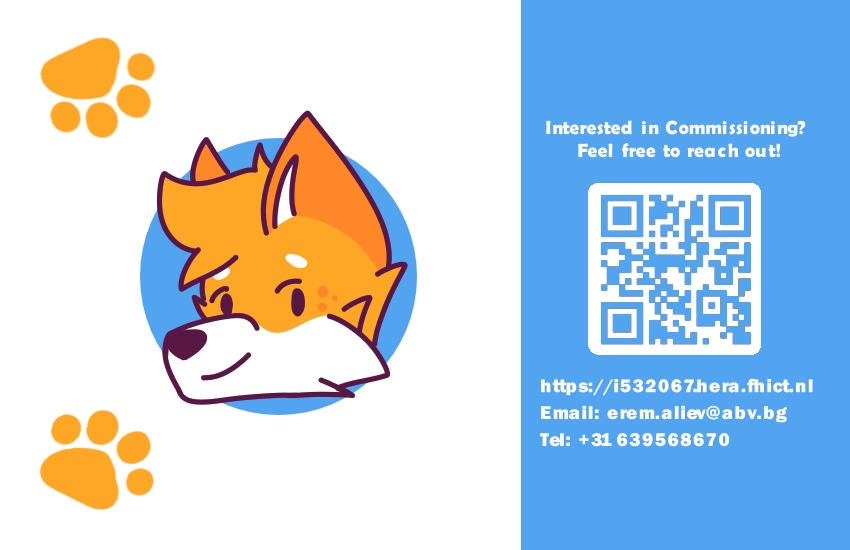
Reflection

How did it go:

It went pretty well thanks to the fact I knew already what I kinda wanted and found a really good inspiration.

What did I learn:

I learned a bit more about printers, like that I need to use CYMK instead of RGB because that’s what printer uses as colours. Along with that, I realised how hard it actually is to make a business card because of all the information needed to be shown and make it readable and also interesting enough that people would get interested.

What I would do differently next time:

Will try to challange myself a bit more with presenting the information and go for more cartoony type of look even.
UX DESIGN (BAD TO GOOD)

Goal

As a goal I had to recreate a better version/prototype of a website that I think was lacking in UX and UI field, and turn another website that has good UX and UI into a bad one.

Process

Inspiration:

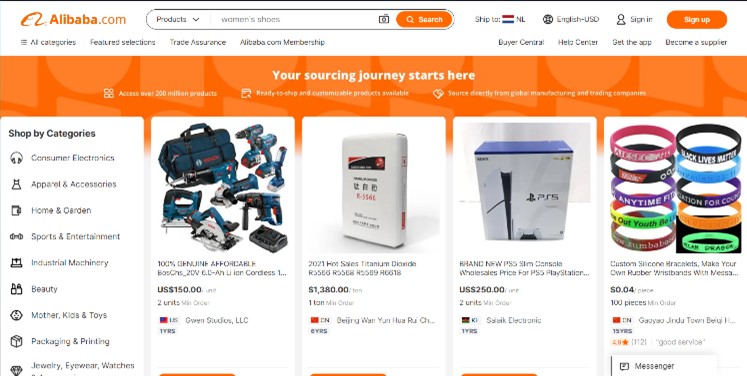
I stared by thinking and looking of bad websites examples that I could rework. Surprisingly I was having hard time thinking of any websites with bad UX design but in the end I found one that was a bit overwhelming for me personally. The website I decided to recreate was Alibaba.

Redesigning:

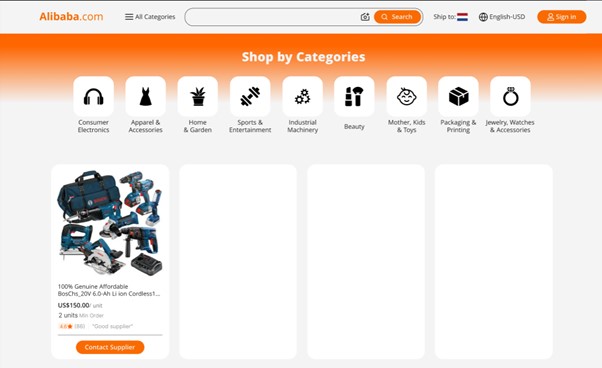
I started by looking at which parts of the website was unnecessary information and then I looked to see how can I make it a bit more easy going for the eyes and where do I cut from. The layout of the original website was very chaotic and I wanted to make it a bit more put together.

Result

I ended up with much more simple version of the original website with still keeping the mandatory information in it. The main thing I redesigned was how the categories were presented. Made it more visual and be the first thing that custumers would see when they land on the page.

Reflection

How did it go:

It was a bit hard to find a website that had that bad of a UX and UI design actually. Especially because I am kinda used to a bit more trashy websites.

What did I learn:

I learned what kind of process usually goes to find out which parts of the website should be changed and which not, shortly said: doing User Test

What I would do differently next time:

I would start off with a user test to see which parts of the website people dont like and which they like, as well as if the information given is clear enough as it is.

UX DESIGN (GOOD TO BAD)

Goal

As a goal I had to recreate a better version/prototype of a website that I think was lacking in UX and UI field, and turn another website that has good UX and UI into a bad one.

Process

Inspiration:

I was looking at one of my favourite websites I am using daily. The whole thing was mainly based on my own opinion compare to the "Bad to Good". So I had more freedom on deciding which one I find already good website. The website I ended up redesigning was Pinterest. In my opinion it has one of the best layouts out there. It is very chaotic but it is so well put together at the same time!

Redesigning:

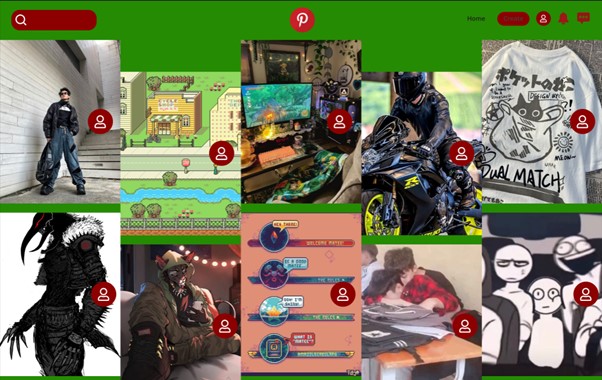
I just started by changing the base colours of everything to a colour that is very eye disturbing. After that I was messing up with the actual structure of how pictures usually would be presented. I still tryied to keep some organisation in there but at the same time also messy. On the pictures I put some offputting buttons which kinda block some of the images and is awkwardly places.

Result

I ended up with a disgusting coloured version of Pinterest with some of my fav features being changed such as the layout of the website, as well as how the buttons usually would be hidden up until you hover over them but for the redesign they are already on display.

Reflection

How did it go:

It went pretty fast compare to "Bad to Good" one, mostly because I had immediately some websites in mind which i find pretty good UX and UI wise.

What I would do differently next time:

I would probably go and try make it even more chaotic if the theme was mostly to have fun with it and see at what extreme can I go with making a good website into a bad one.

PORTRAITS

Goal

We had to do one professional looking portrait and one creative protrait, both in 3:4. In here I would talk only about the creative because for the professional I put zero effort and took a quick picture myself.

Process

Inspiration:

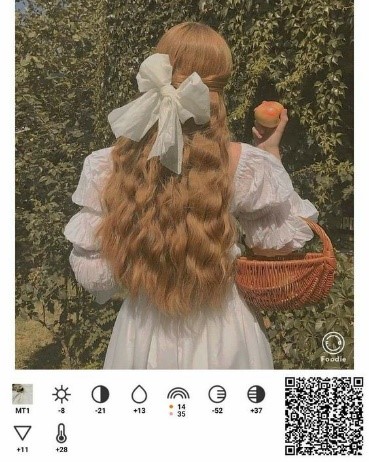
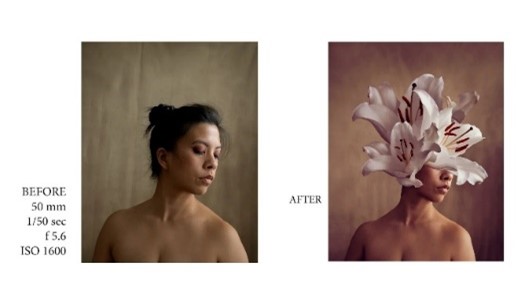
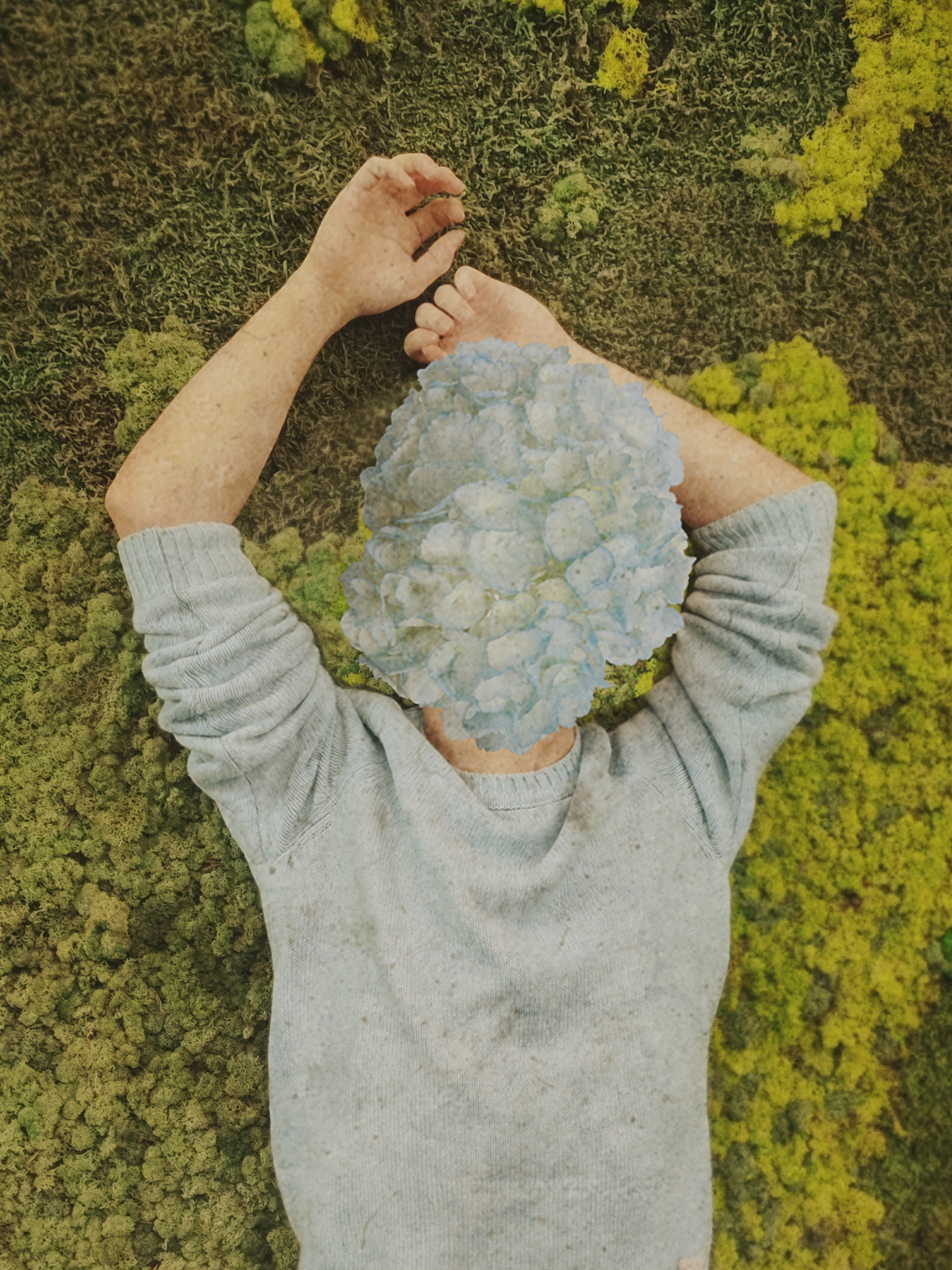
I started off by trying to look at what kind of creative pictures I wanted to do. All I knew was that my face bieng hidden is a must because of insecurities. After browsing a bit I saw the trend with having the head being actually bunch of flowers. Along the process I also was seeing a chance to go for some more old school type of look with very pale colouring and making it look a bit dirty/unclean.

>

Taking photo and editing:

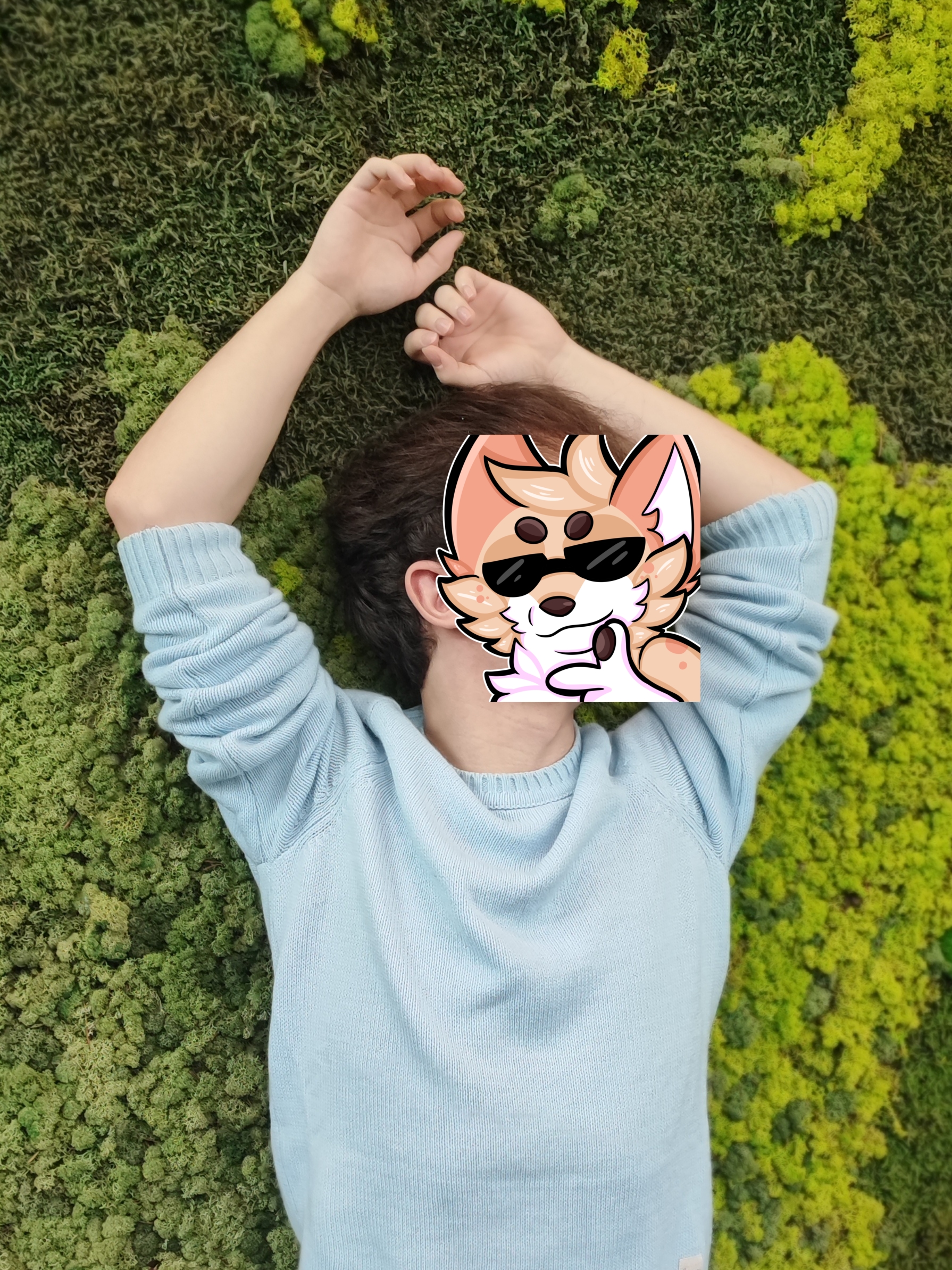
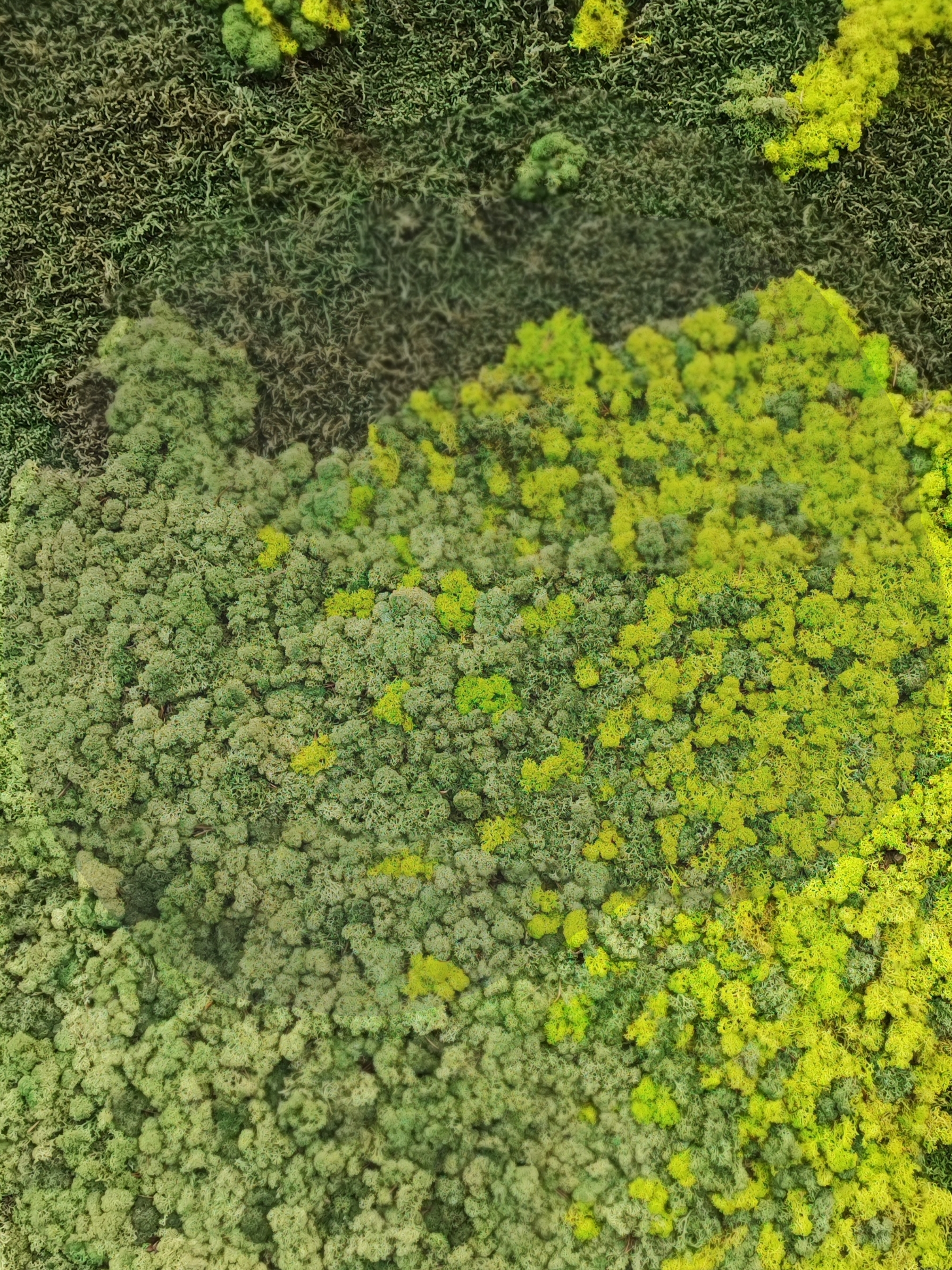
I had a classmate taking a few photos of me standing in front of a green wall at the entry of the university. I needed a picture with me in there and one with picture with just the green wall. Once I had few to choose from I saw one with potential so I just jumped right into editing mode. It was my first time editing a picture to that extent and because I don't have photoshop (at that time) I used Krita to "edit" the picture. I started by cropping myself and then placing it on the empty green wall one. There I could errase my head and replace it with flowers. Once it was cleared up I had to adjust the colours so everything looked more cohesive. I played a lot with the colours and the textures around until I was happy with it.

>

Feedback:

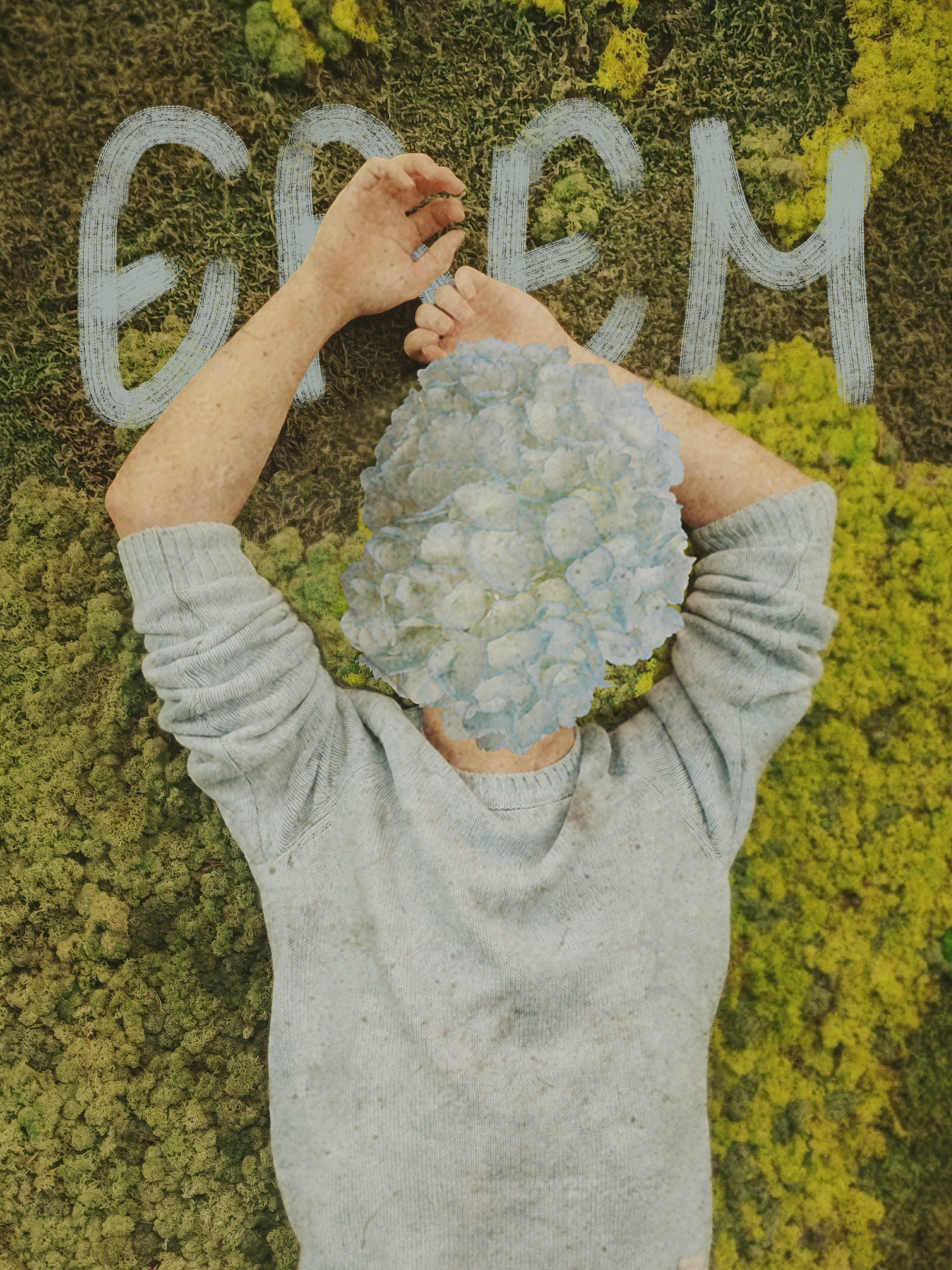
When I was getting feedback the professor asked me a good question "How do I know that this is you", and he suggested that I can put my name in there somewhere so people know at least who that person on the picture is. Instead of using already made up fonts, I was plaiying with some brushes and was trying to write my name with my own handwriting.

Result

In the end had a very mystyrious and creative portrait of myself. The portrait ended up more like a poster type for some sort of a horror movie, and I wasn't the only one who was seeing it. Many people were so confused and weirded out when they saw the portrait for the first time but it is exactly what I wanted.

Reflection

How did it go:

It went lovely! I actually really enjoyed the whole process, as well as trying to realise some of the ideas I had in mind.

What did I learn:

I learned that I must learn photoshop in order to make my life a bit easier in the future. That also would help me for a job portfolio in the future because of the strong photoshop requirements nowadays in the creative fields.

What I would do differently next time:

I would challange myself in trying out a different software to edit the picture.

GMC LOGO DESIGN

Goal

Make a Logo design that represents GMC new identity and what kind of orchestra they are. Logo that is can be used outside of website, such as posters, badges, shirts and so on. People being able to recognise and read it as a GMC logo.

Process

Sketches:

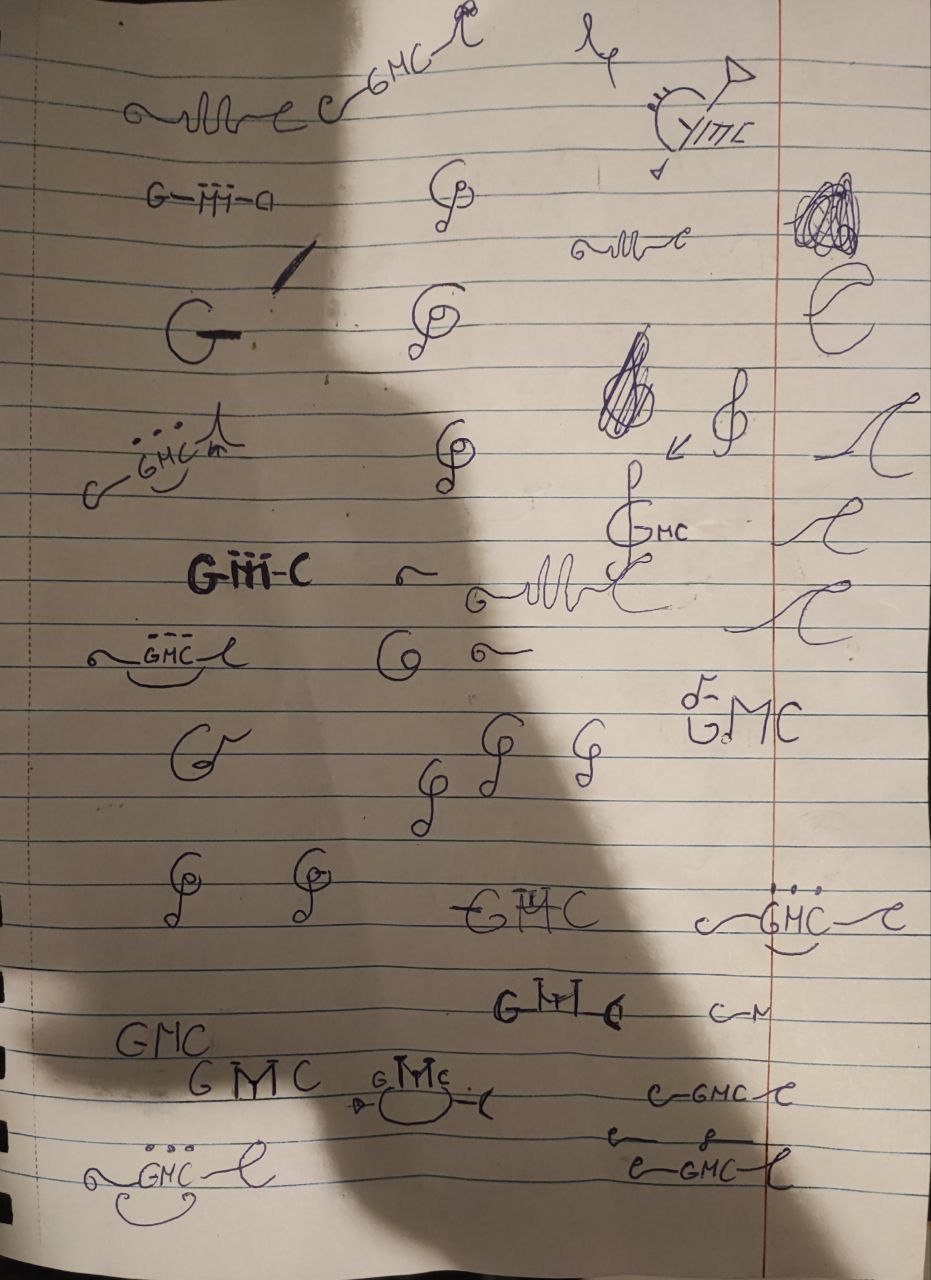
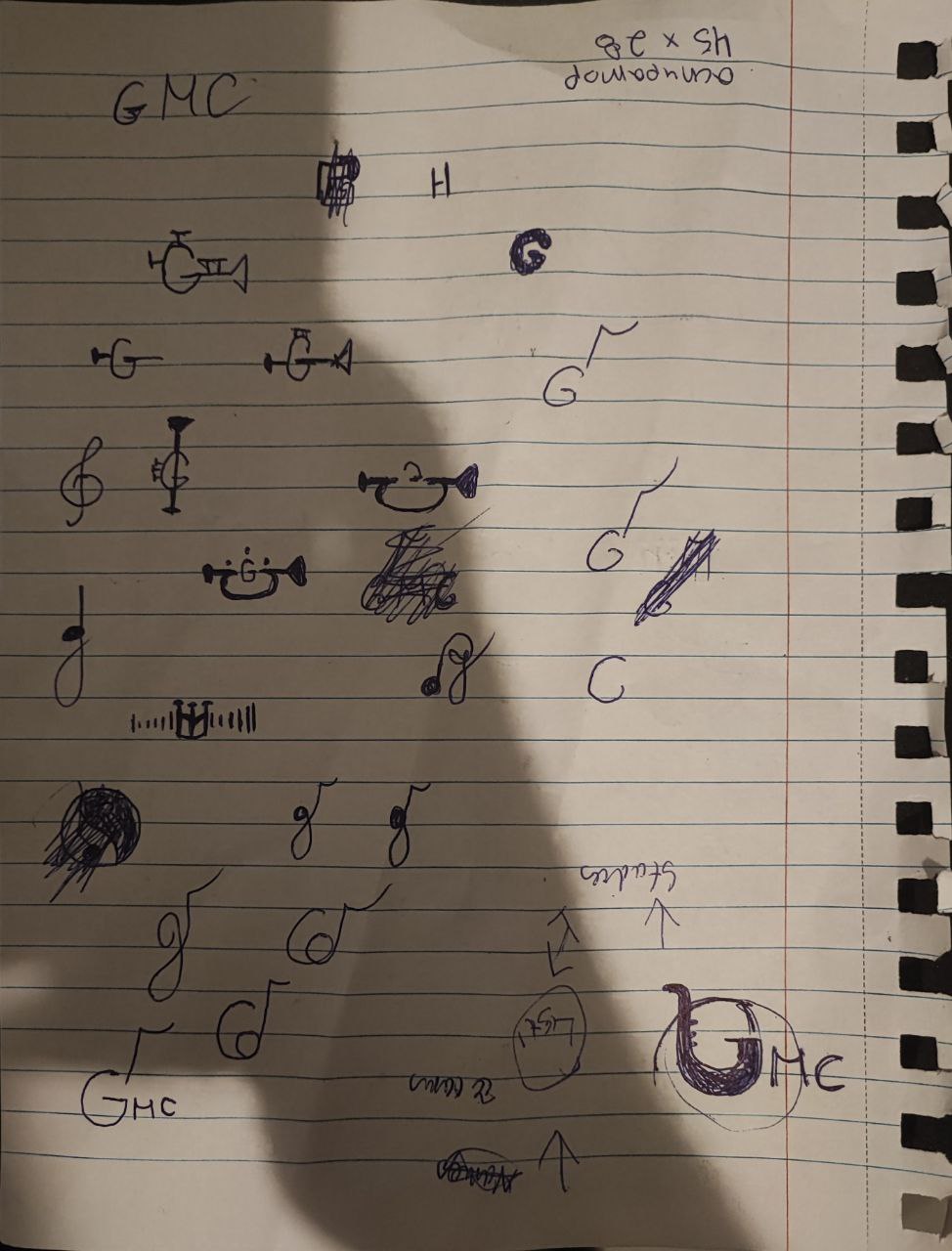
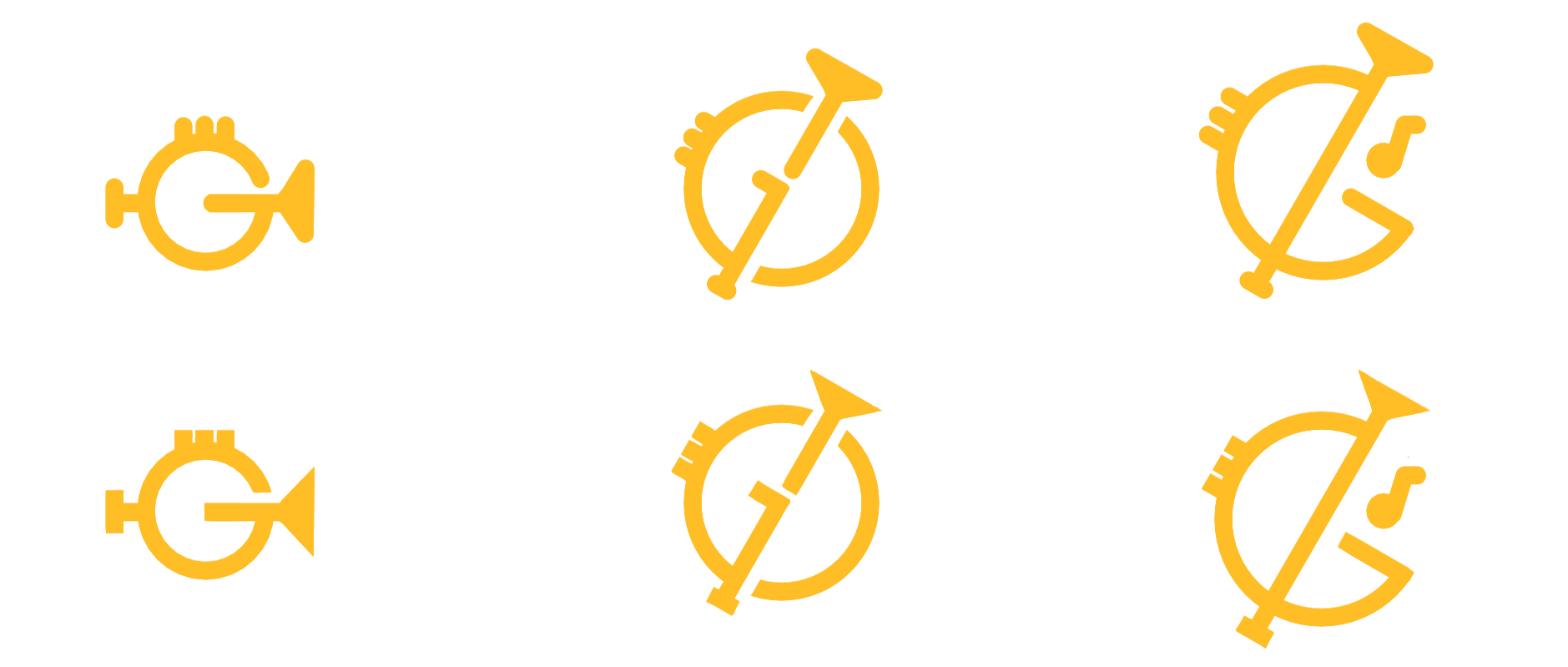
I started off with doing some sketches on a paper while looking at some wind instruments and notes. I was just experimenting, seeing if I will be able to make combine an instrument along with a letter. Once I had few designs that I was seeing some potential in, I moved on to sketching them digitally.

>

Workspace:

After getting confirmation from my group members and also choosing the ones that have most potential together, I started drawing over very roughly to have a better view and vision of them. Once we had few designs we send them to our client and waited for feedback.

Feedback 1:

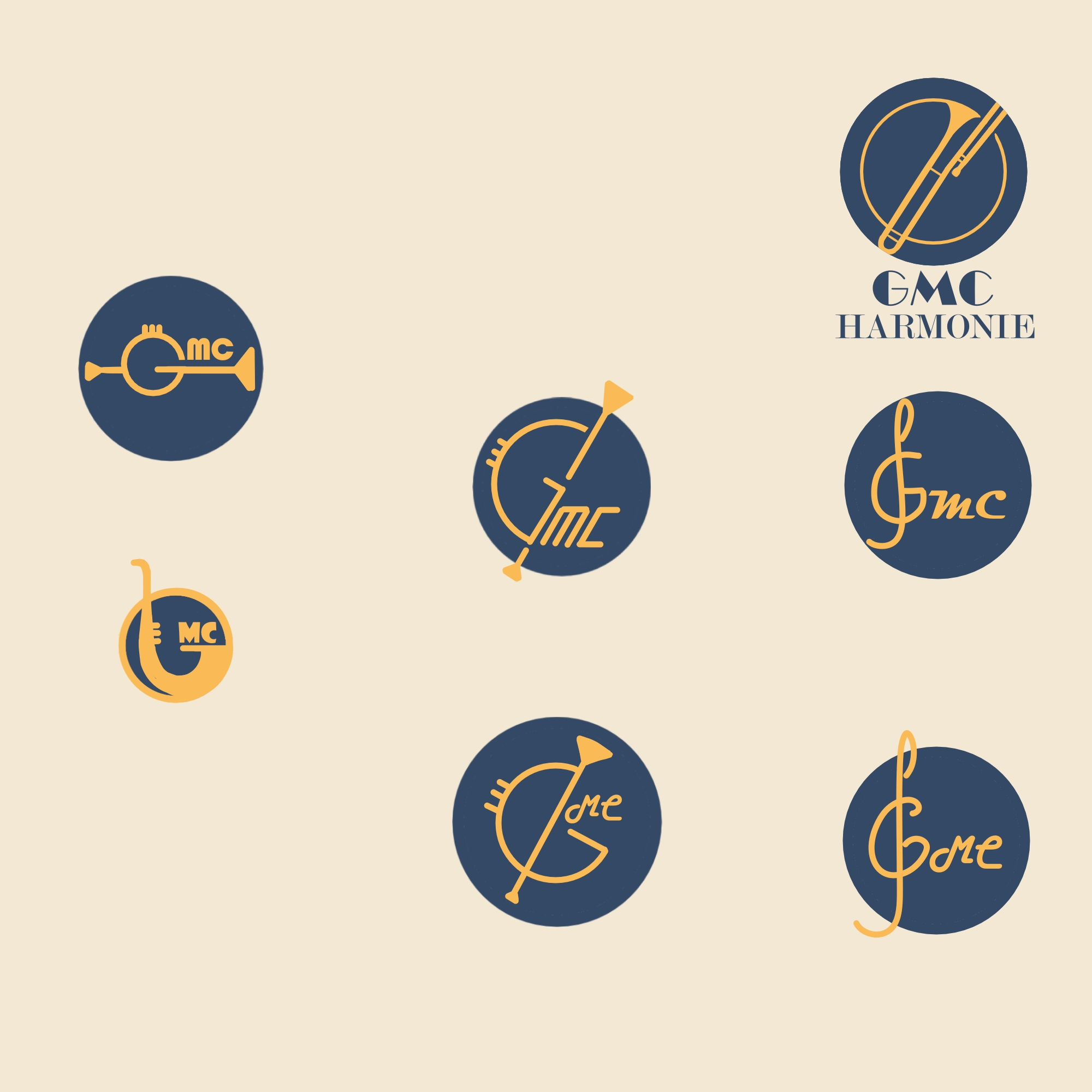
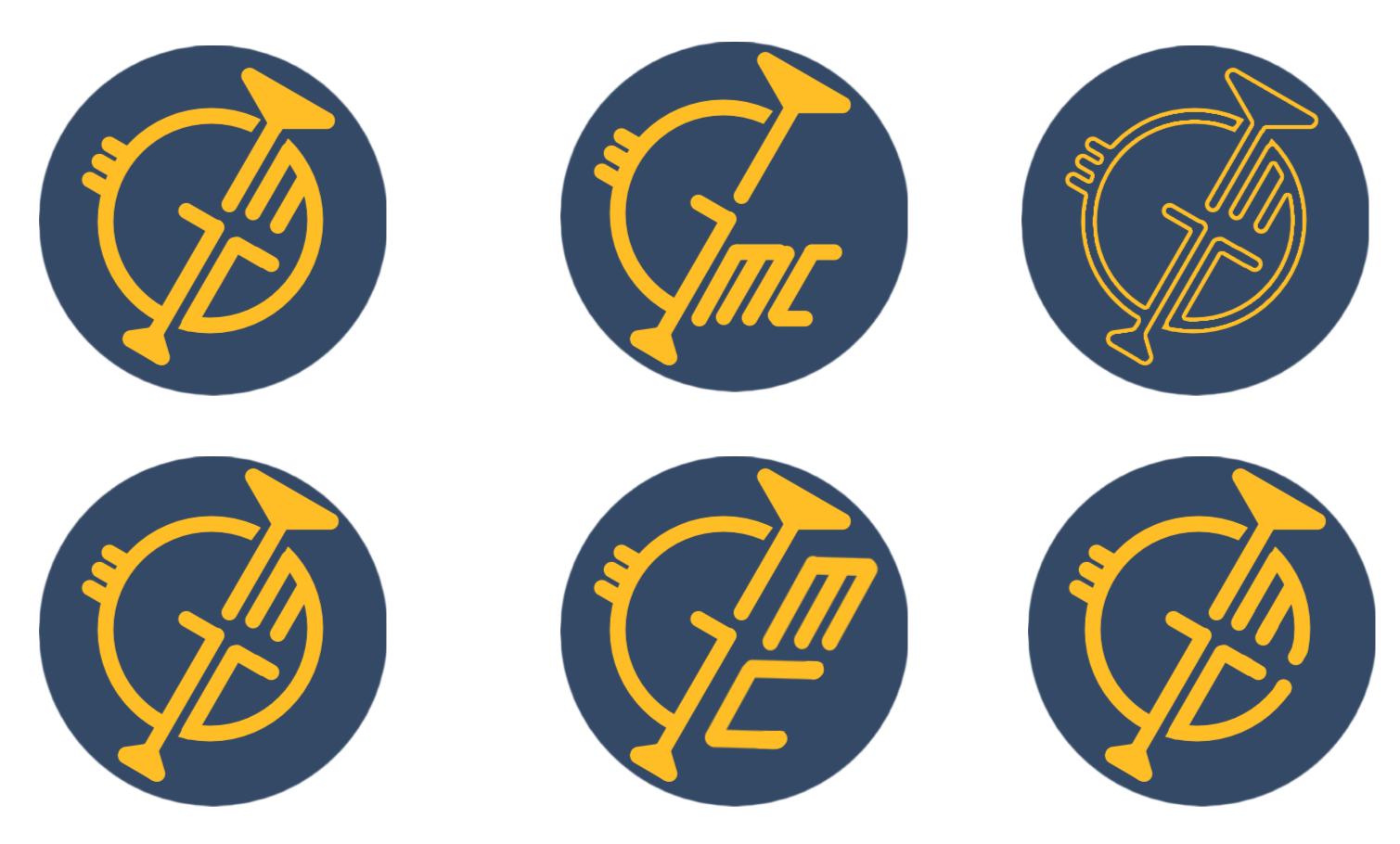
Our feeback from the first designs were that they were a bit thin, and if they would put it as an app icon or on smaller scale, the logo is just gonna disappear. A thing they really liked apparently was the circle behind it (which I would talk about it in reflection). I went back on the digital place and tried to make the logo a bit mroe simple and thicker fitting even for smaller scales. I removed the "GMC" writen part from the logo so I can have more space to work in that circle. I end up with two different versions. One with round edges and one with sharp ones. Once they were done were ready to present them the new ones on our midway presentation and see if there is any more feedback.

>

Feedback 2:

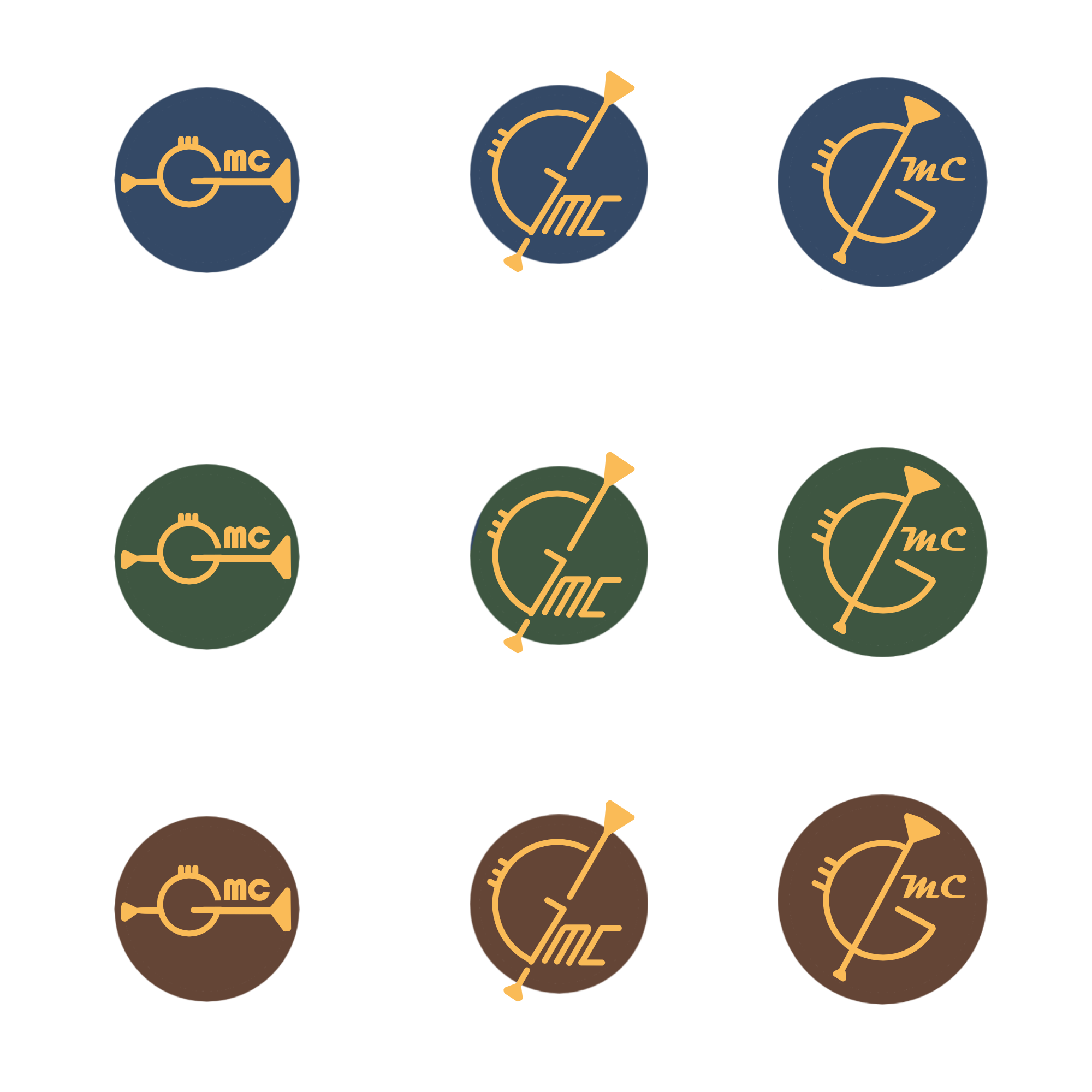
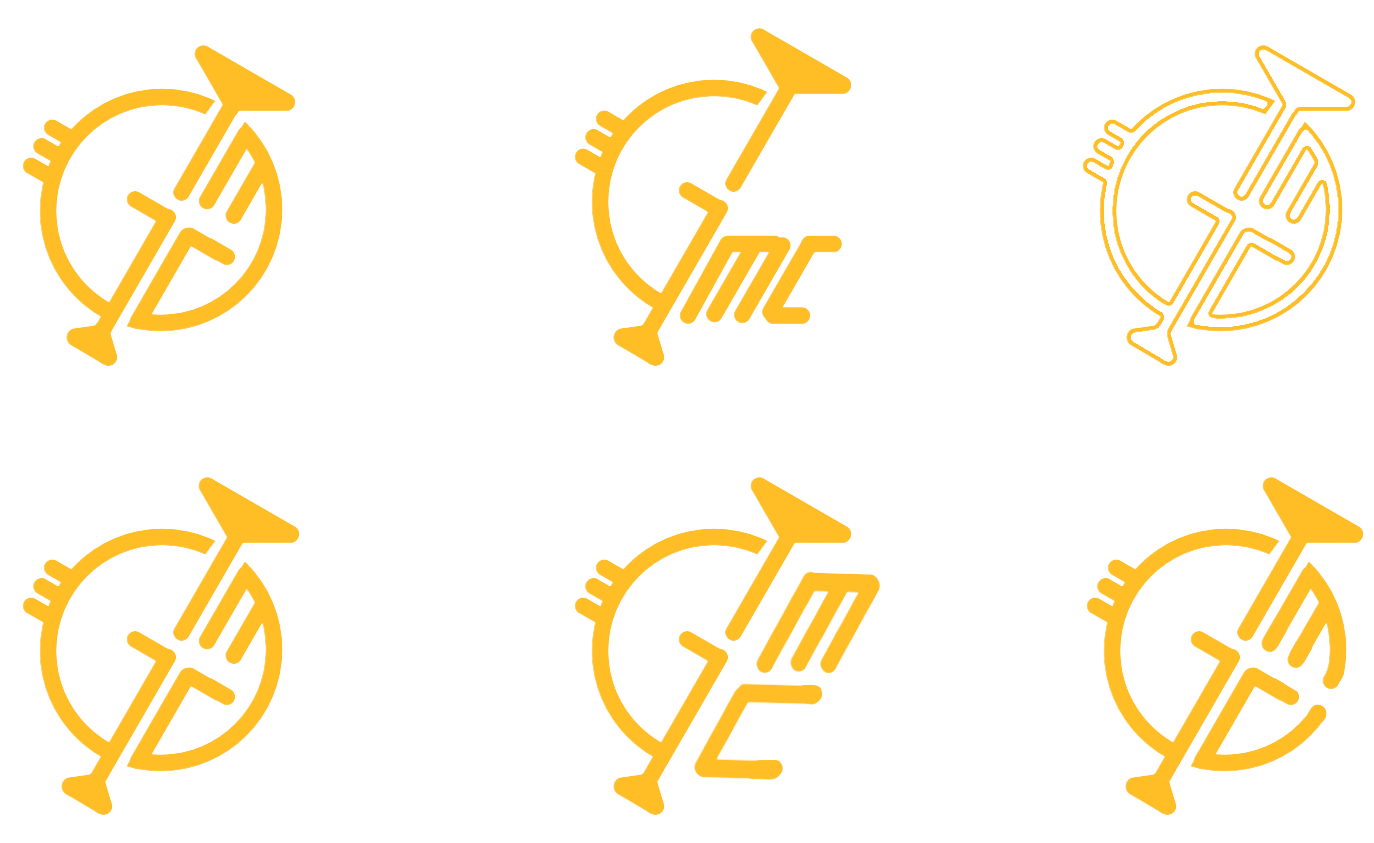
After the midway presentation we recieved some more feedback on the logo designs. Apparently they miss the written "GMC" part in the logo that there was previously,, and that they liked middle design from the previous desing better and that I should just redo them but thicker. The issue I with all of that information was that the logo they liked the most, looked exactly like something connecting with car (and there is a car's parts brand named also GMC) and that was something our client said they want to avoid to make connection with. What I end up doing is recreate the logo they wanted, along with that few other options simialr to the one they liked the most.

>

Result

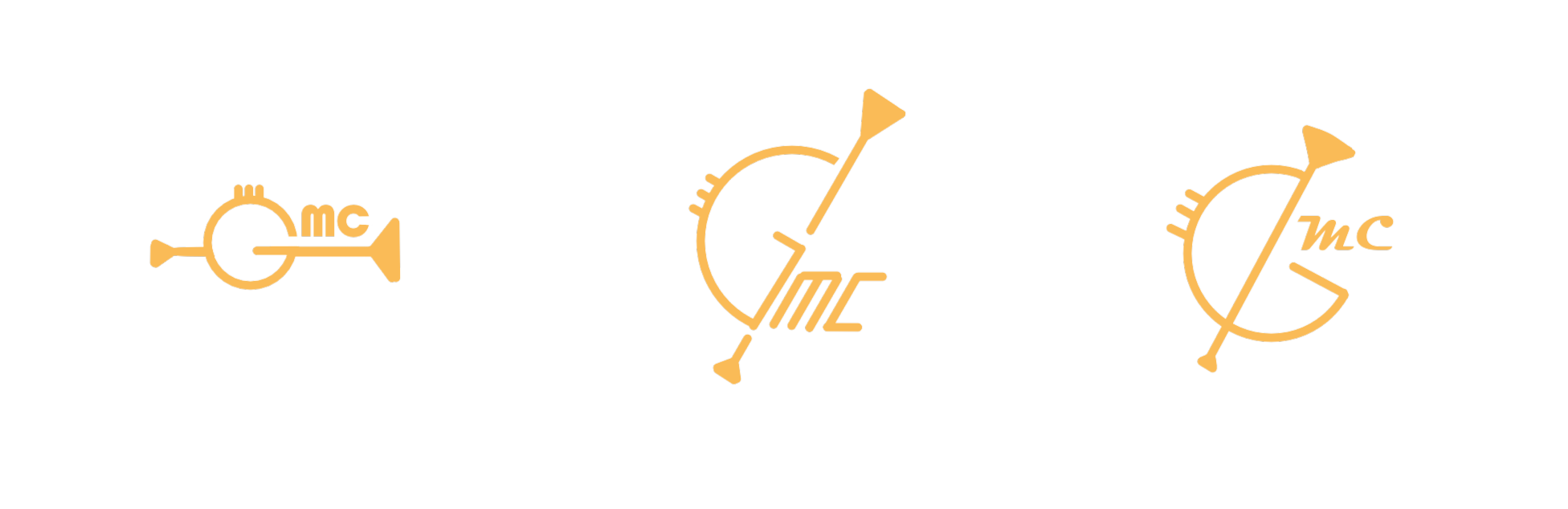
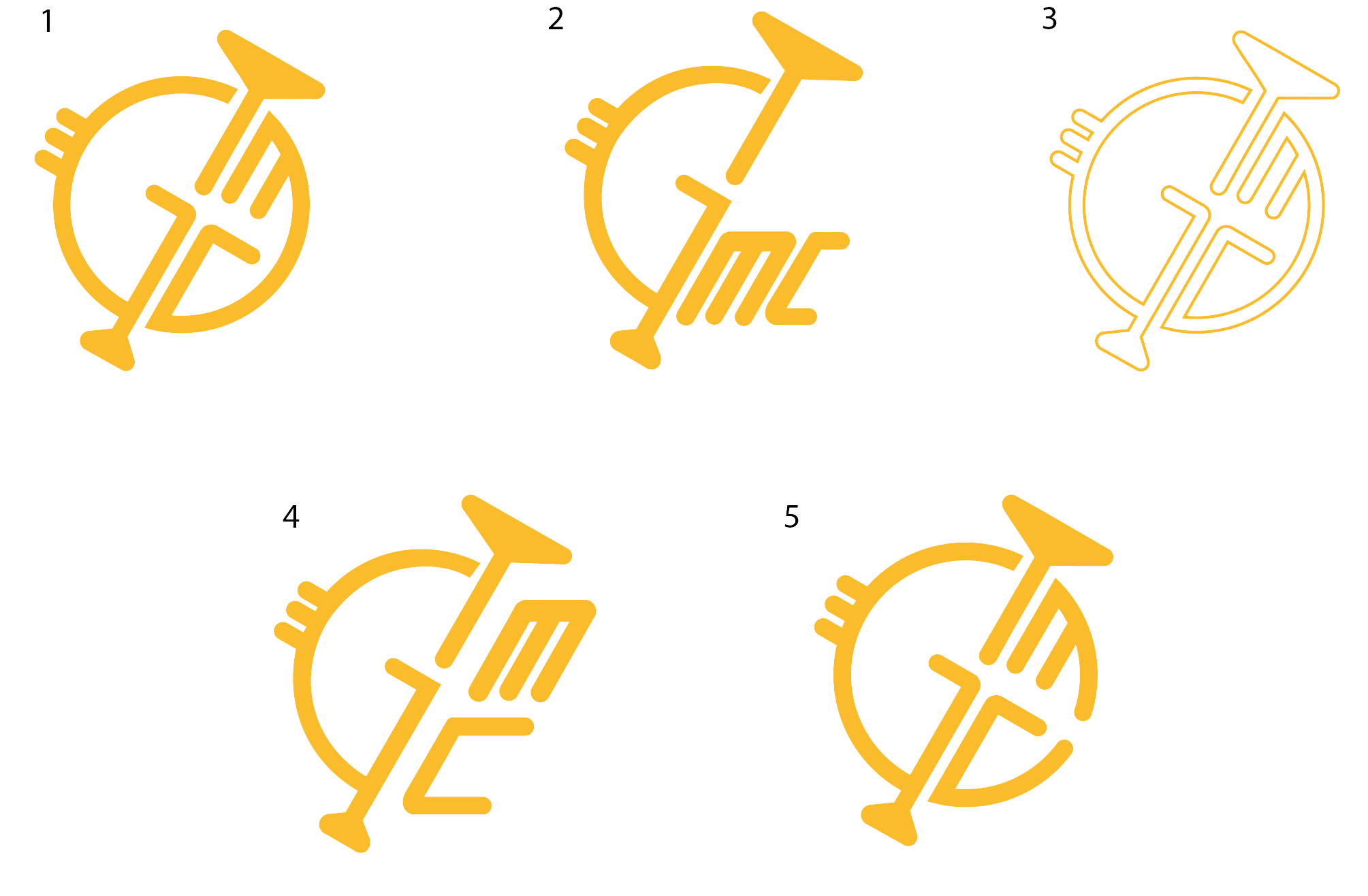
I end up creating few logo designs that they can choose from that fits great with their new brand guide made by our group. Had a group member do them in illustrator as the final step to make them the highest quality there is. We also made sure to have a couple of different scales depending on what they want to use the logo for.

Reflection

How did it go:

It was pretty long and stresful journey to get to the final line. The client started unsure of what they wanted exactly. Was also quite hard to communicate with them, in a way that if we say our professional opinion they wouldn't listen. Ended up with just following what they say and make them happy.
What did I learn:

It was one of my first things I have done with a client and it was pretty tough because for such thing I needed constent feedback so I can make progress until satisfation from the client. Another thing I learned is the steps of creating logo and making it easier for me to present them to our clients and users. With that I mean start simply with just the logo being on black and white.

What I would do differently next time:

NEVER gonna do a logo with a background from the very beginning, as well as it is going to be all black and white, no colours in the logo.

GMC COLOURS EXPERIMENTING AND POSTERS

Goal

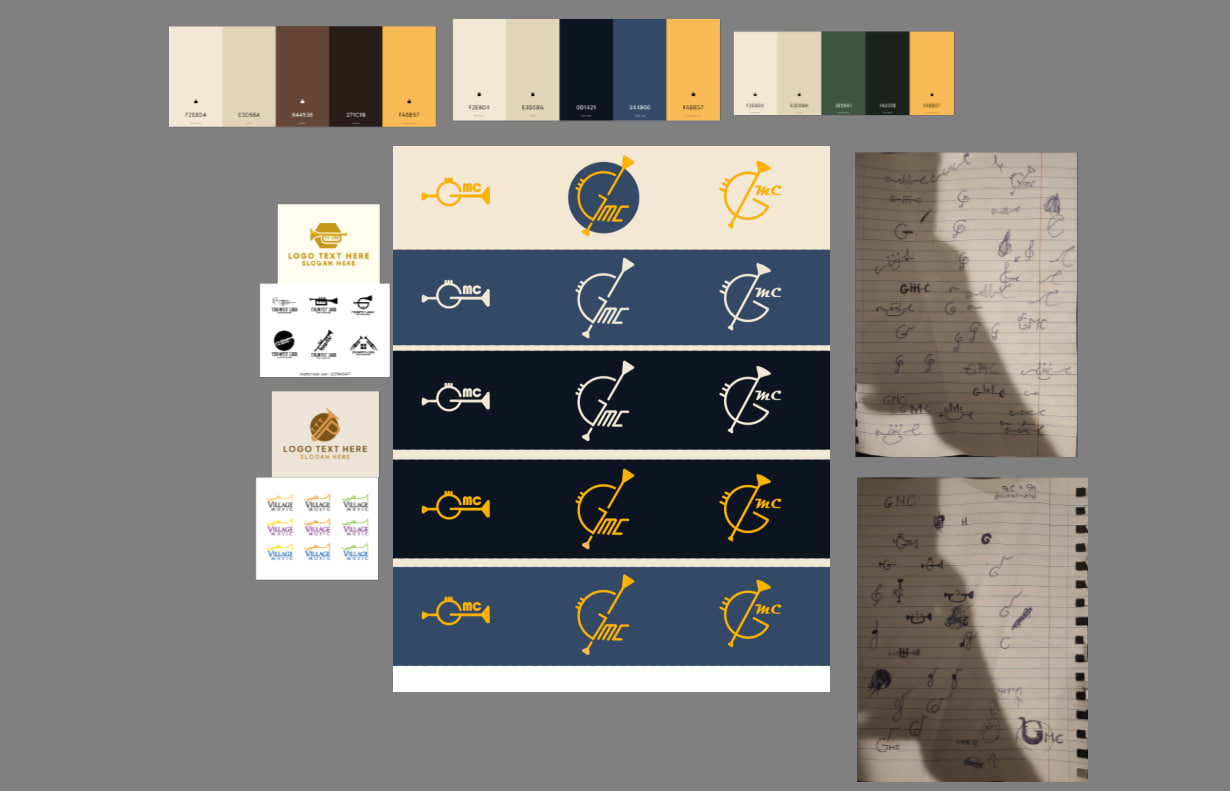
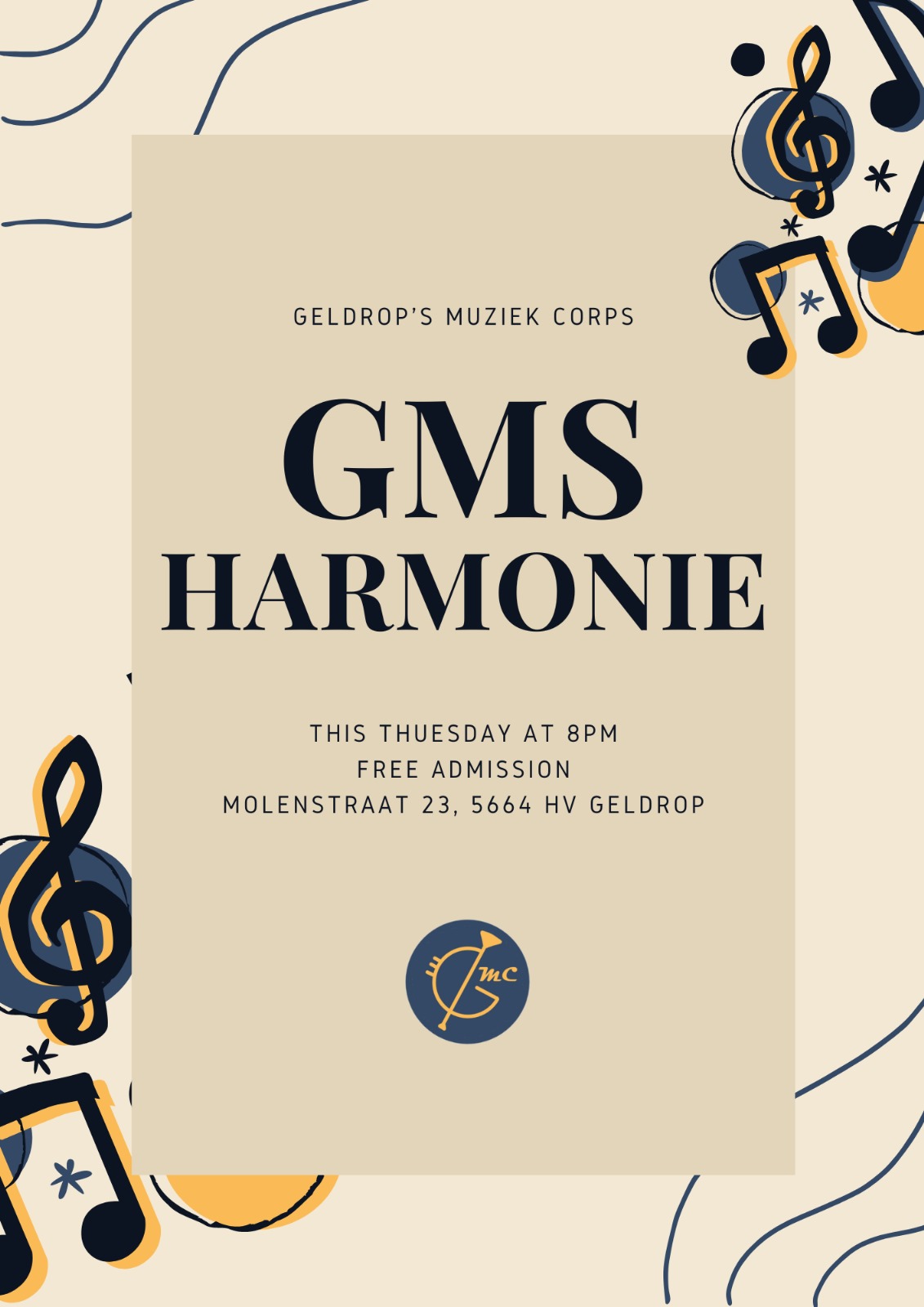
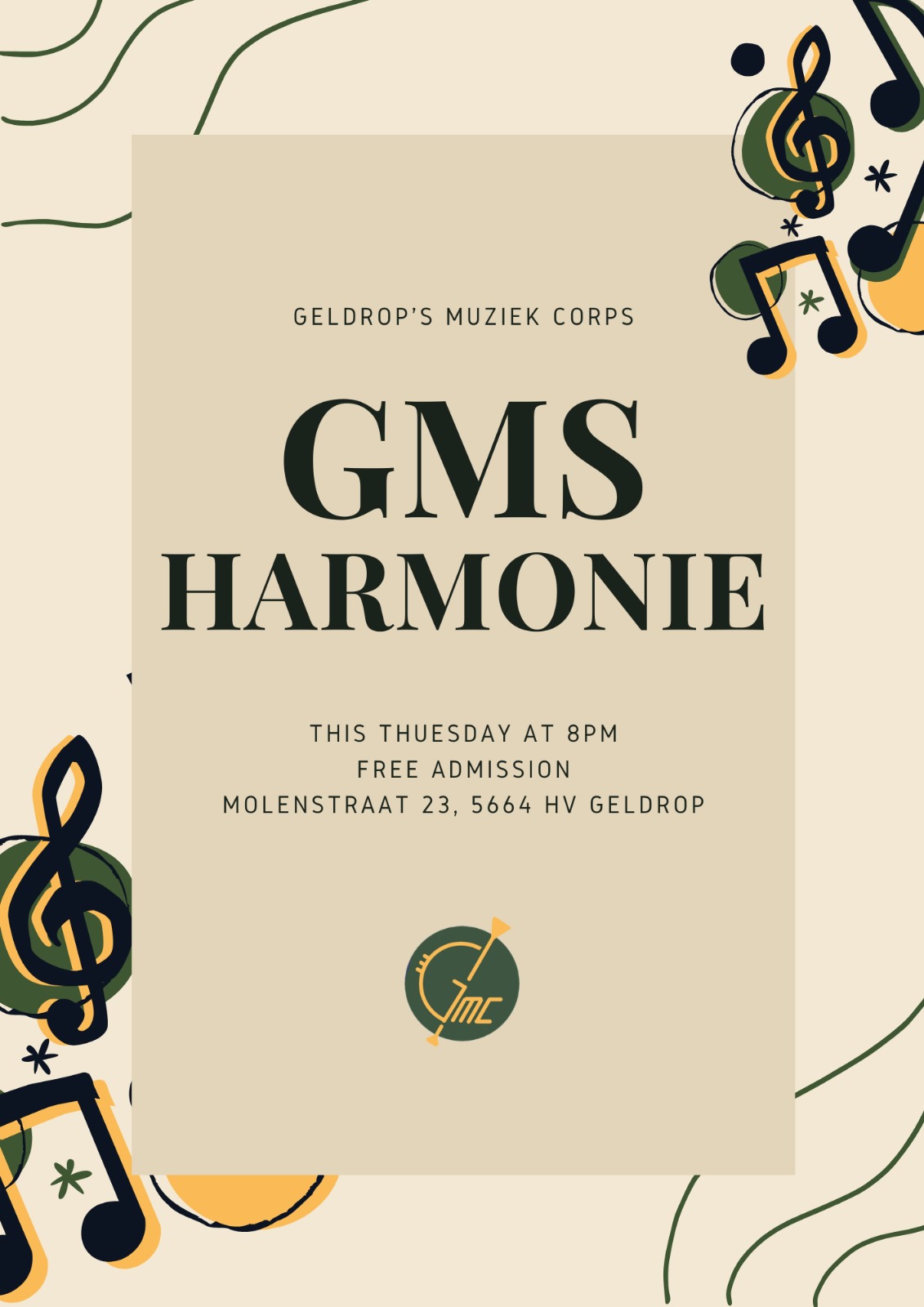
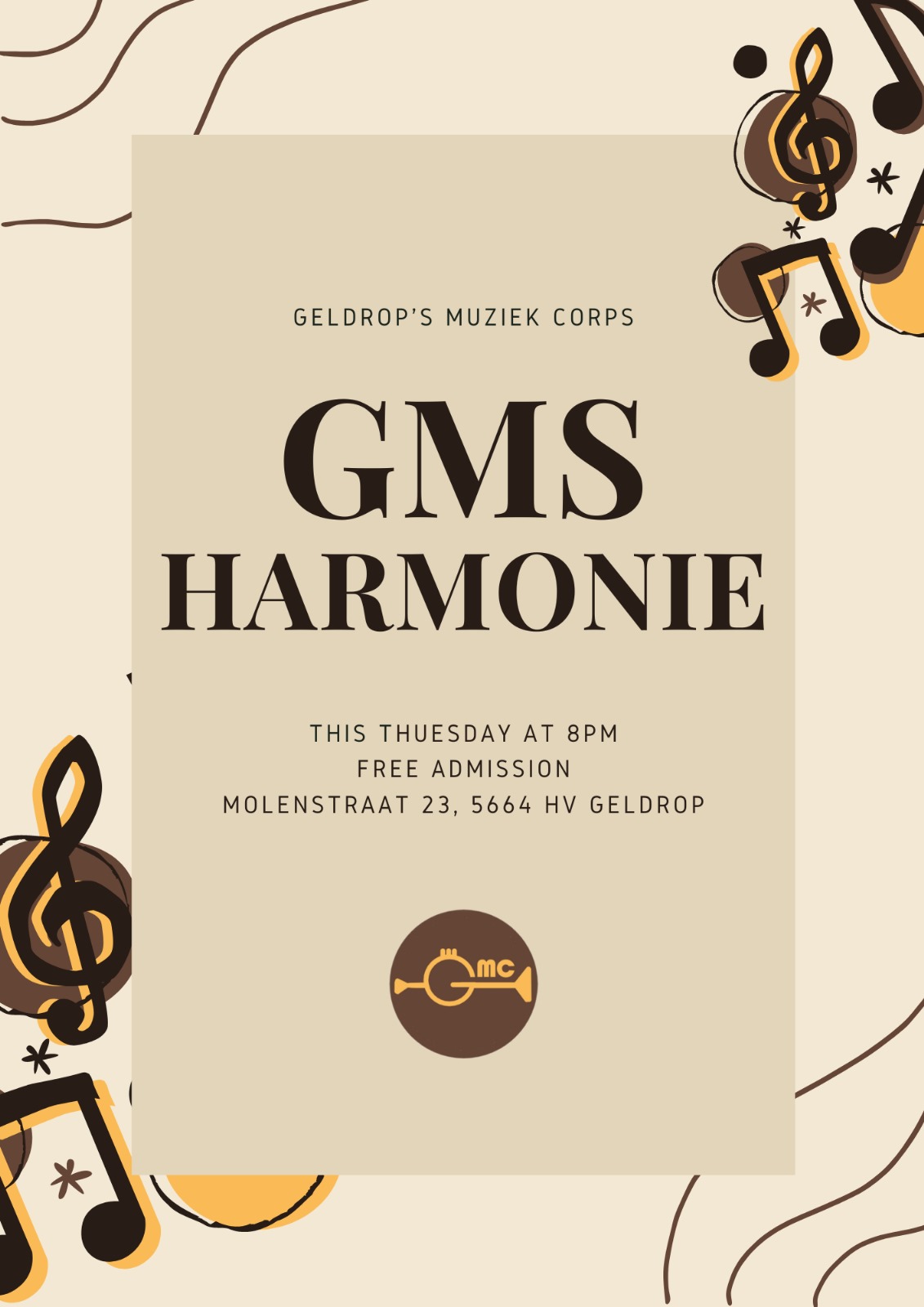
Testing how the colour palettes we have made, would fit in posters and website. This way we would have better understanding if colours would work as well as some visuals for our client to help them see what we are going for.

Process

Posters:

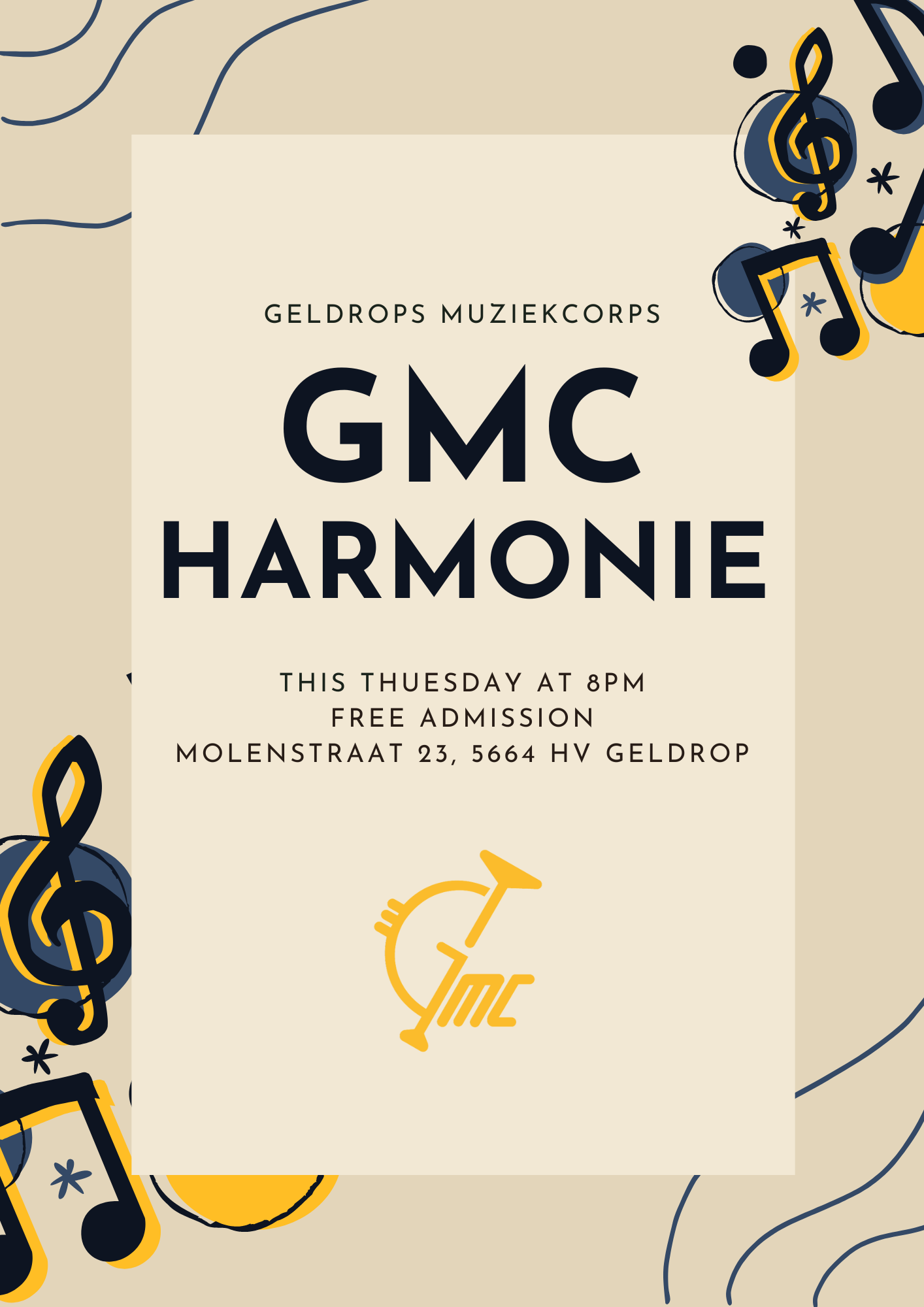
I was planning on doing custom posters but then I got suggested to just use premade assets for posters at Canva. After browsing in there I end up finding a poster to try out the palettes we had. And I made a terrible mistake... I wrote on the poster "GMS" instead "GMC", and I realised that after I got feedback from them on the posters (of course I fixed it as soon as they mentioned it).

>

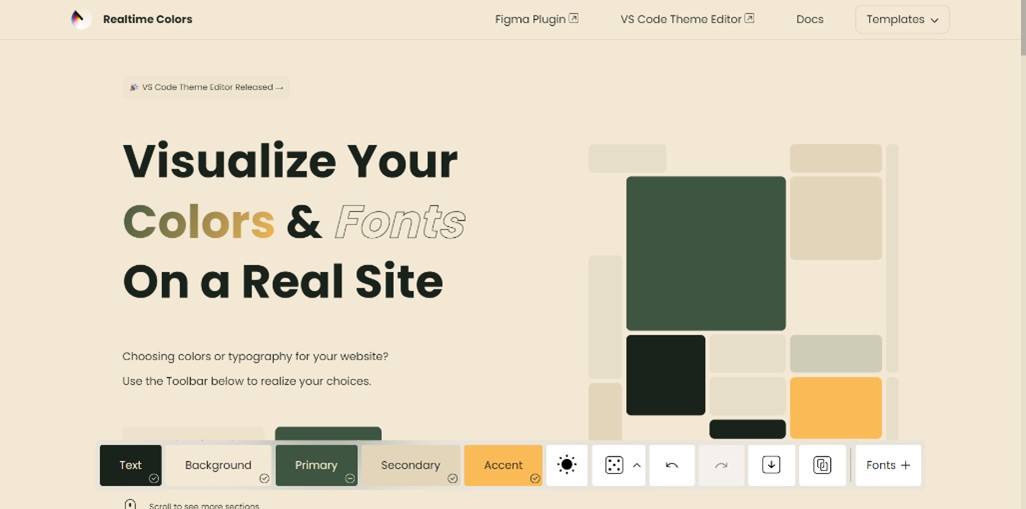
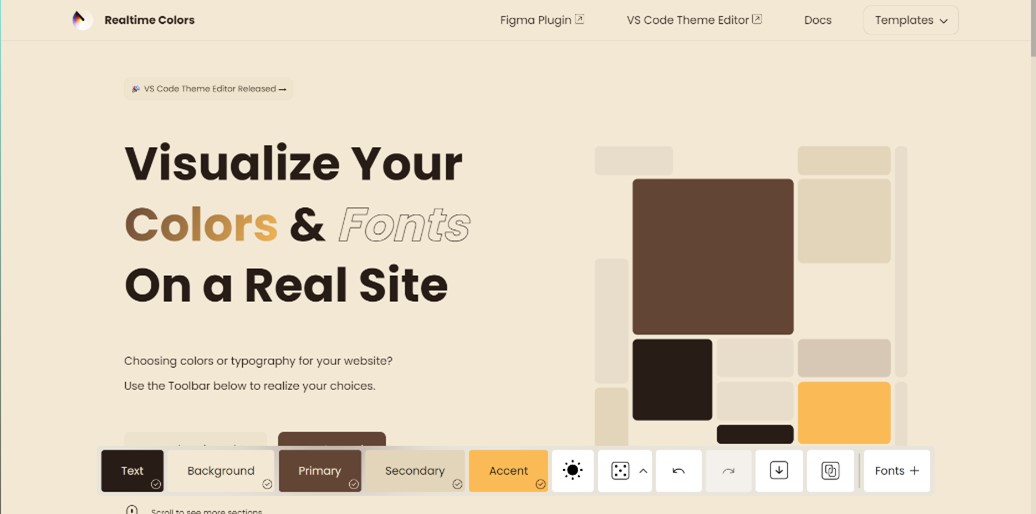
Website colour experimenting:

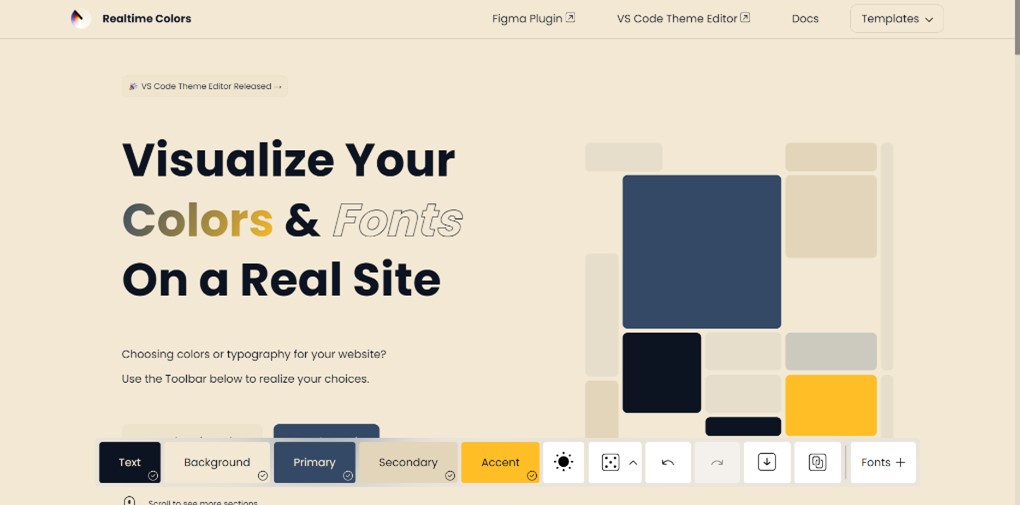
I found a website where we could put our colours in and visualise better how are they going to look when implemented on their website. It also serverd as another visual to help our client choose palette.

Colour tryout website

Result

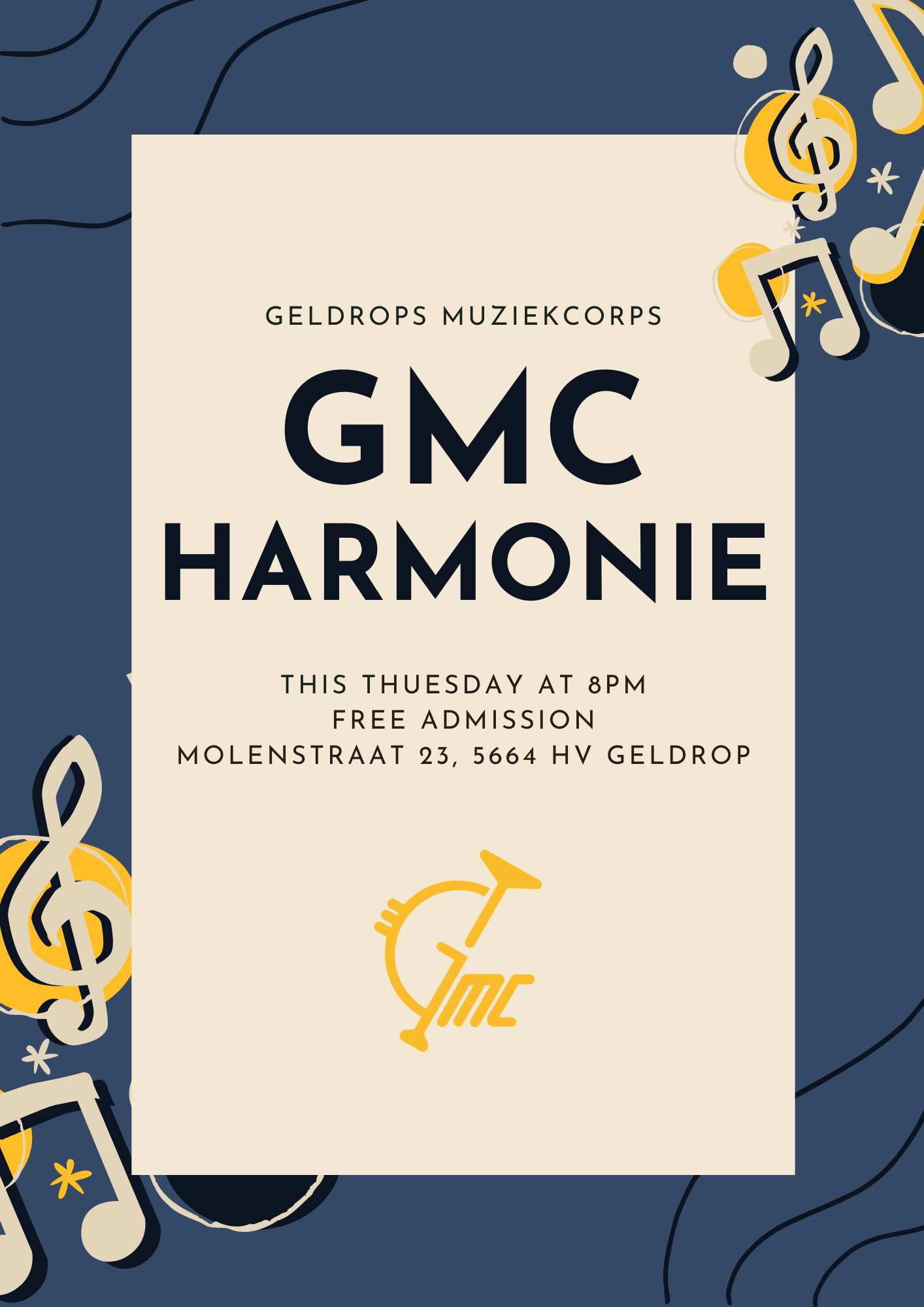
Made few visuals with the different colour palettes I made, and it definitely helped seeing which ones worked the best. After talking with the client they end up liking the blue palette the most. Therefore I tried playing a bit more with the blue one and end up with another two very similar posters that they can use.

>

Reflection

How did it go:

It went pretty good and fast thanks to the premade assets I got suggested, it saved quite a lot of time but still did the job it needed to be done, which was to help visualise.

What did I learn:

I discovered new websites which I can use if I want to test out colours and see how they are going to look on products, websites or posters.

What I would do differently next time:

Next time I would try do a poster from the scratch. It wont be probably exactly what it will be in the end, because of the lack of brandguide in that early stage, but would be enough to help visualise.

GMC WEBSITE PROTOTYPE

Goal

Make a user friendly experience with a nice UX and UI, and implementing our brandguide we have created for our client GMC.

Process

Wireframes:

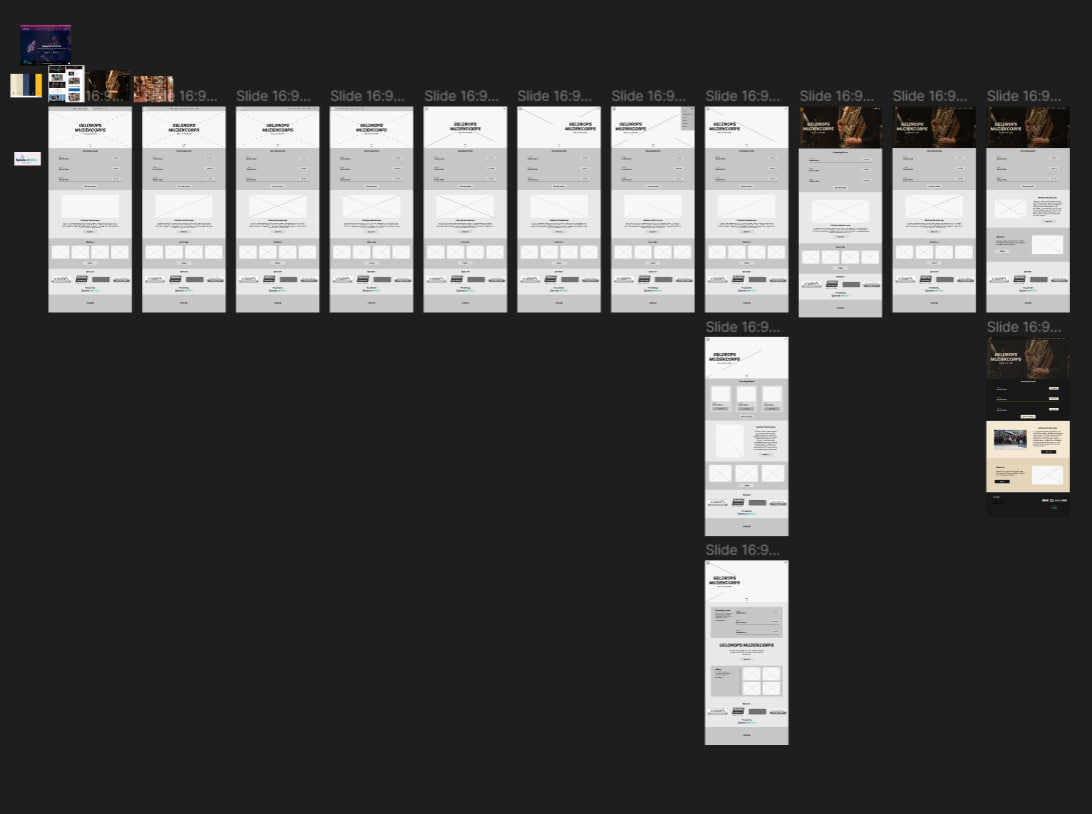
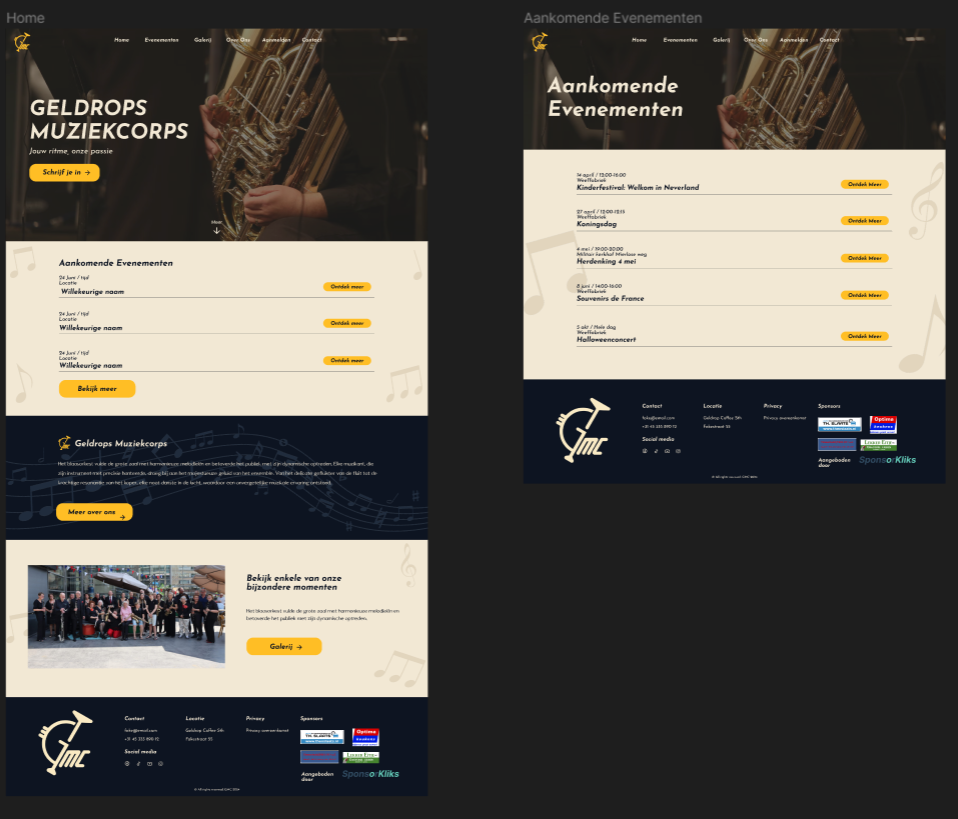
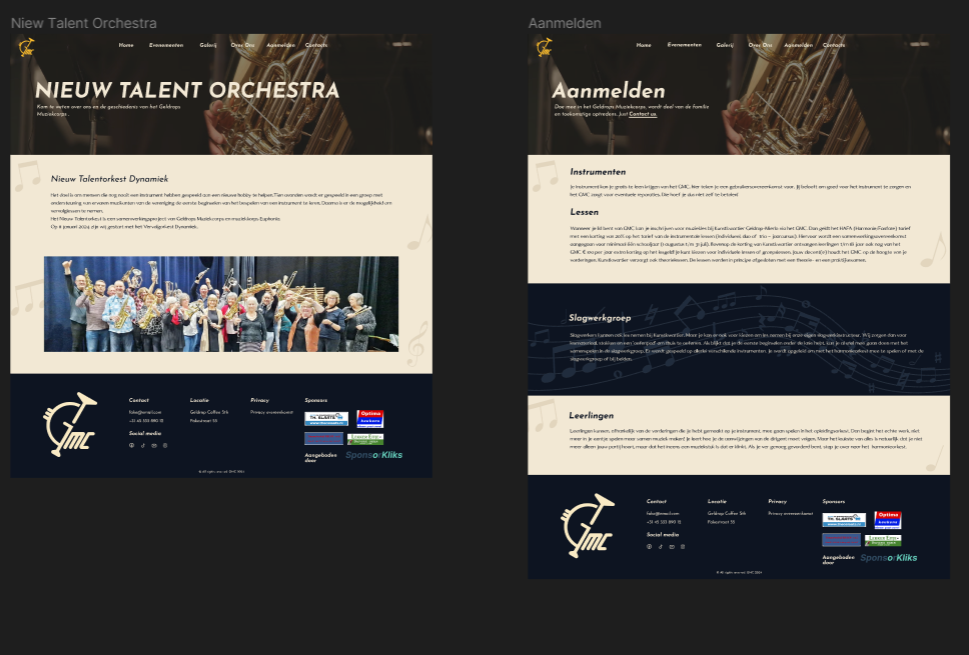
I started with what usually many people would start when they have to try make layouts for website, that being wireframing. I was looking what is the most important information that they would want to present on the home/starter page. Along with that what is the hierarchy of the elements I have chosen, with that I mean which stuff should be at the very top of the page and what comes next and so on.
>

Putting colours:

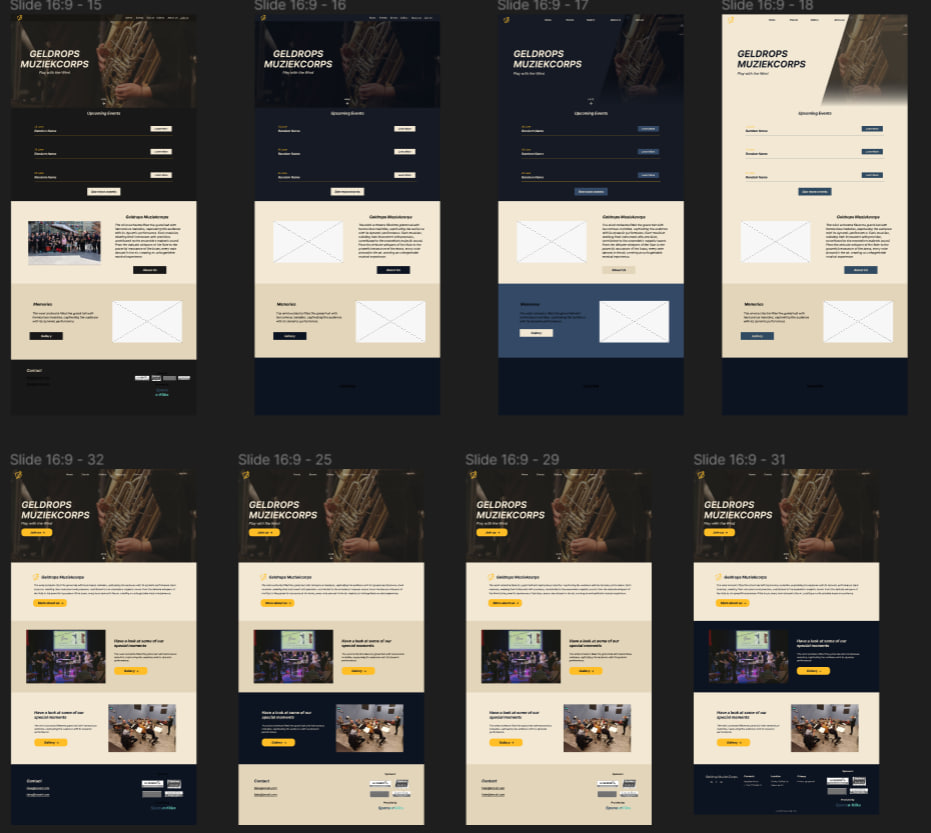
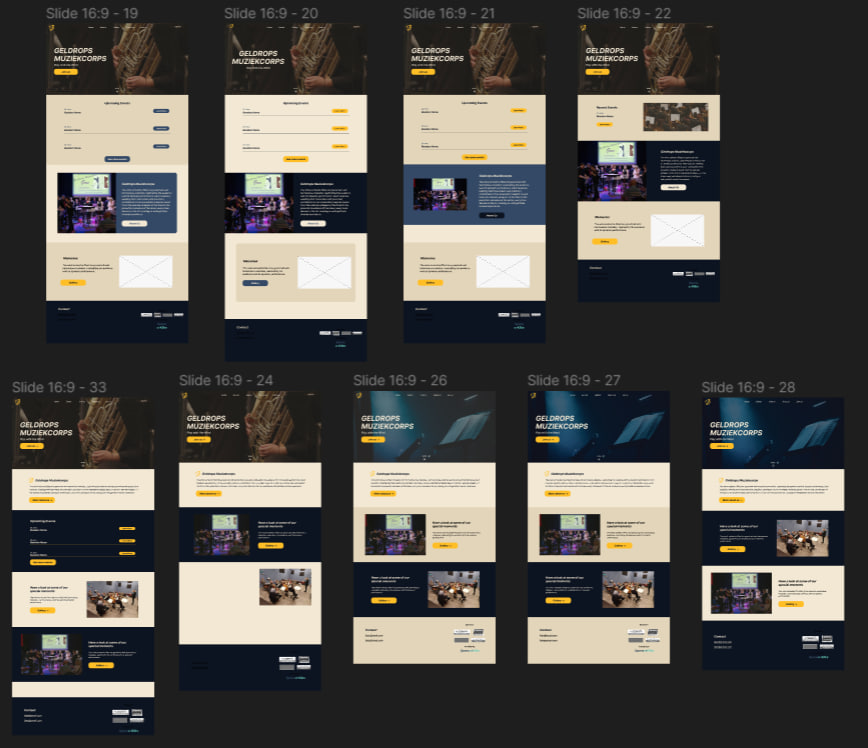
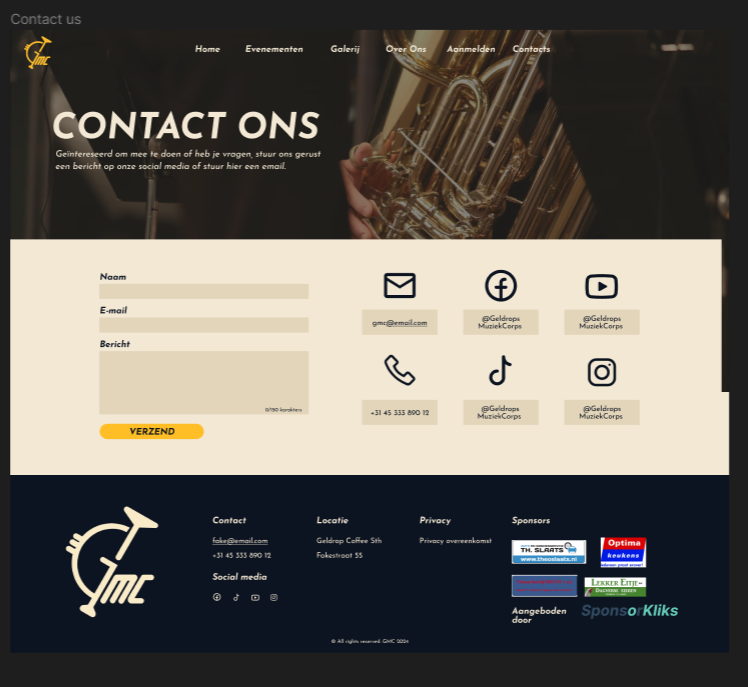
The toughest part was putting in the colours and pictures in. It was super difficult putting all 5 colours from the palette in the website in some sort of way, I started off with colouring some of the wireframes but was always ending up not as imagined. After that I started panicing and started doing some layouts with the colours straight away. I made a lot of different versions of just the home page, I believed that once I had one page covered and understanding how it should look, the rest of the pages I would just based on that one. I spend quite a lot of time playing around up until I found something I was finally satisfied with, so did my group members, professors and client.
>

Closer look in Figma

Result

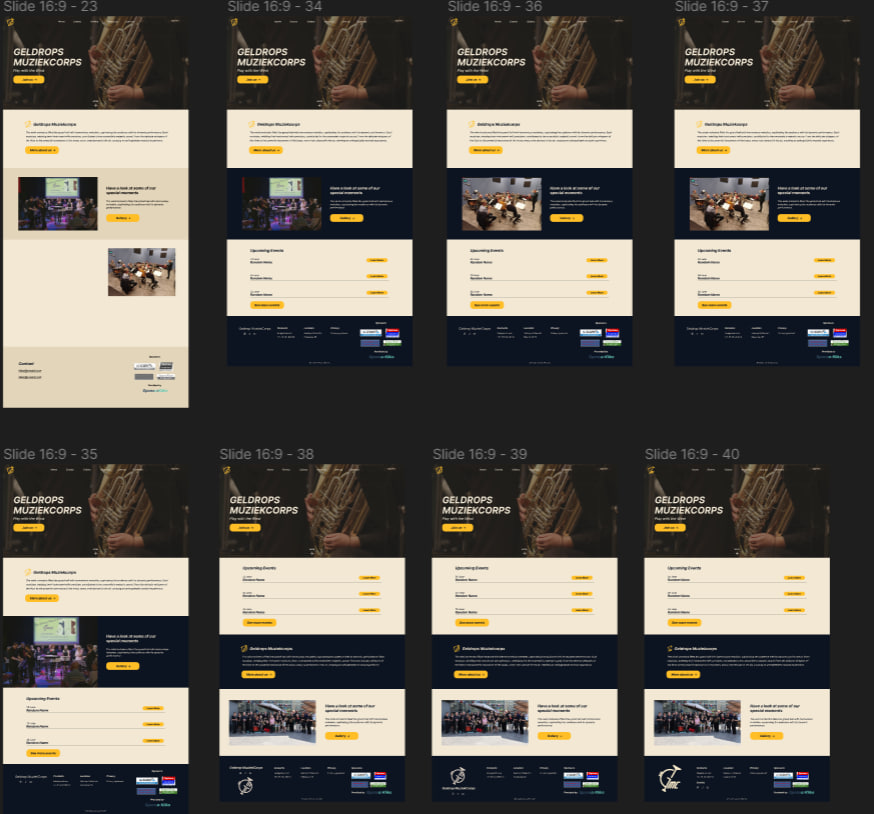
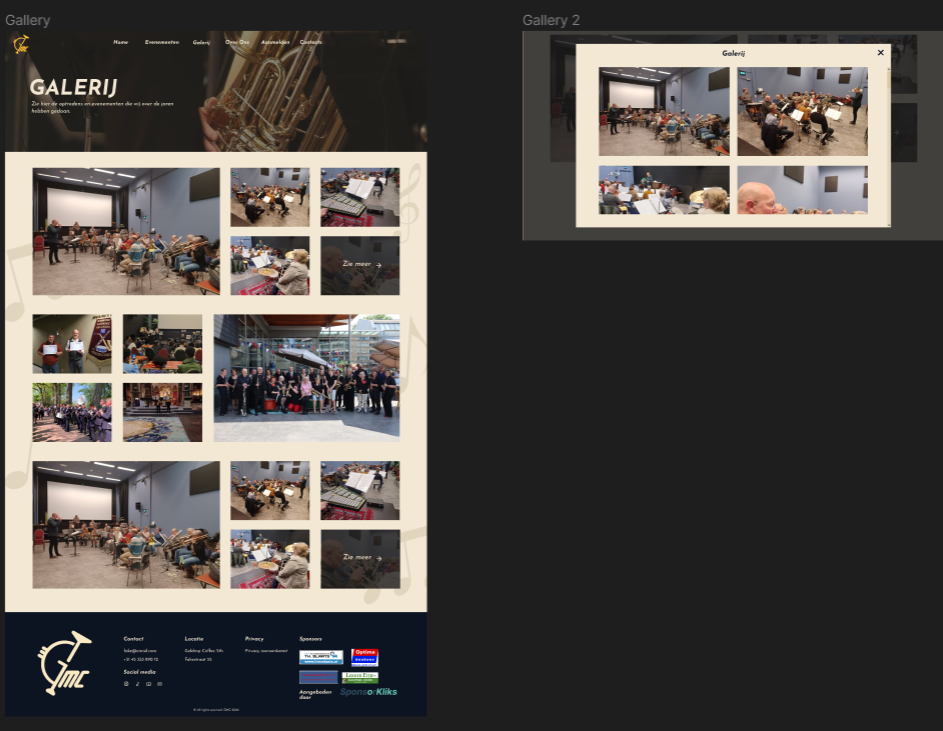
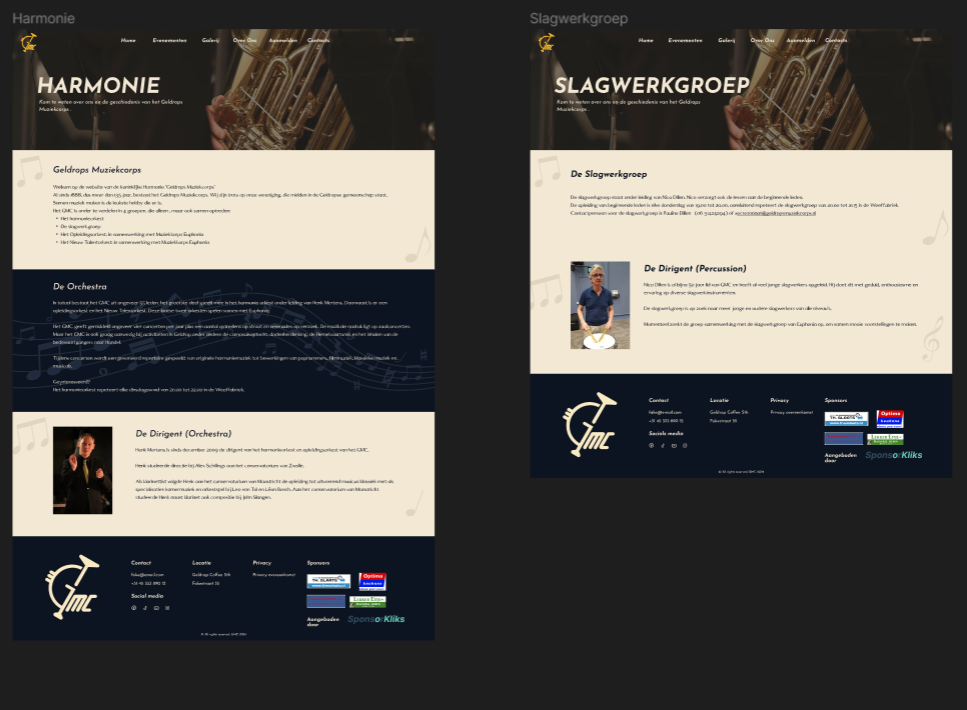
After all of that panic I managed to create something that looks decent and still follows the brandguide we made. Once I had the home page, I did the rest of the pages. Me and my group knew what we wanted to do for the other pages and now that I had a template I could just implement them in. One example is the schedule page where the upcoming events were being shown.

PROTOTYPE

Reflection

How did it go:

It started off pretty good but as soon as I started adding the colours I begin to panic quite a lot because the colours weren't working as planned. Took me quite a while to find a layout fitting with keeping the brandguide in mind

What did I learn:

I learned that having at least one page with the layout and colours in, helps a lot when creating the rest of the pages!

What I would do differently next time:

It has to do more with the colours. I would start off a palette with few colours, around 2-3 colours, unlike this one which had 5.

PERSONAL PORTFOLIO PROTOTYPE (CYBERPUNK)

Goal

To make a portfolio which would show some of my creativity and personality and at the same time present all the documentation needed for all 5 learning outcomes. The theme I want to achieve is Cyberpunk.

Beginning

First designs:

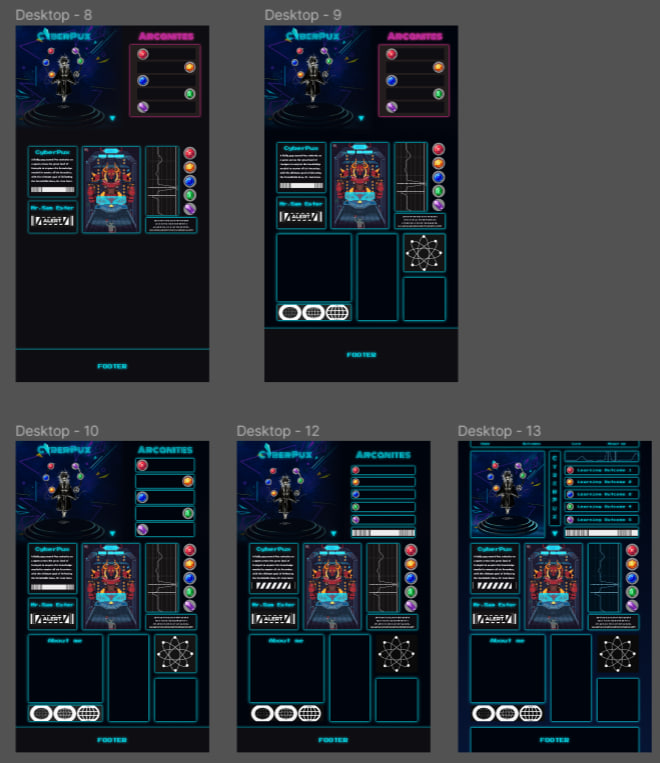
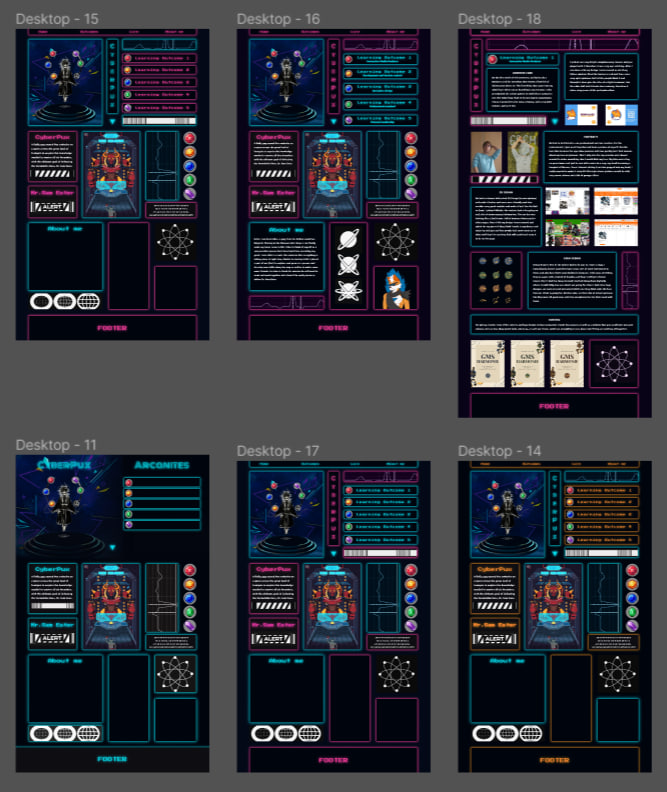
I started off the semester wanting to do a pixel art cyberpunk themed portfolio with lots of animation around. Having my fursona(my own character) named Pux being the main protagonist. In that universe he had to collect different gems, which servered as learning outcomes, in order to deafear Mr. Sam Ester. One thing from that theme I am really happy with was the story I had in mind that I wanted to tell. That being said, I completely overlooked is how difficult cyberpunk aesthetic actually is. I dived in without doing any type of research, thinking I know what it was.

>

First redesign (after feedback):

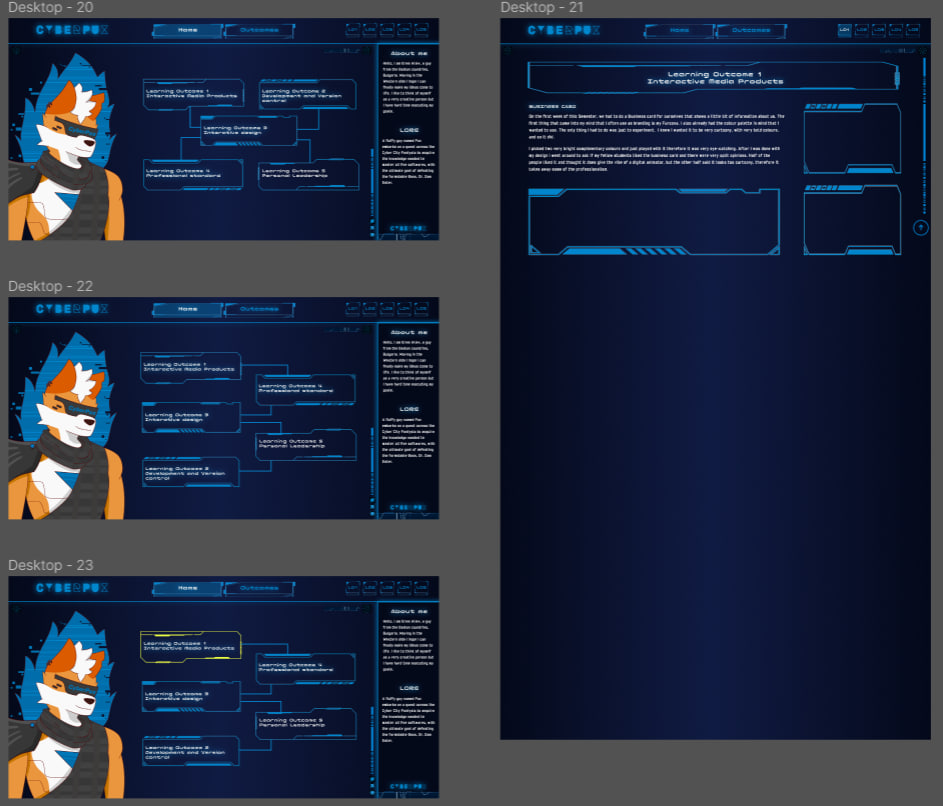
That was the moment I realised how hard Cyberpunk aesthetic really is. The main feedback I was getting was that one of the must haves whe doing Cyberpunk is the dystopian feeling, where as I had only neon lights/colours shining and had to find a way to implement some broken, decaying parts. I tried redoing the design but had no idea as to how to implement that dystopian feeling in it.

>

Second redesign (after feedback):

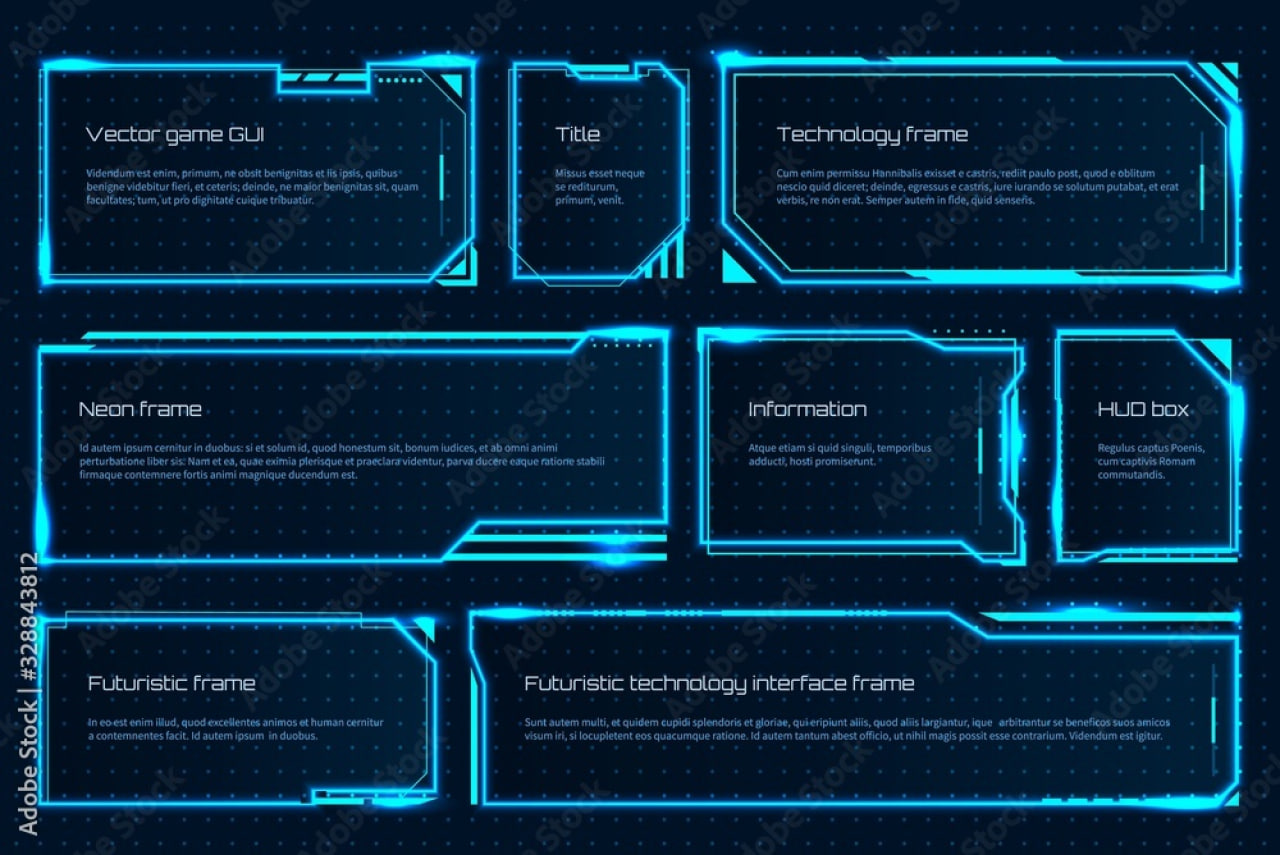
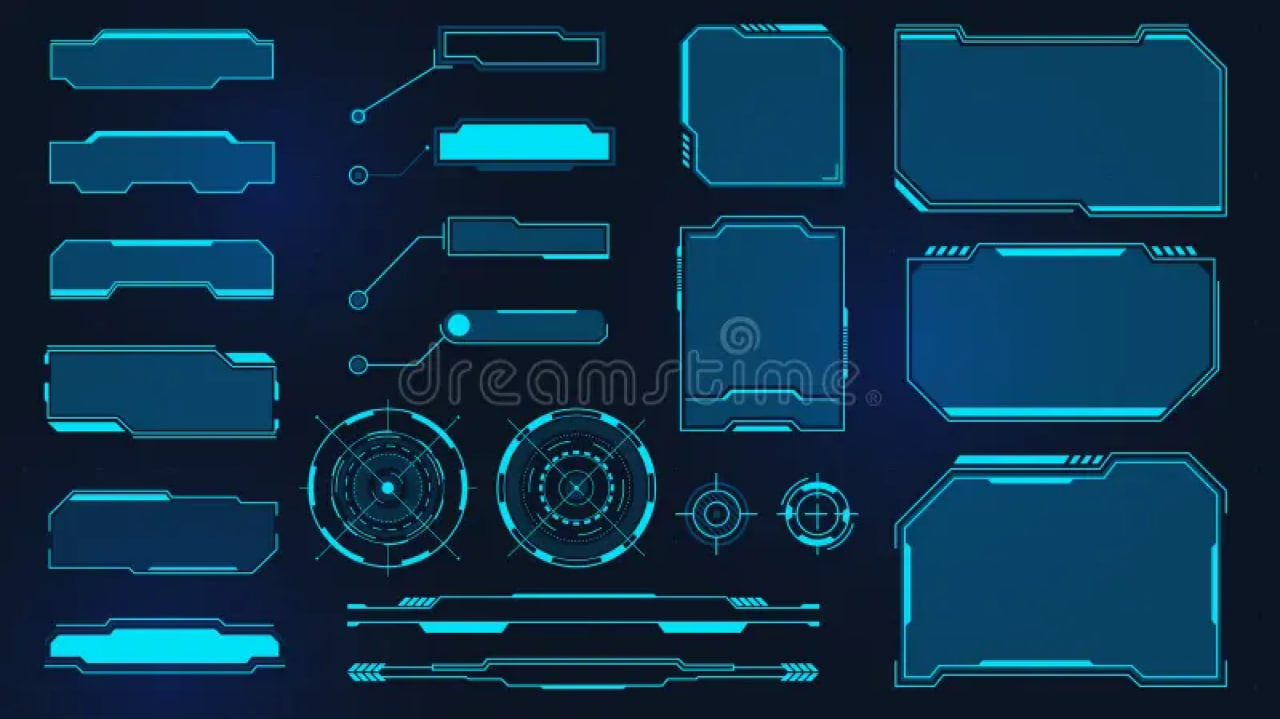
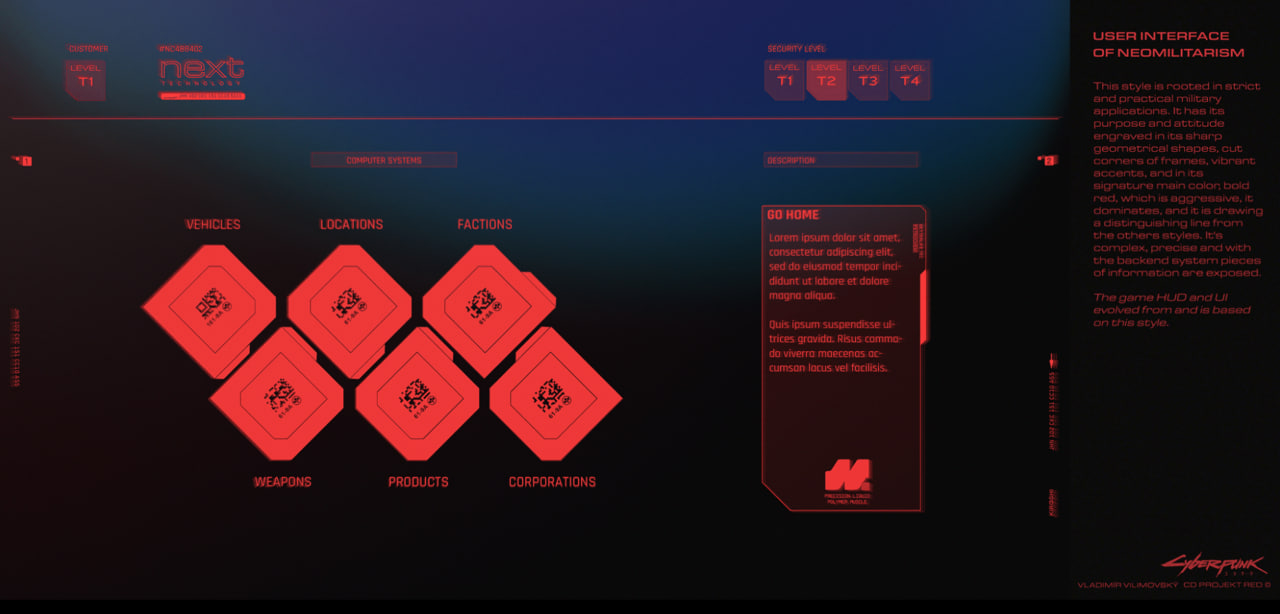
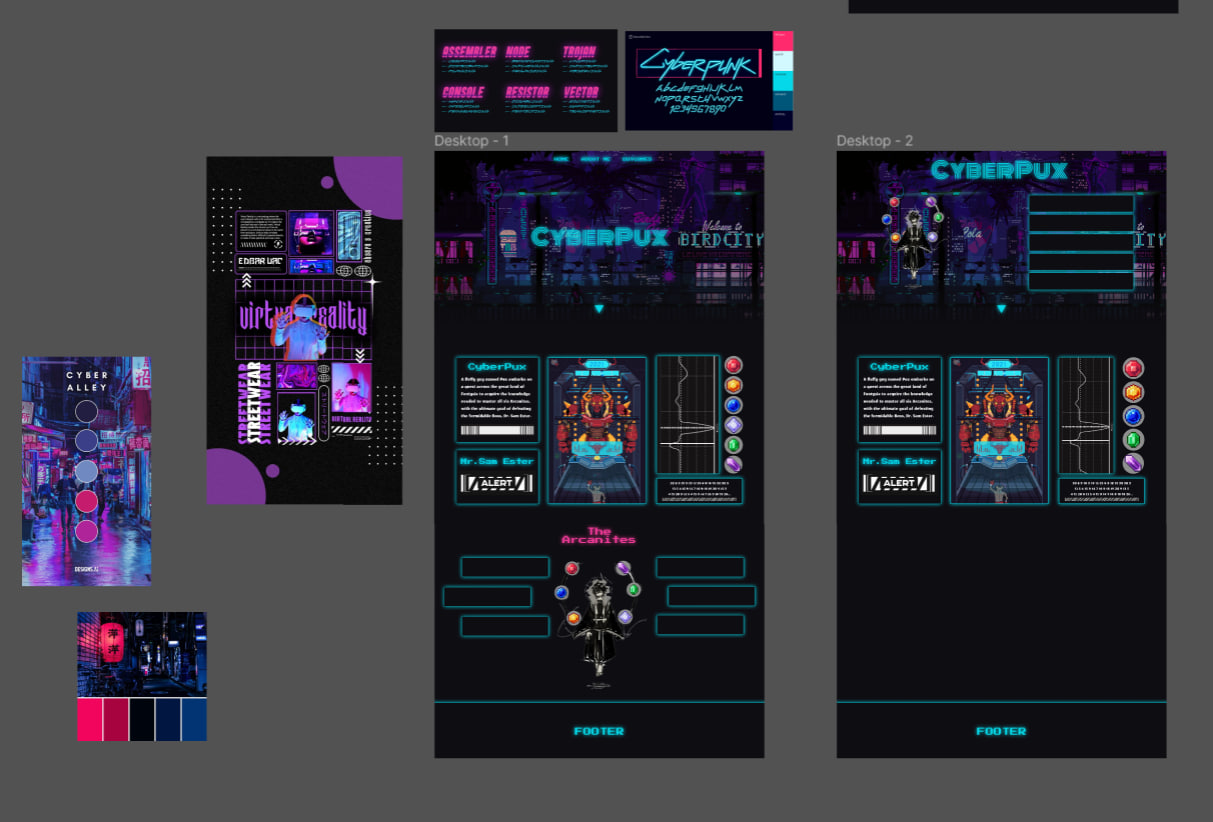
I finally looked up in internet to see some stuff for inspiration (the first three pictures), and also looked at the game Cyberpunk 2077, and the inspiration I was using was its menus. Basically I was trying to achieve that glowyness and also broken feel that the game's menu has. In the end it looked more like a Sci-fi than Cyberpunk and around then I decide to drop that as a theme.

See all in Figma

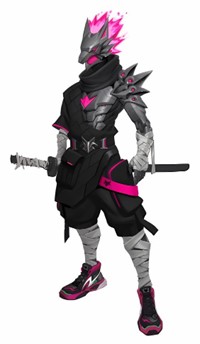
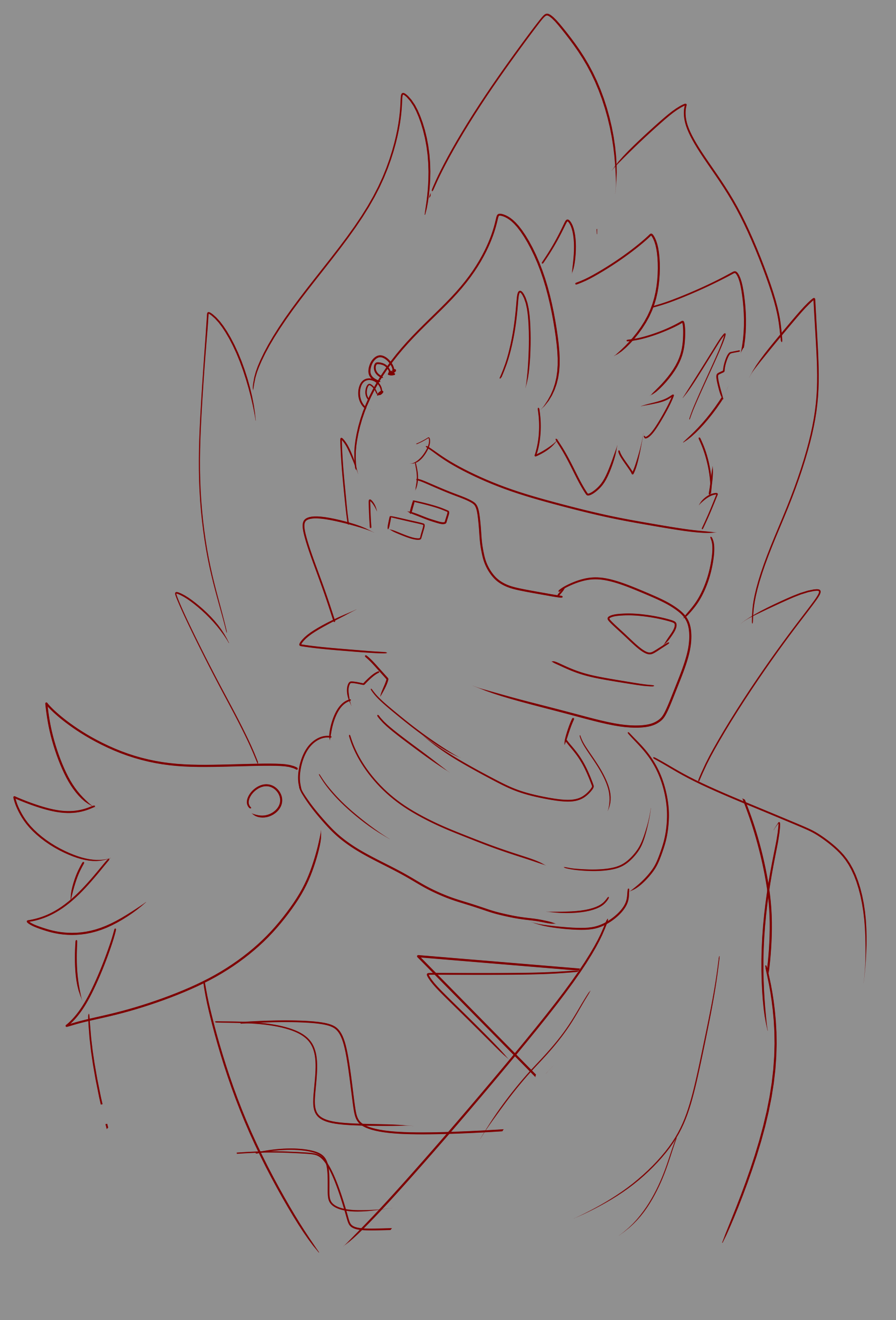
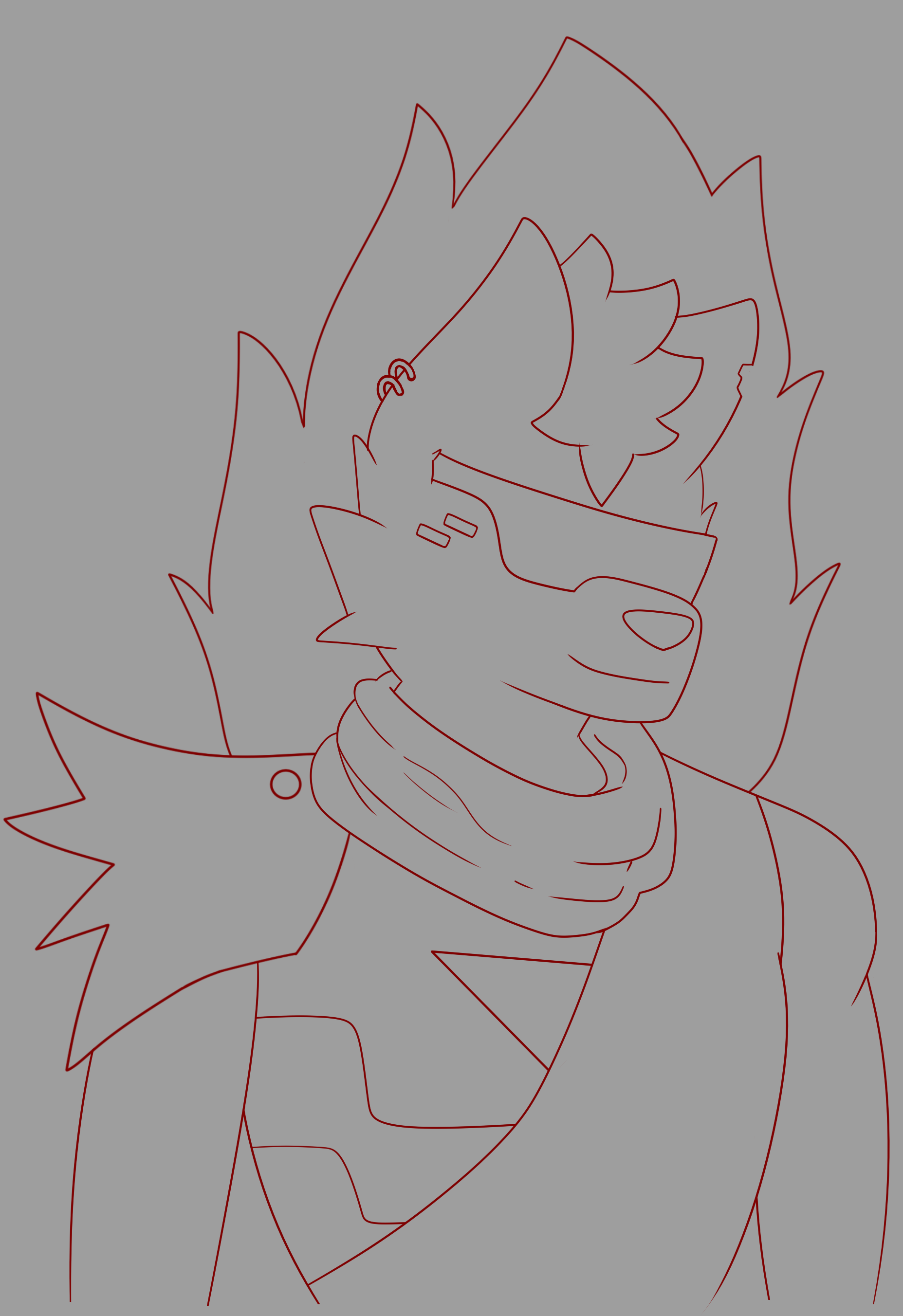
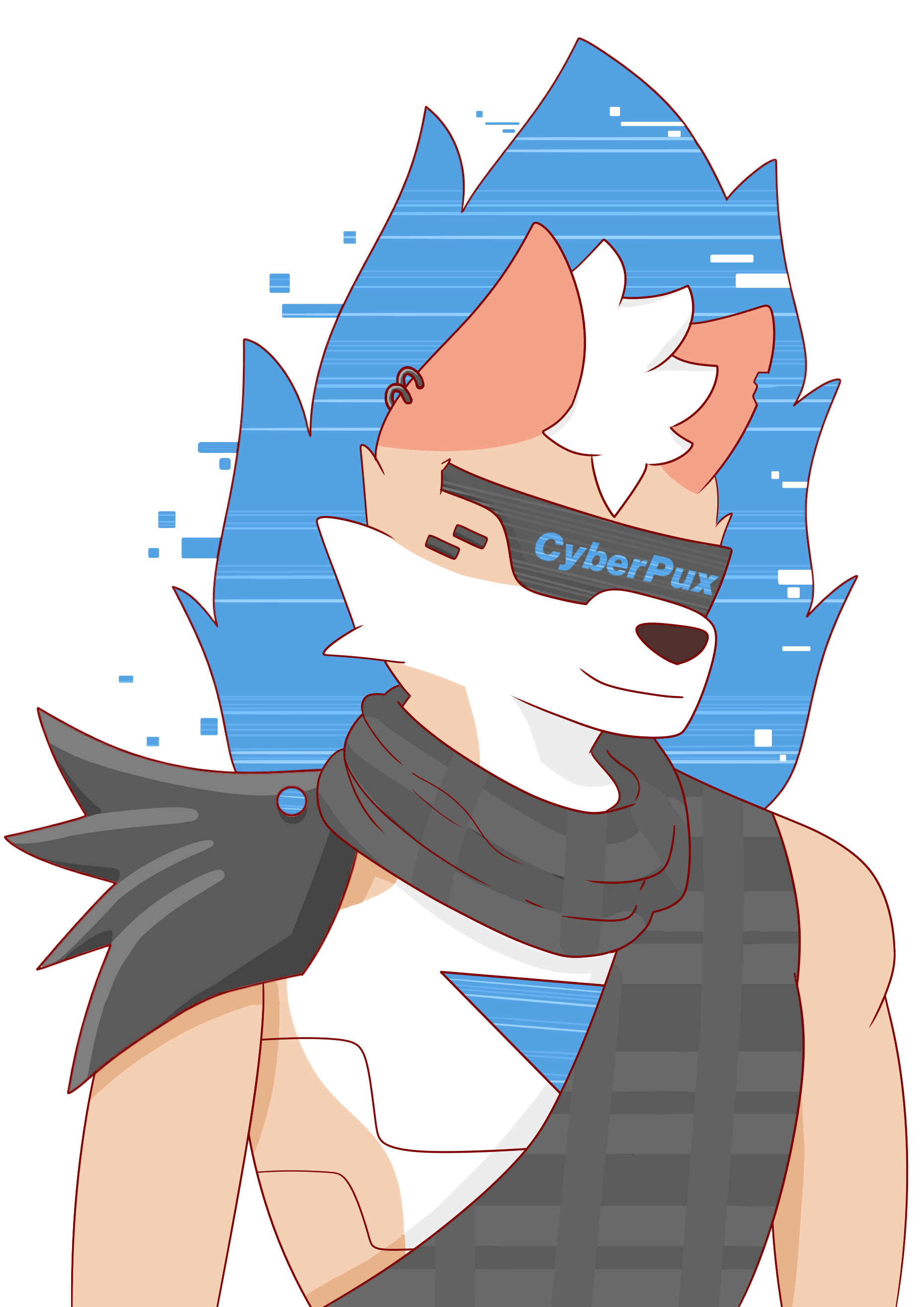
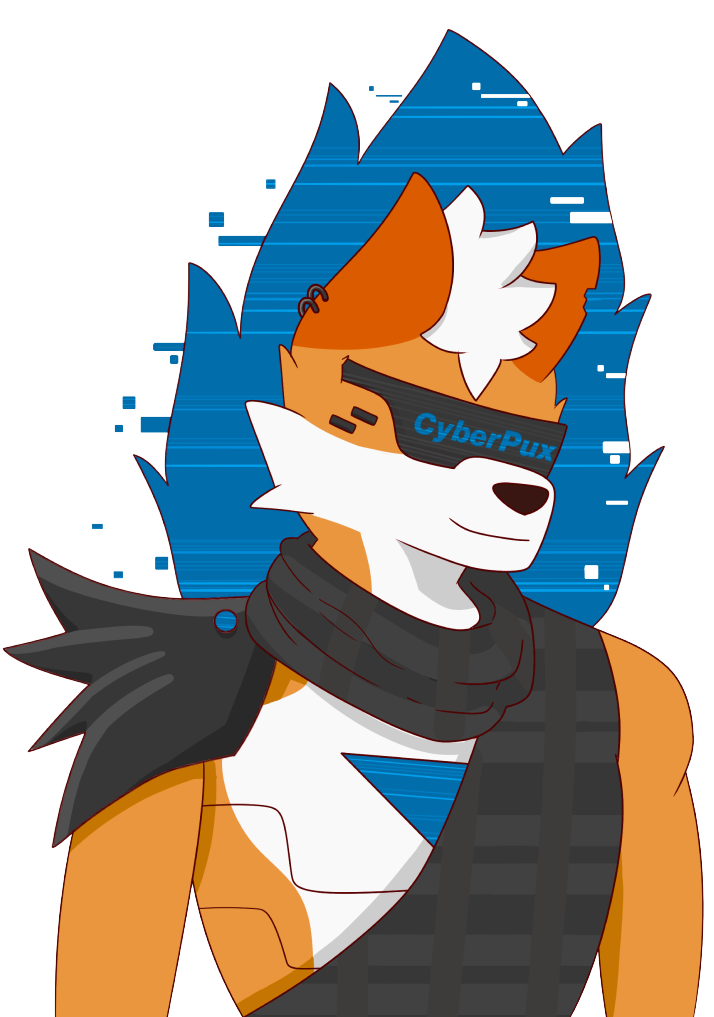
At this point I ditched the idea of going for pixel art animation so i just drew my fursona in cyberpunk aesthetic. I drew inspiration from one art I saw on Pinterest (the first picture bellow). Decided to make him a Delusionist, which basically means he uses holograms to confuse his enemies. This is a completely different aesthetic for me to draw than what I would usually do, but still happy with it!

>

Reflection

How did it go:

It was a long process. Every time I tried to run away from that aesthetic, the professors tried to push me back into it and I was really in a big dilema for a long time and just didn't know what I should end up doing. Cyberpunk ended up being way more complicated theme than I thought at first.

What did I learn:

For such aesthetics I must do a reasearch before jumping into designing and going crazy with the visuals that are not even related to the aesthetic.

What I would do differently next time:

When I don't feel the theme anymore I would just move on and focus my energy on something that I am actually excited to make.

PERSONAL PORTFOLIO PROTOTYPE (2 RANDOM)

Goal

To make a portfolio which would show some of my creativity and personality and at the same time present all the documentation needed for all 5 learning outcomes. These two random designs were made when I was getting too furstriated with the cyberpunk aesthetic, and they served as a back up/just in case.

Designs

First random design:

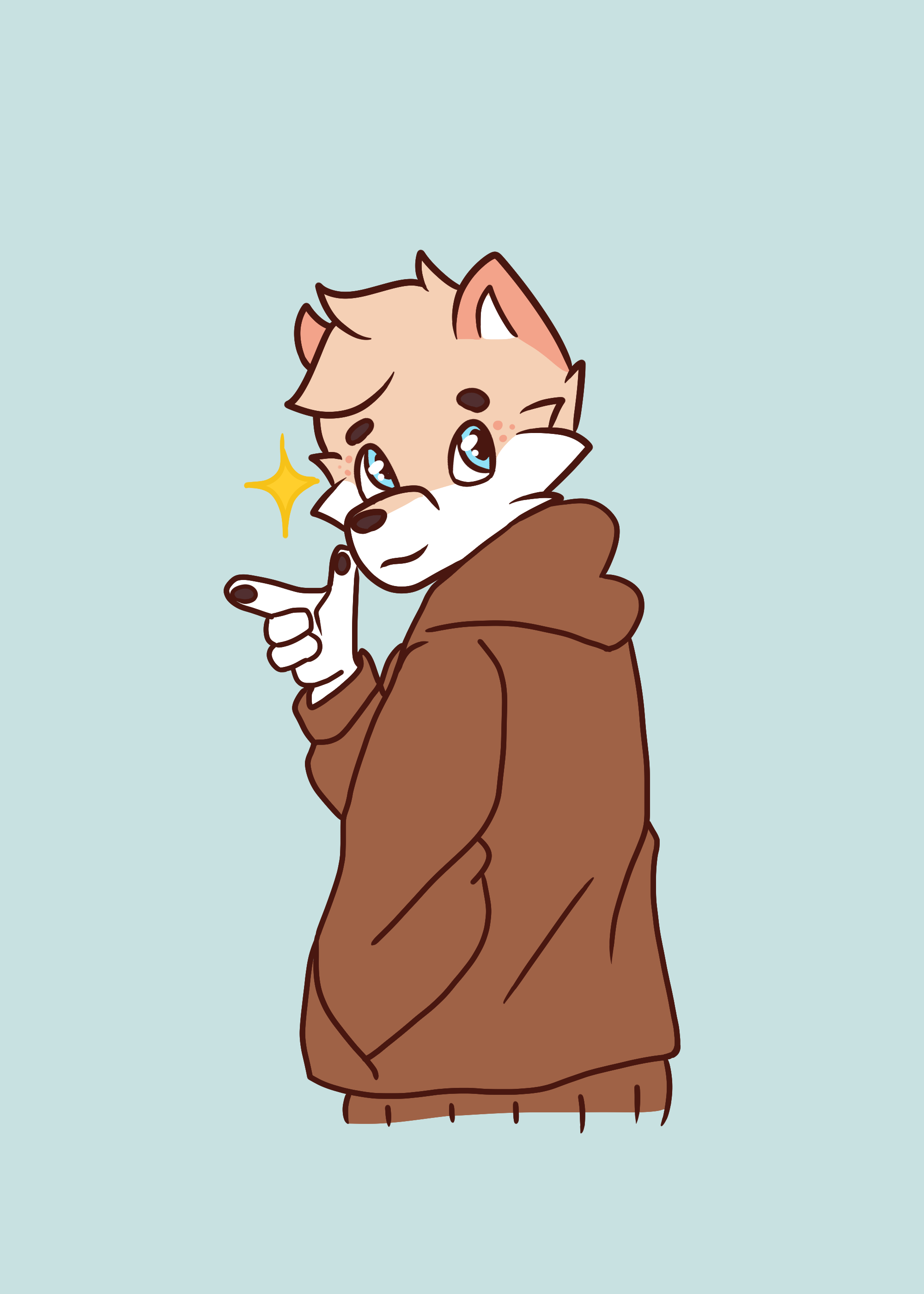
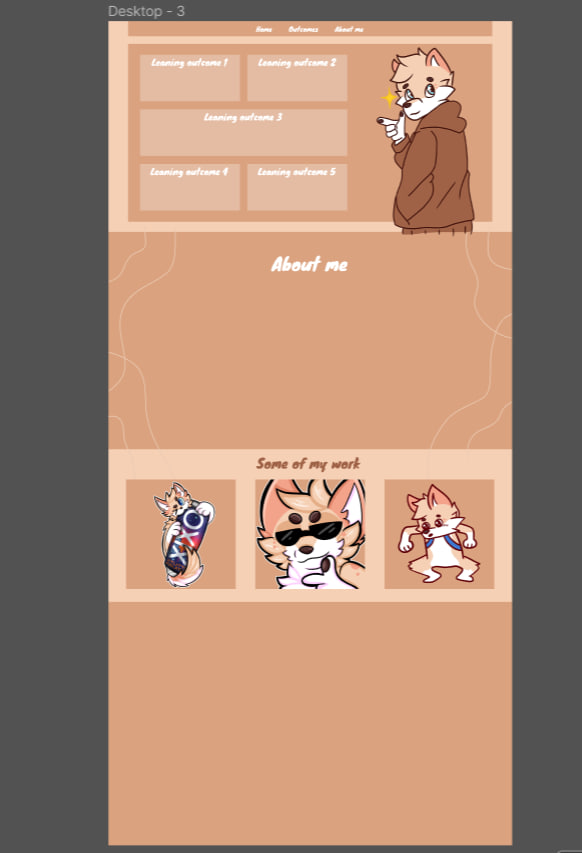
The first design was based on my Fursona colours (first three pictures), which were very earthy, browny colours. I just started laying off a very basic and simple layout and colours, and making my some be everywhere you would look. It became a bit too much of brown/cream colours but it was a "just in case" theme to have. Plus I always love showing my character in one way or another.

>

Second random design:

Once I was again a bit furstriated I tried to use the First random as a base for another theme I had in mind. I wanted to use my >creative portrait that I did at the beginning of the semester. This meant I went for a very mossy green colours. Issue with that theme was the fact that the colours I used are very simialr to the ugliest nominated colour, which is Pantone 448C, which turns out to be used a lot in the cigarette boxes.

>

See all in Figma

Reflection

How did it go:

It definitely helped to get my head out of the cyberpunk aesthetic even for just tiny bit, plus I was quite happy with the "First random" I made.

What did I learn:

That it is healthy to step back from something you are working on and focus your energy on something esle for a bit.

PERSONAL PORTFOLIO PROTOTYPE (BLUE Y2K)

Goal

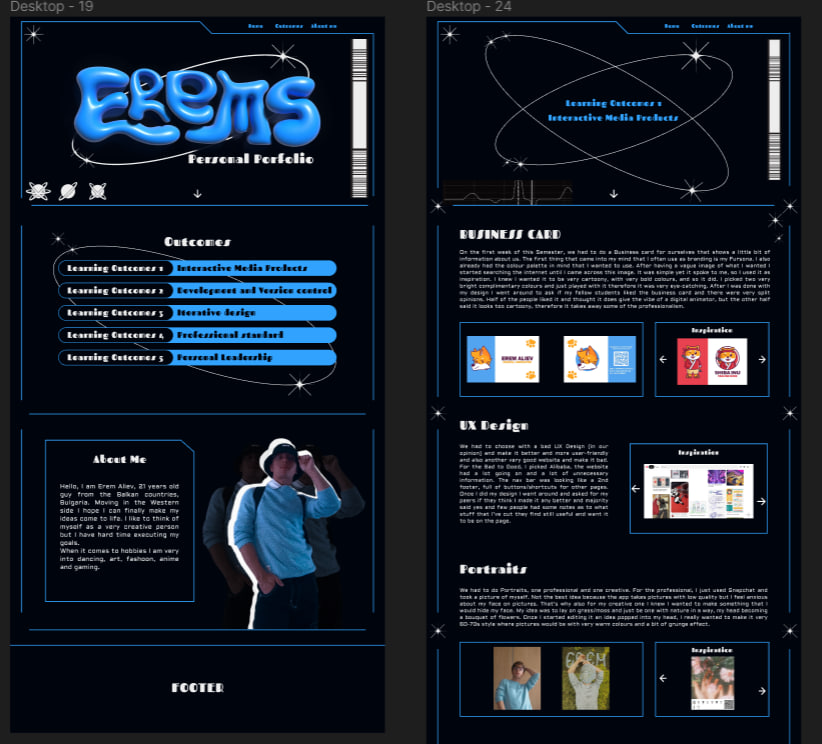
To make a portfolio which would show some of my creativity and personality and at the same time present all the documentation needed for all 5 learning outcomes. I have as a goal to make a blue chroma y2k aeshtetic portfolio.

Process

Inspiration:

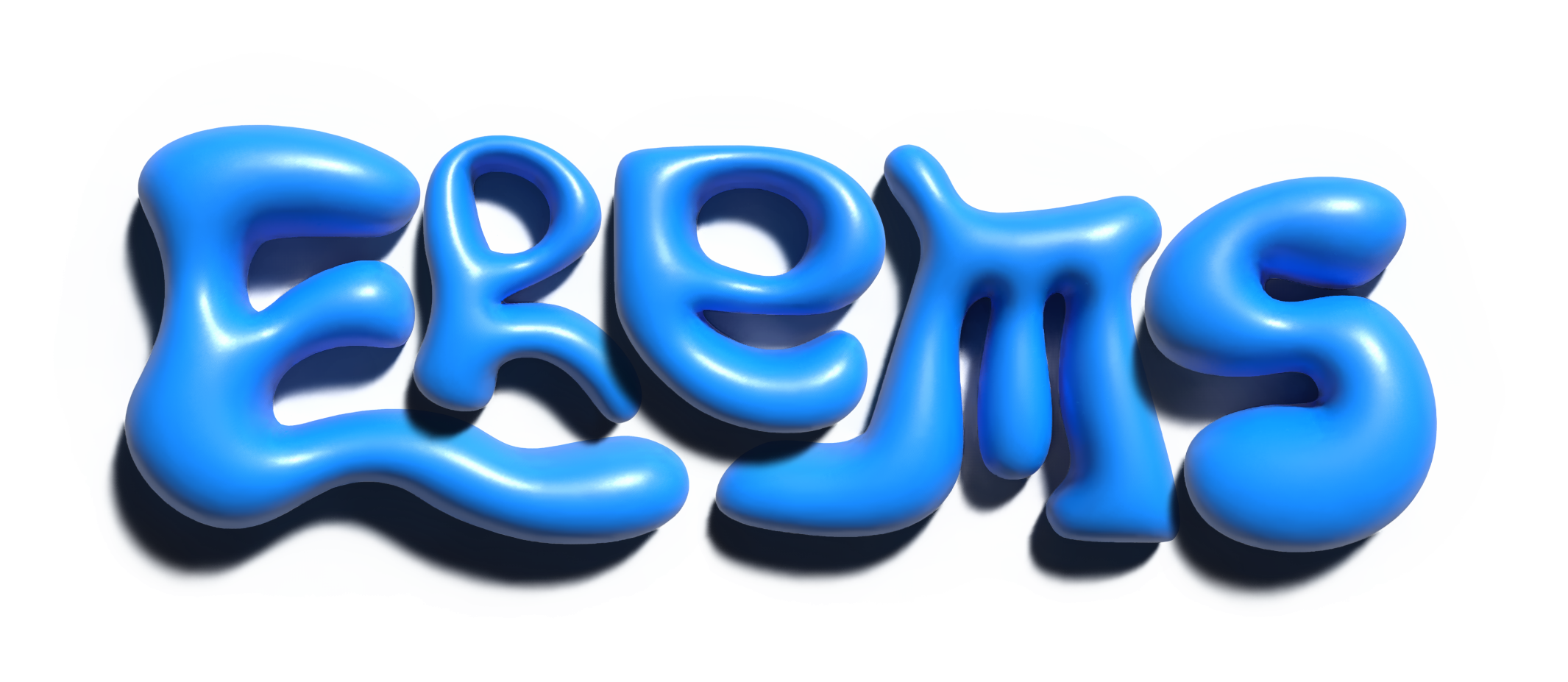
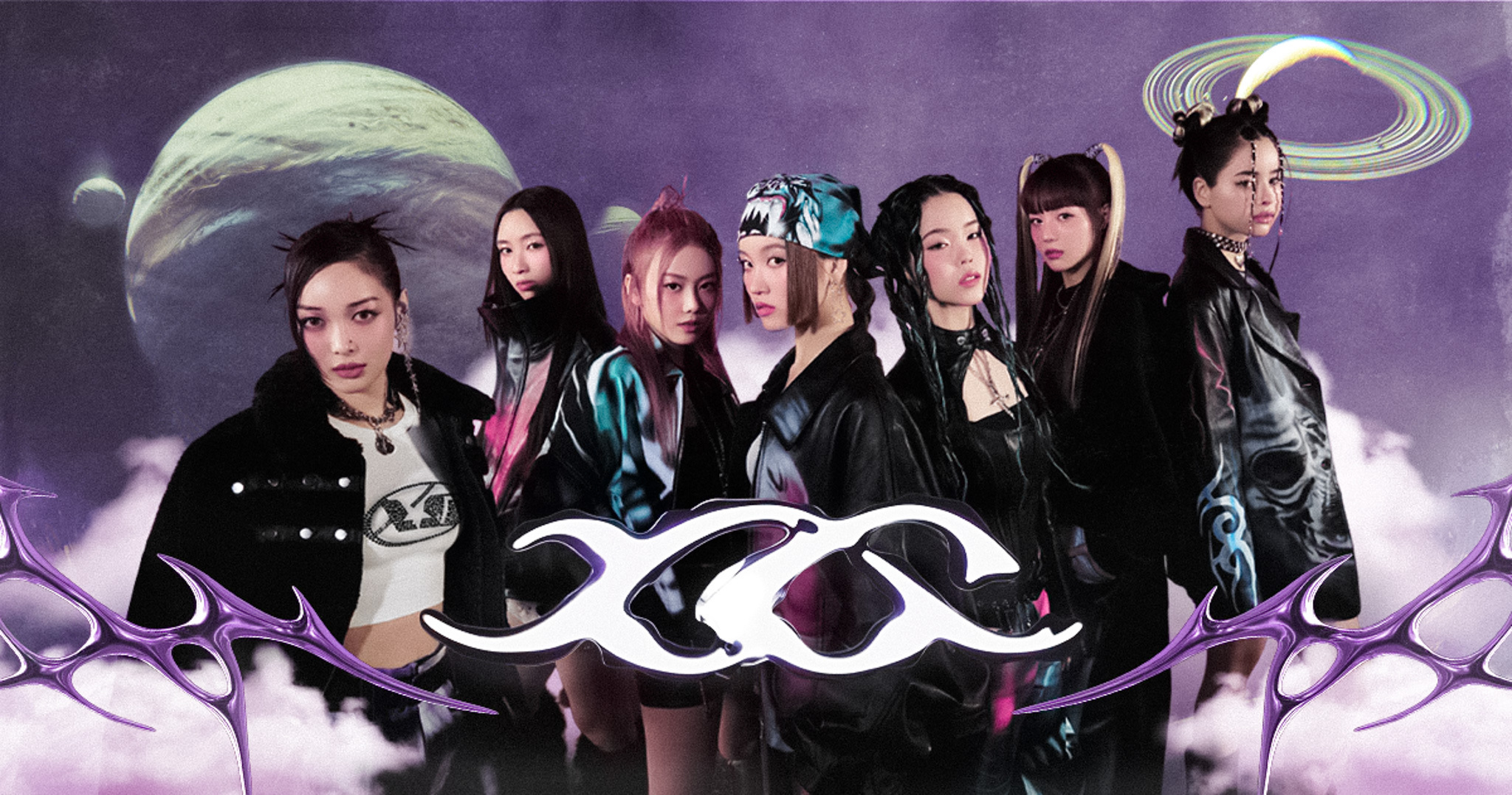
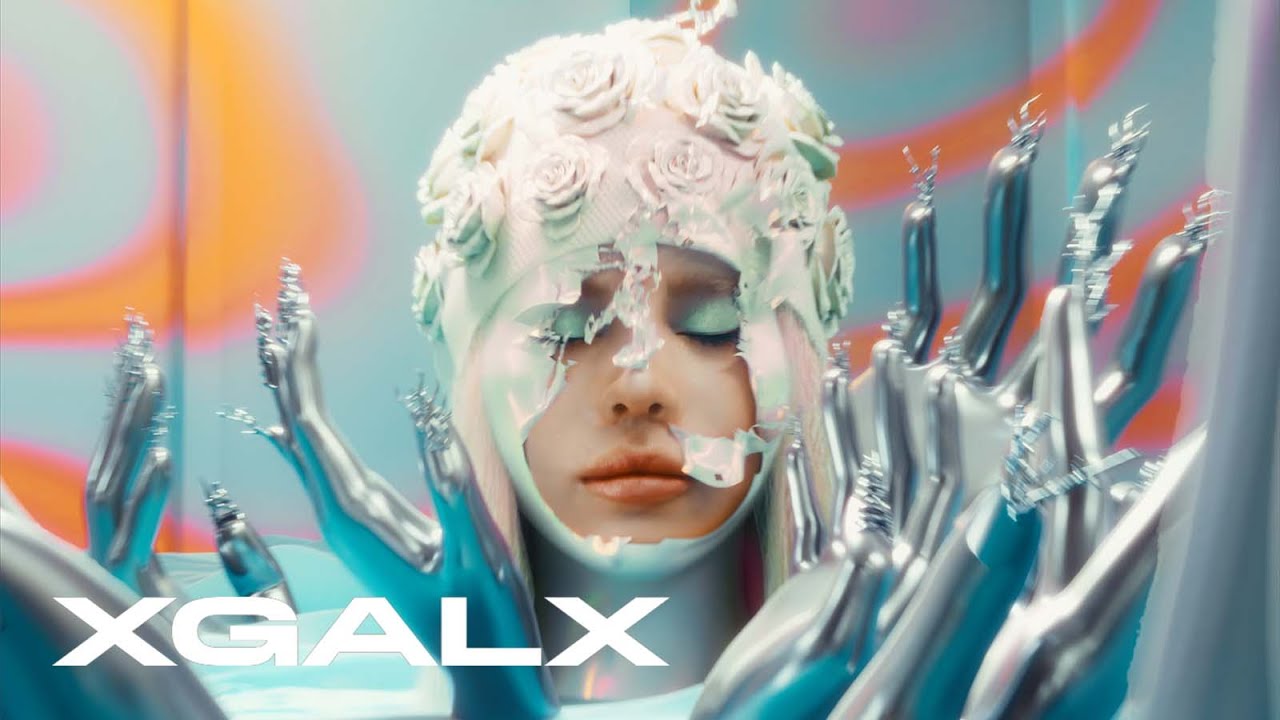
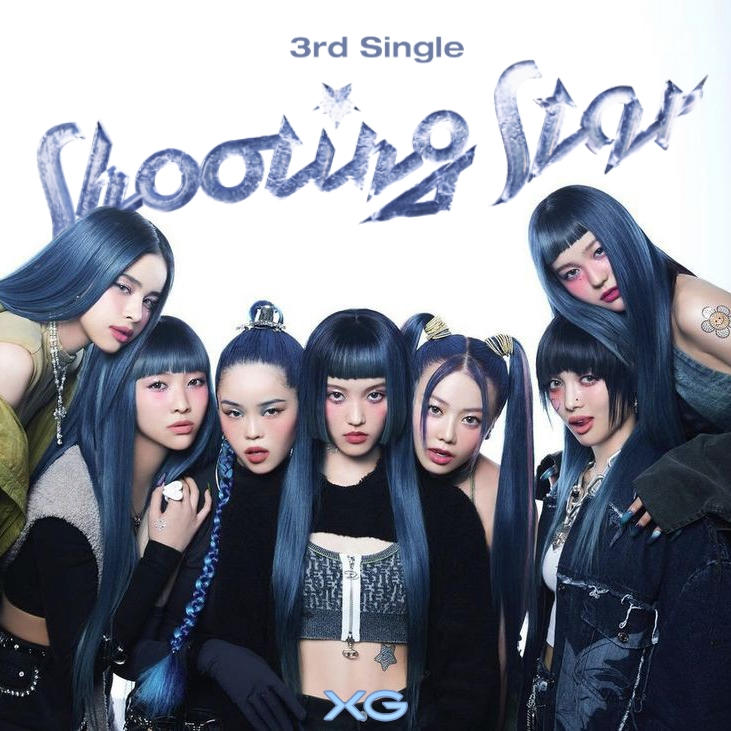
For this aesthetic my inspiration was a combination of two things, once I tried something on illustrator that was displaying my name in bubbly blue way (first picture bellow), it gave me the y2k aeshtetic so decided why not to go full out on that for a portfolio theme. Especially when one of my favourite k-pop gorup called XG is very much into that aesthetic.

Result

I made yet another theme, this one being y2k inspired. This one was the runner up being The Portfolio, despite some professors still trying to get me back in the cyberpunk. If I was going for one, this would be the one, up until...

>

PROTOTYPE

Reflection

How did it go:

It went good pretty okay, I felt like I could have done more but I kinda felt burned out at some point.

What did I learn:

I learned that it is fun exploring some different and wierd looking fonts and how much they add to the aesthetic.

What I would do differently next time:

I would put some more work in the main image wich is Erems and would have made it more liquied chrome-like, along with that add some more elements imitating that liquid chrome.

PERSONAL PORTFOLIO PROTOTYPE (PIXELART)

Goal

To make a portfolio which would show some of my creativity and personality and at the same time present all the documentation needed for all 5 learning outcomes. For this one I just wanted to dive in something I am more comfortable with and more confident in my skills.

Process

Inspiration:

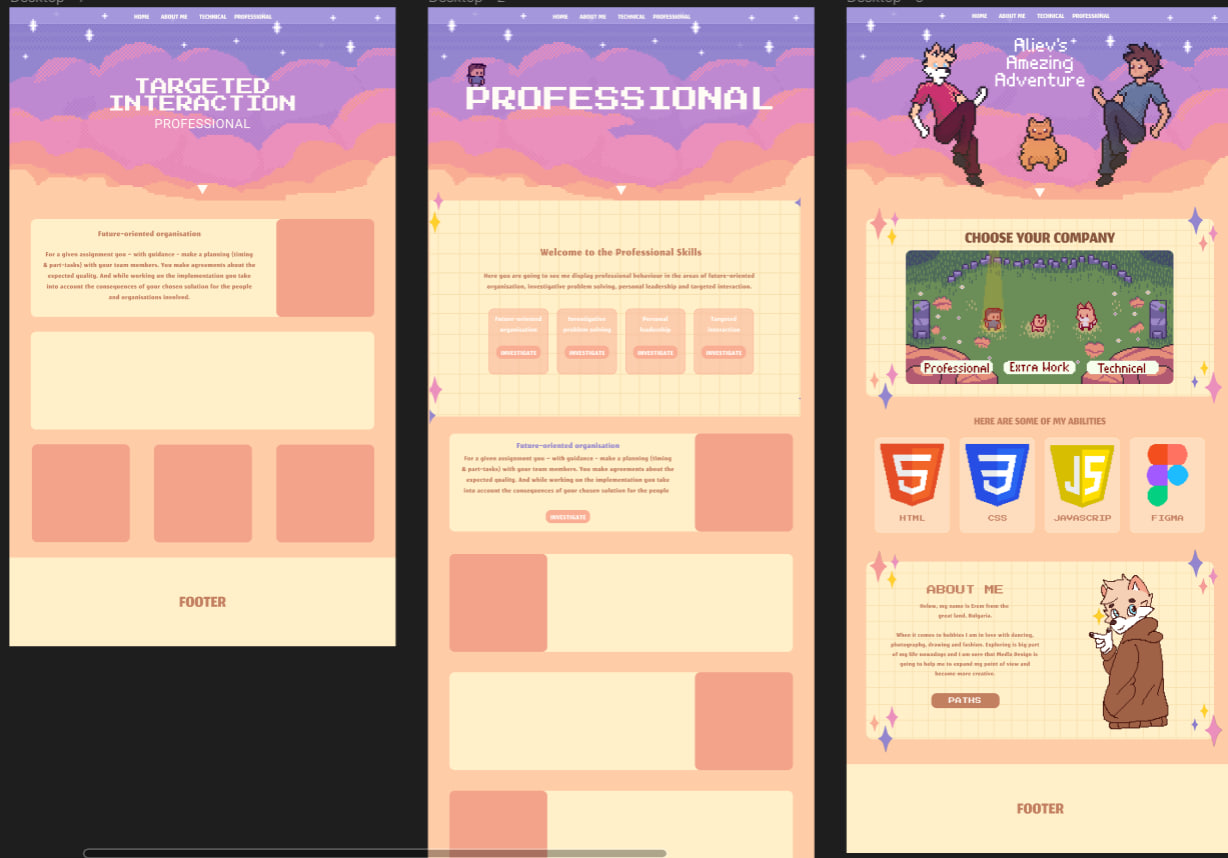
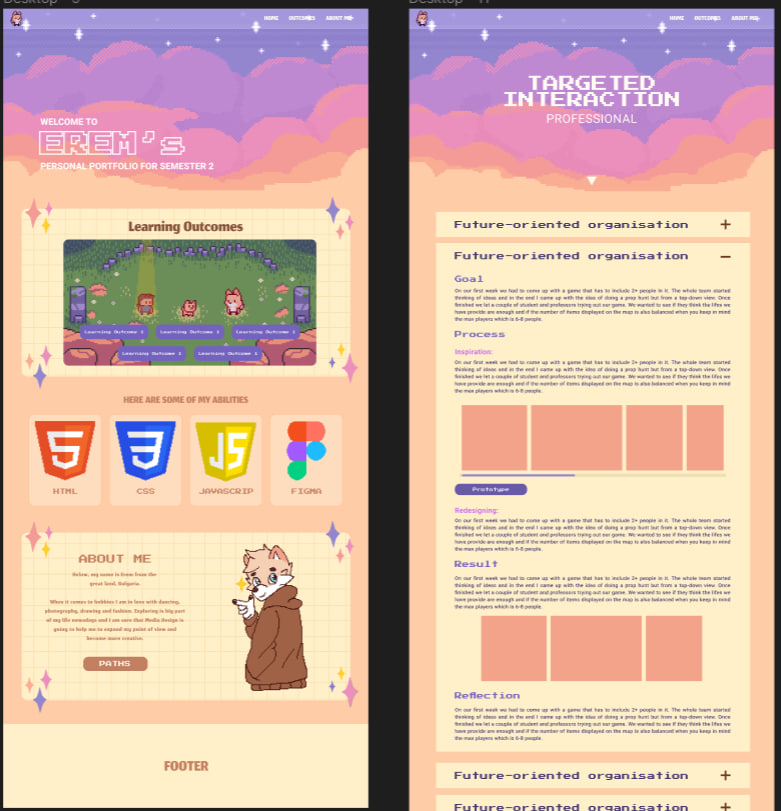
I am using heavily my last portfolio design as inpsiration. Most of the stuff are usually the same except how the content is being displayed. Another thing that is quite change is the landing picture on every page, it used to be an art on the home page, now I tried elevate it and do a bit of animation. The main changed in this version are how I am presenting my content/learning outcomes.

>

Result

I ended up with updated version of my last semester portfolio. That includes better landing page, better sorting on the learning outcomes pages and most importantly better documentation with flexable layout. That theme is probably going to be my all time favourite, plus I am a big fan of pixel art.

>

PROTOTYPE

Reflection

How did it go:

Everything went pretty fast, was super happy with new layout.

What did I learn:

I learned that it is actually pretty fun and iteresting going back on something you have done before and improve it with the new skills you have learned.

What I would do differently next time:

I would tre next semester to stay away from stuff I have already made and do something new when it comes to aesthetic. Probably still will go for pixel art if professor allow but the whole theme and storyboard is going to be different.

PHOTOGRAPHY AND EDITING

Goal

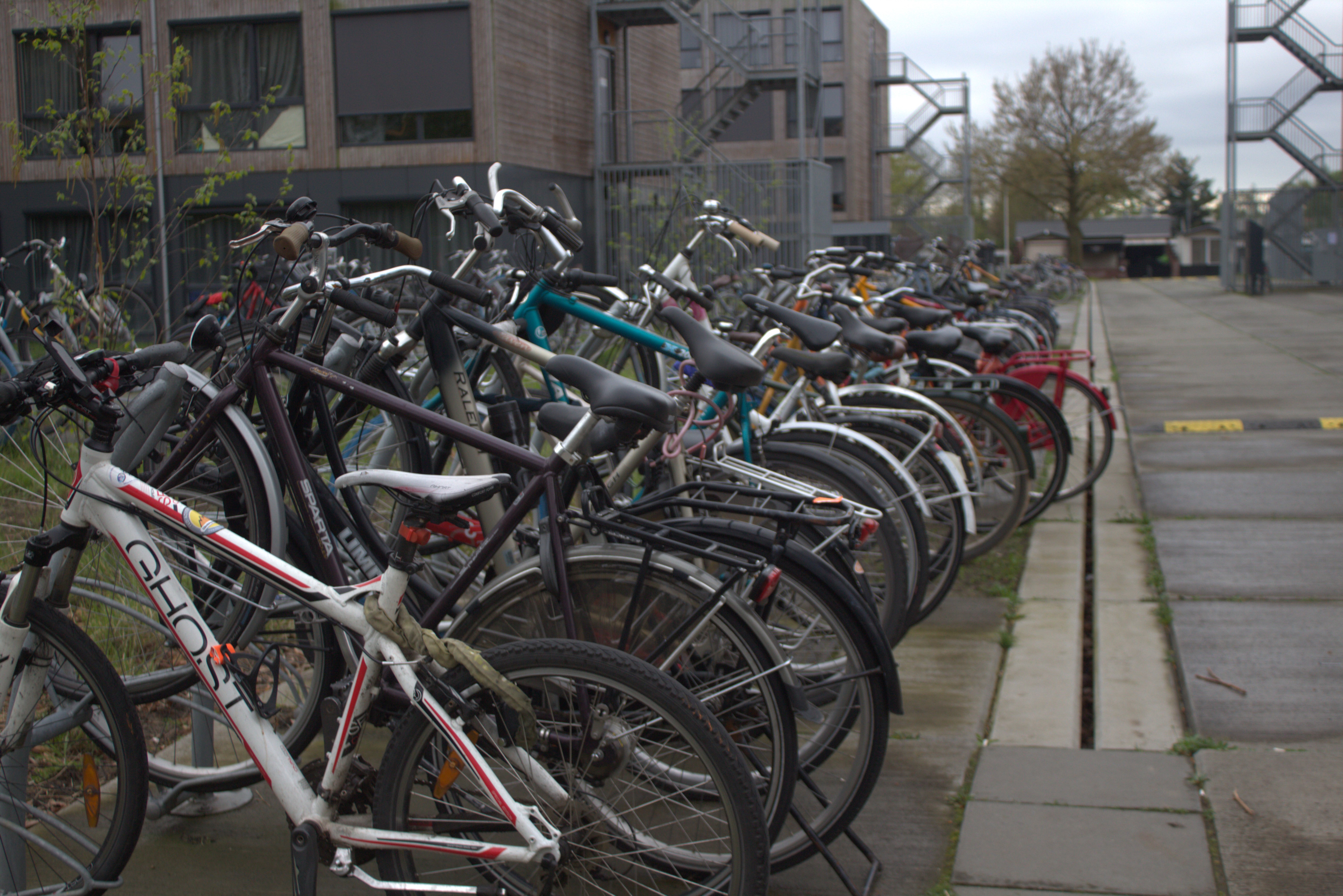
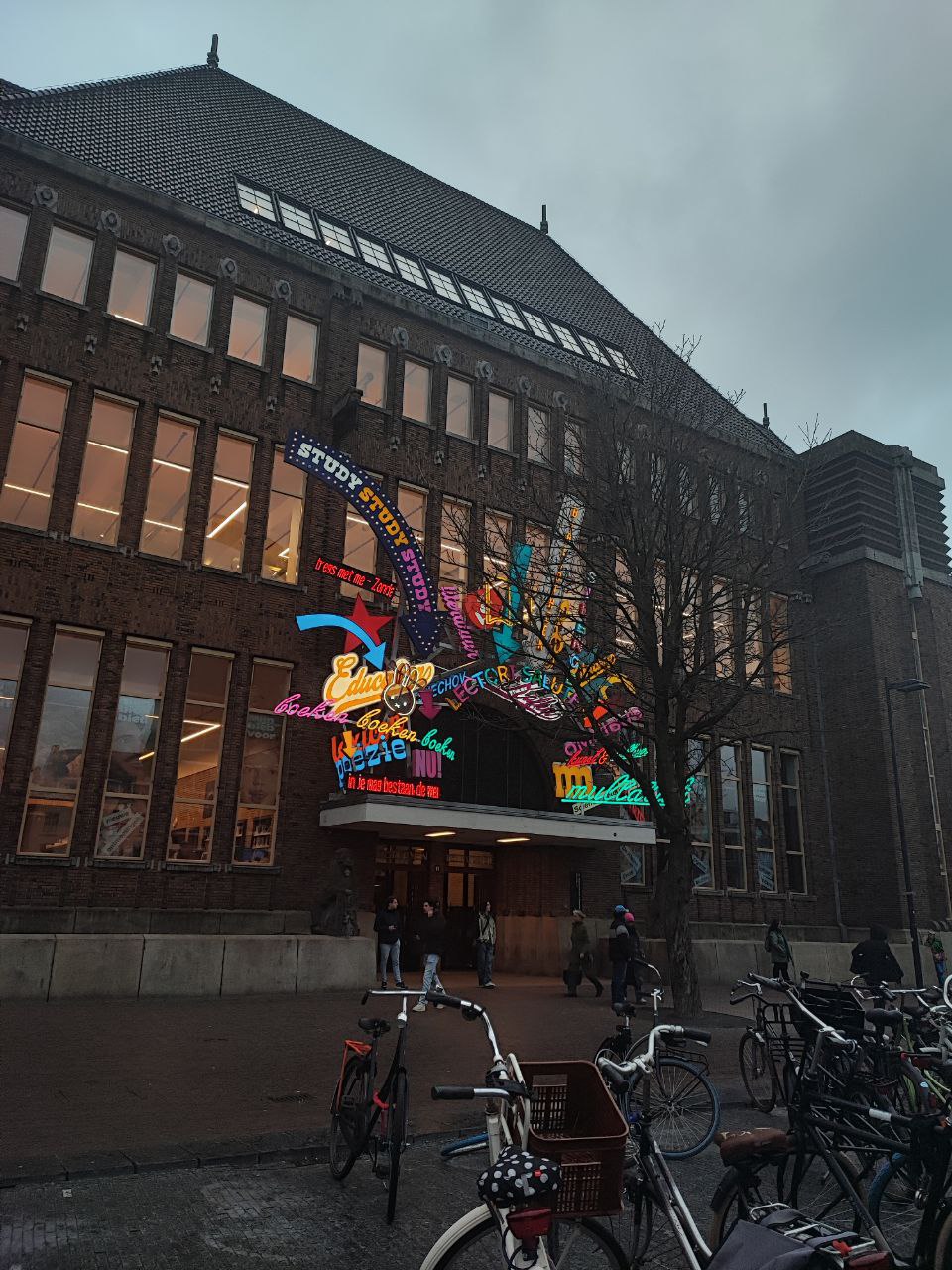
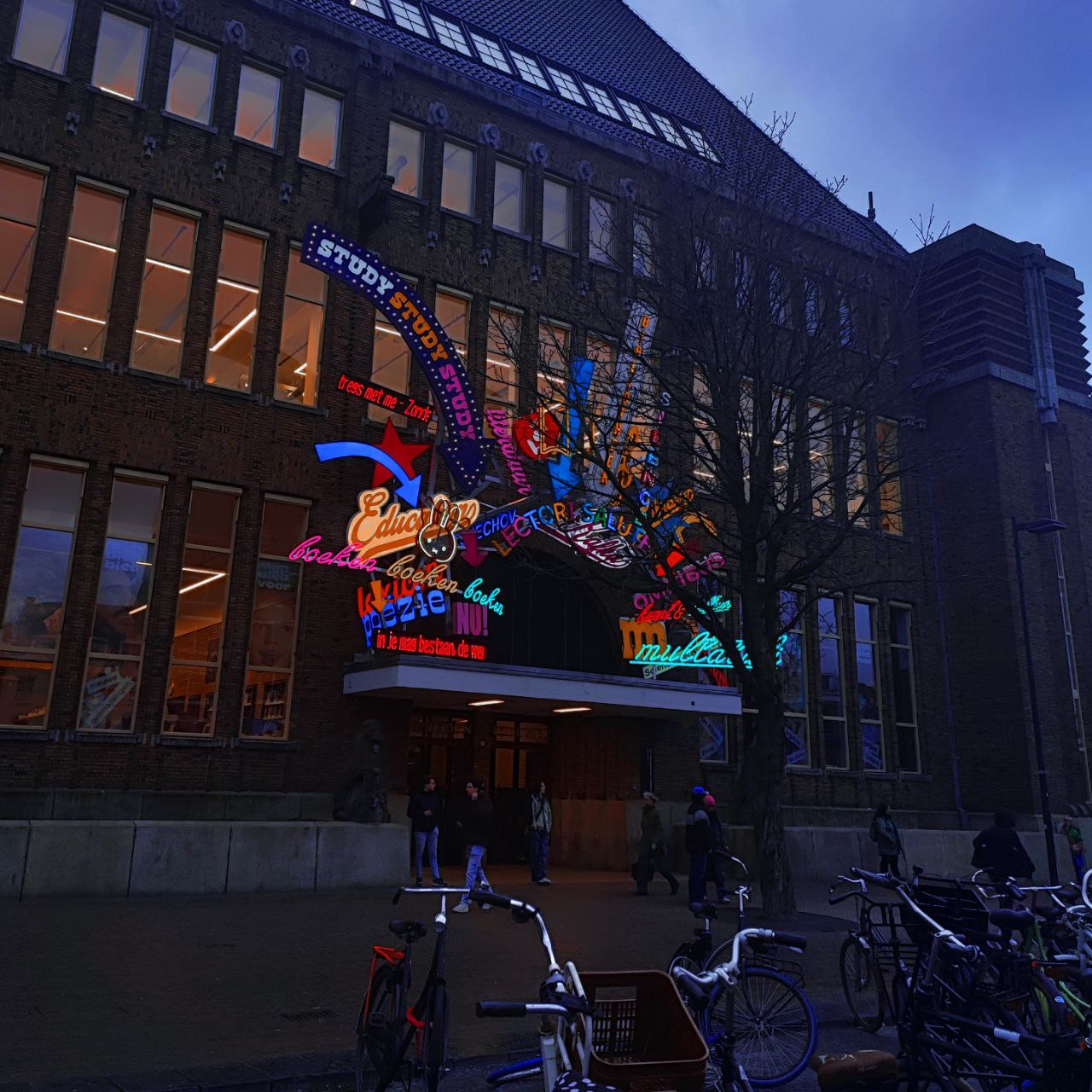
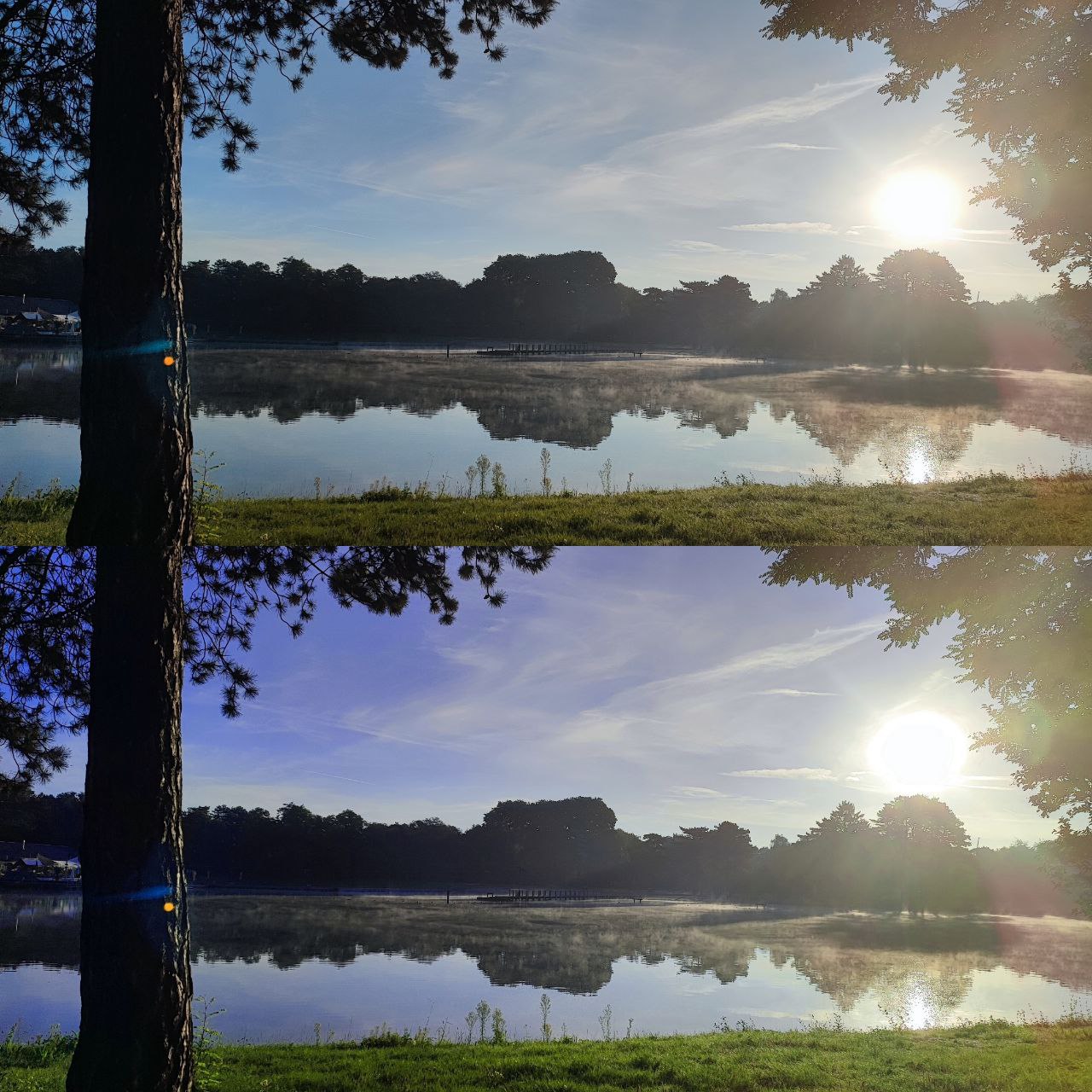
Learn how to handle and use camera, it's different settings and where and when I should use them. As a goal I just wanted to make lots of pictures, experimenting with light and angles indoors and outdoors. Along side with that we have to edit some of them and try out a bit photoshop.

Process

First day with camera:

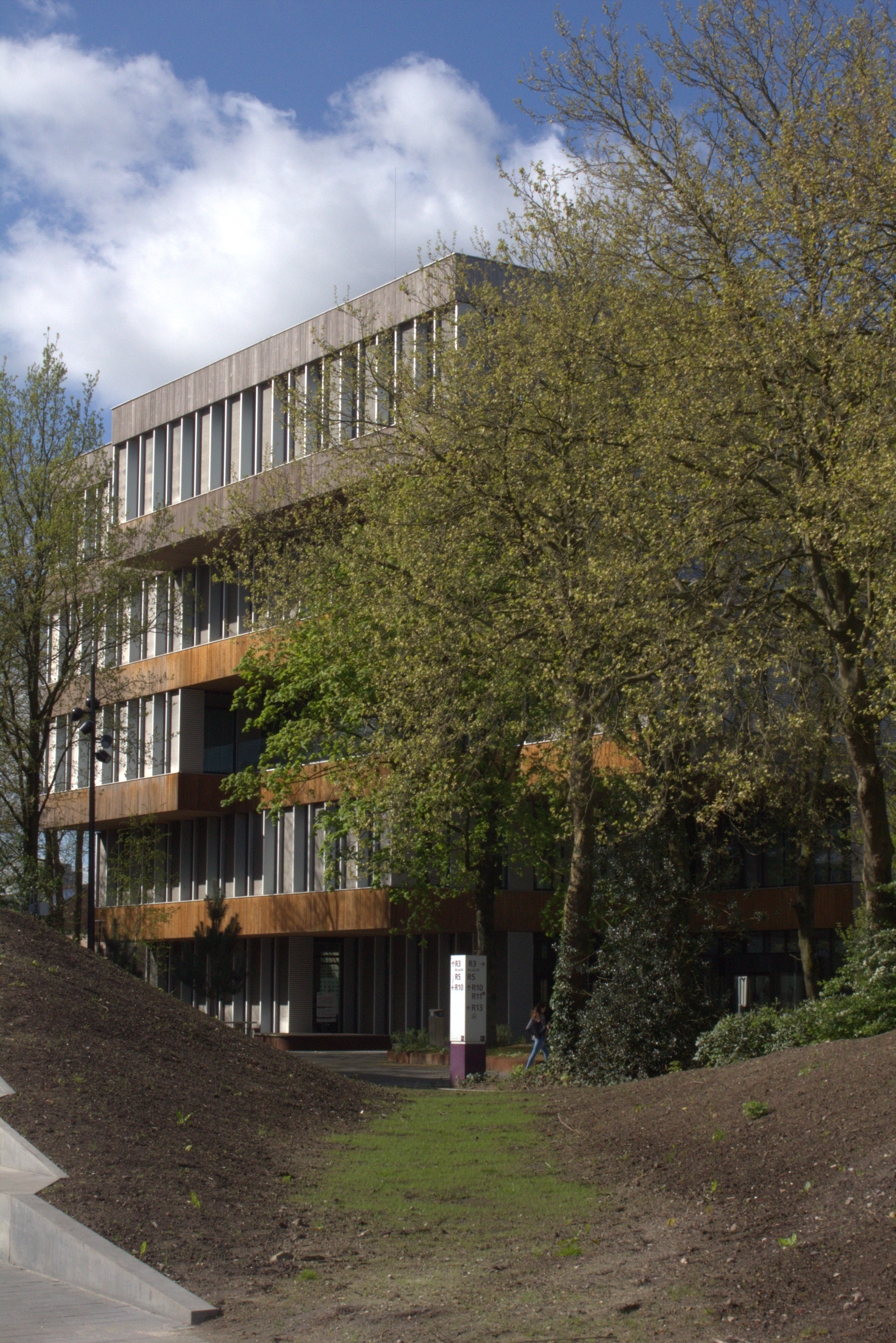
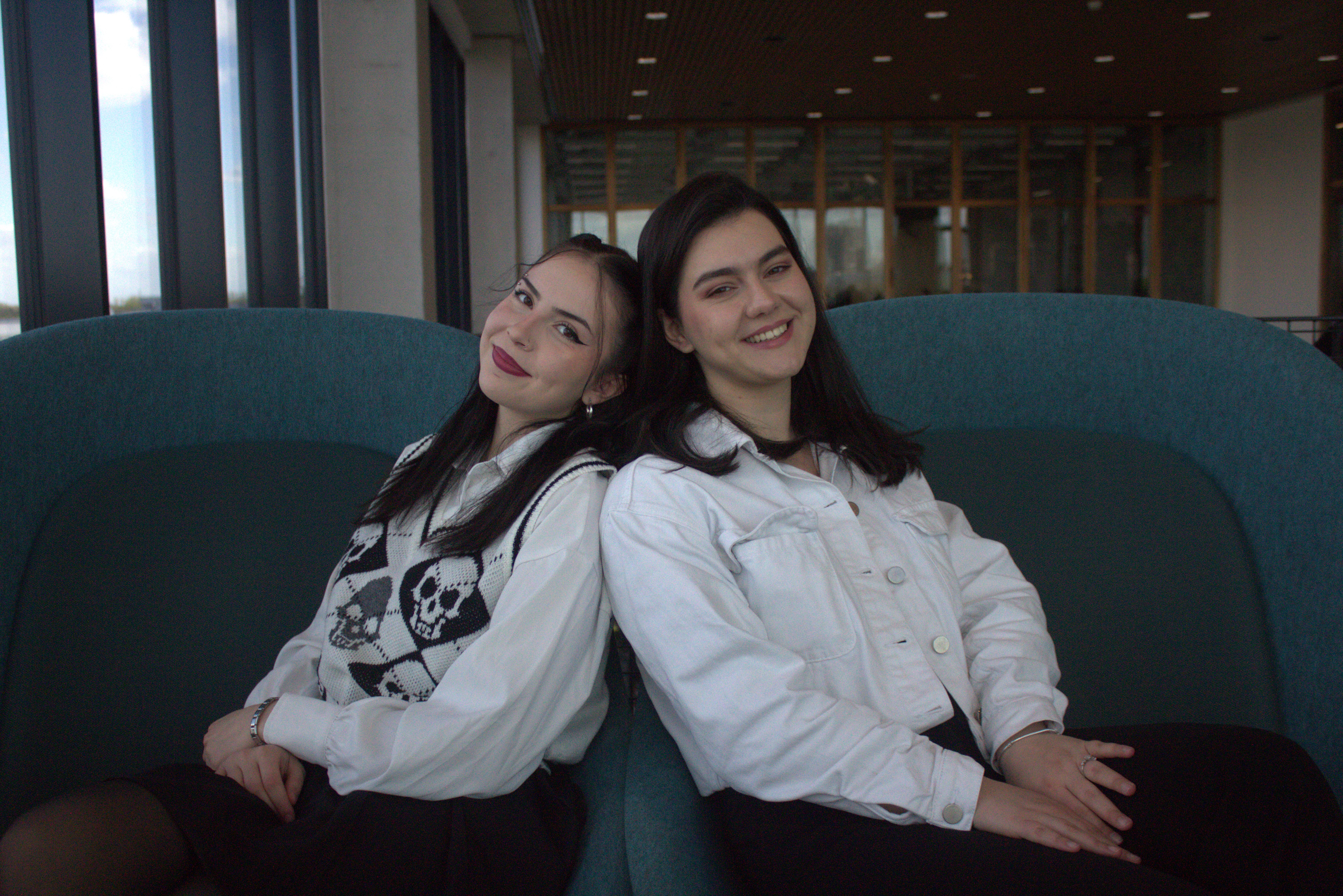
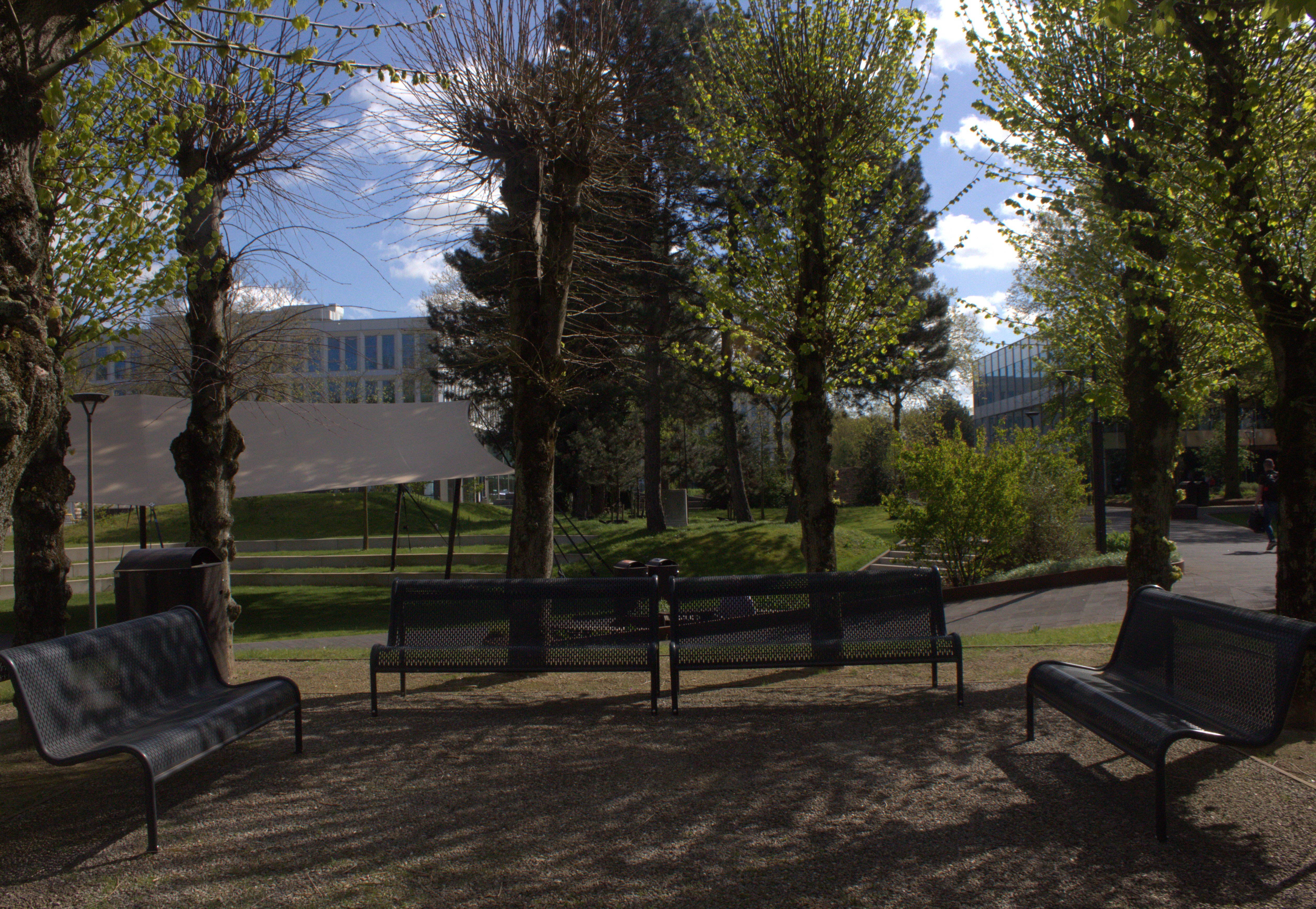
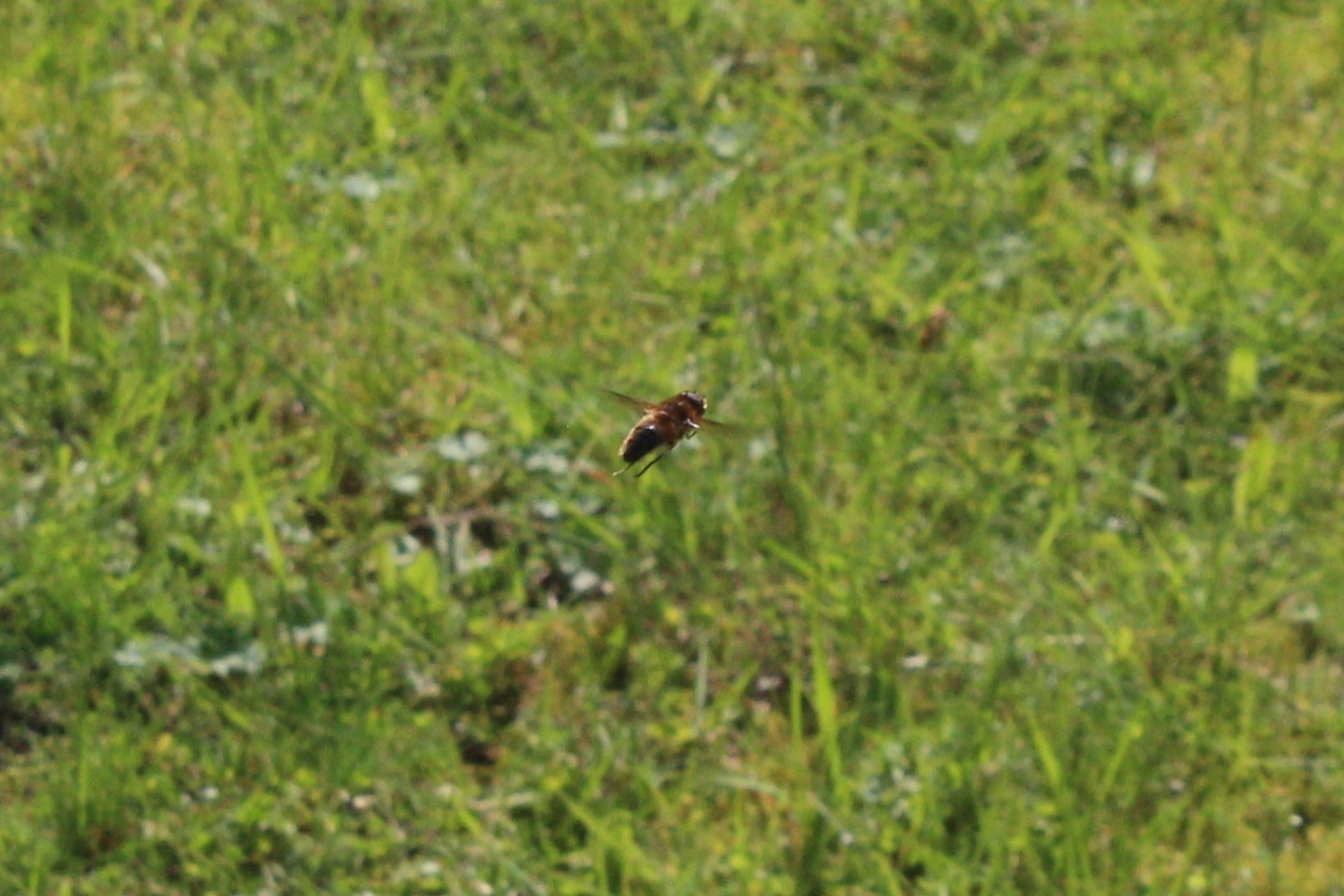
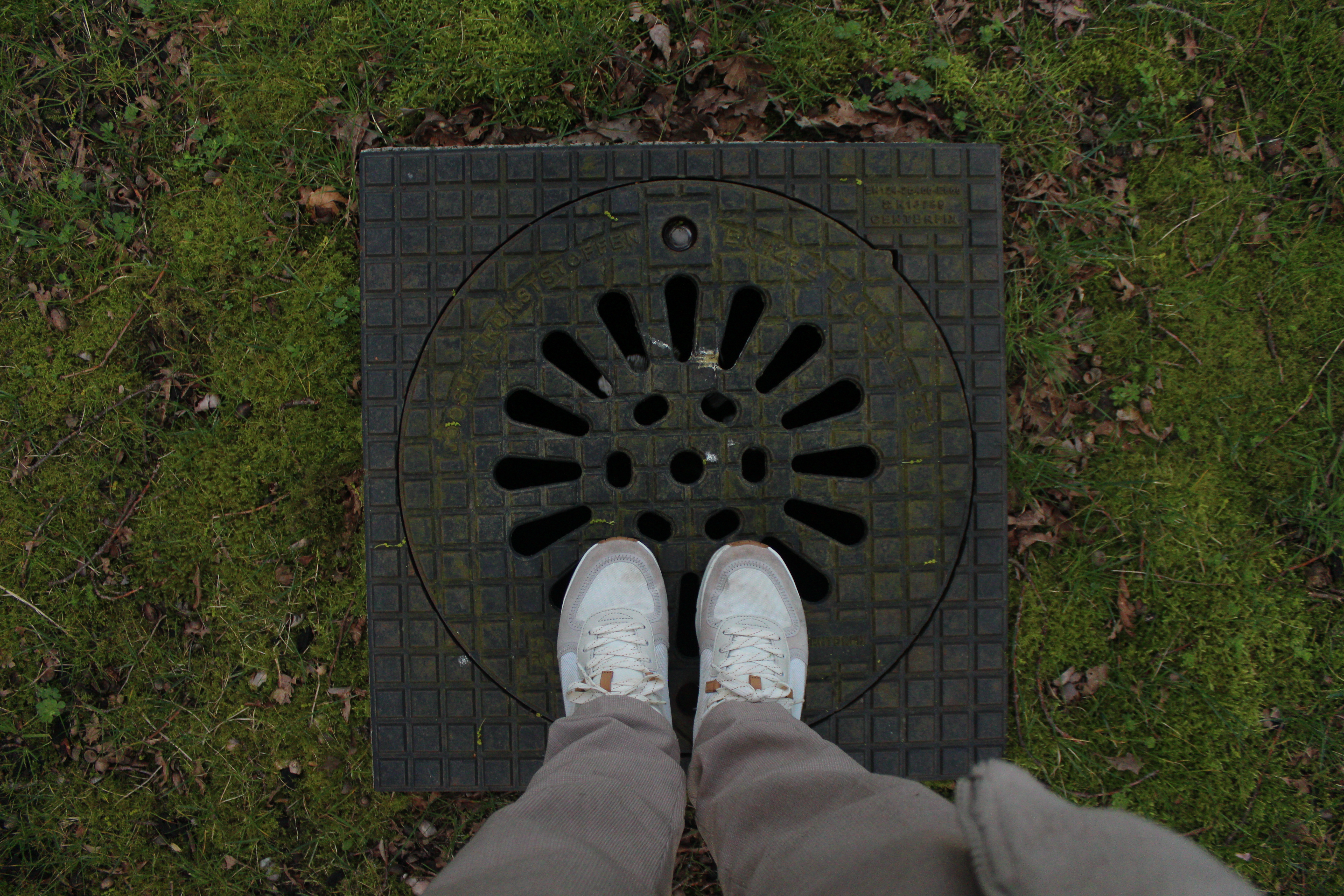
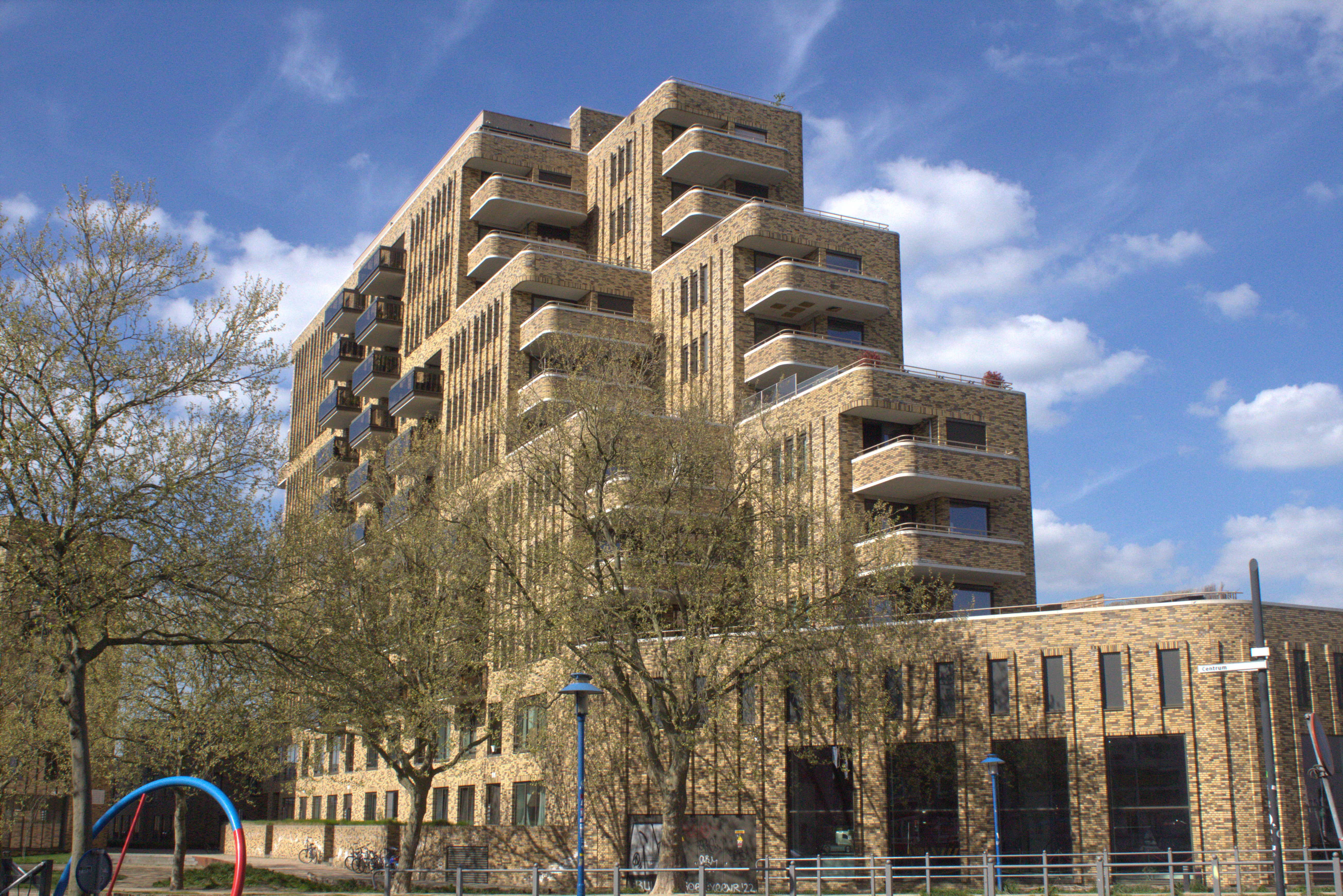
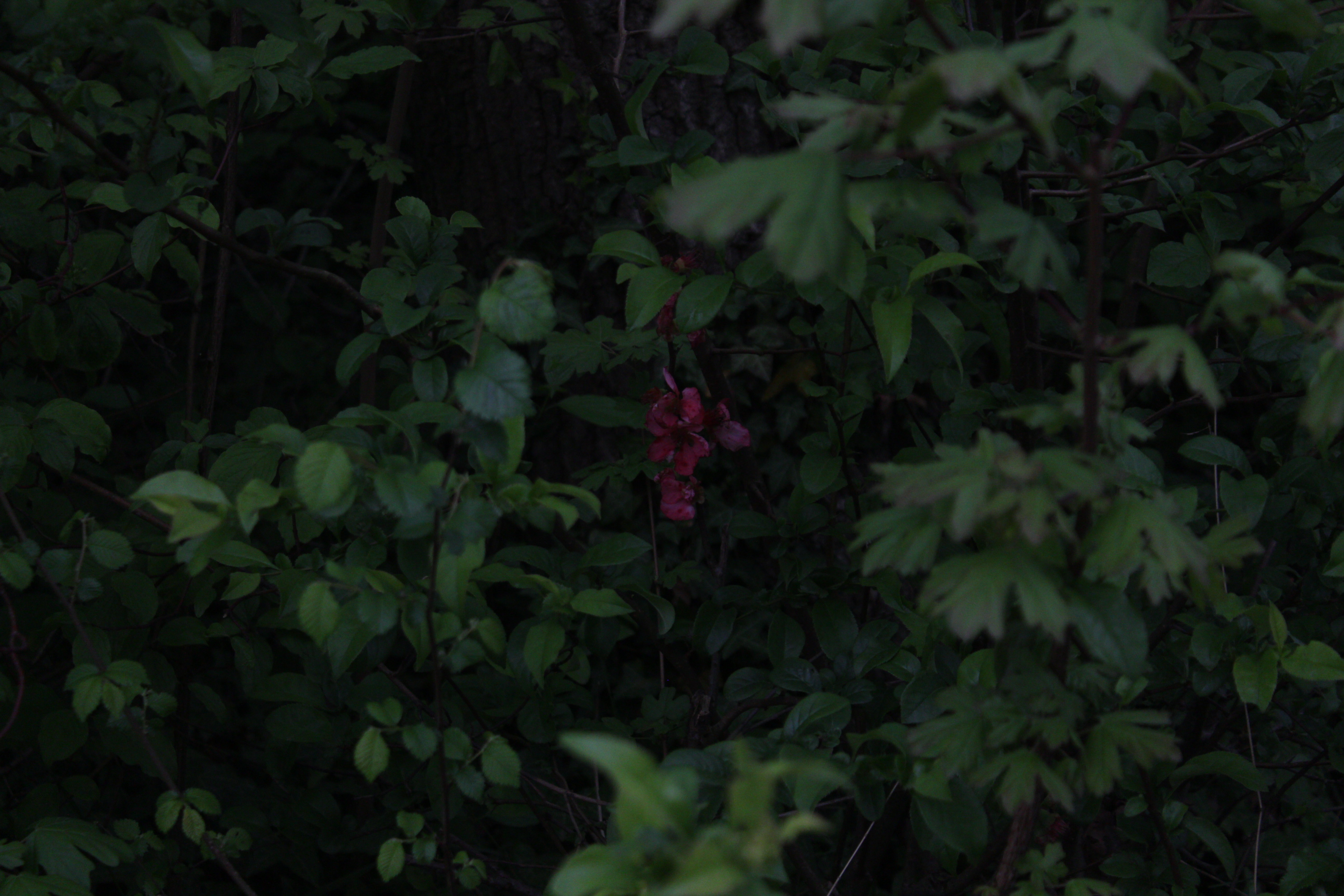
On a workshop we started learning about cameras. We started with very basics such as the different modes it has, shutter speed, ISO and what is used for which scenarious. Afterwards they send us in the wild (outside around the university) to take some pictures and try out the stuff we just learned while it is still fresh in our head. It was pretty fun going around with the camera and just feeling my "street-photographer" fantasy. Thankfully the weather also was pretty nice, therefore I could really take mytime outside and just take a picture of everything I find might be interesting.

Editing:

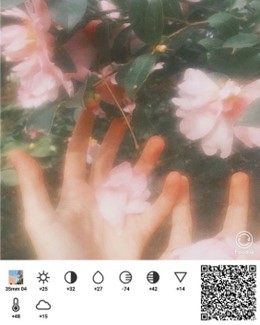
We had one workshop for photoshopping and afterwards I tried do some simple editing in there. Was playing aroudn with the hue and contrast mainly cuz it seemed the most fun

>

Reflection

How did it go:

I realised how fun photography can be! It went so nice thanks to the nice weather.

What did I learn:

I learned how to handle the camera and to use a couple of setings, just the very basics.

What I would do differently next time:

I would try take pictures in a bit more dark einviroment with longer shutter speed and use some light sticks around to add some colourful and soft lights.

MINI RPG PIXEL GAME

Goal

To make a nice top-down pixel art of a room with a character (which is going to be my fursona) that would be able to move around, along with that to make a few animations scattered the room.

Beginning

Sketching:

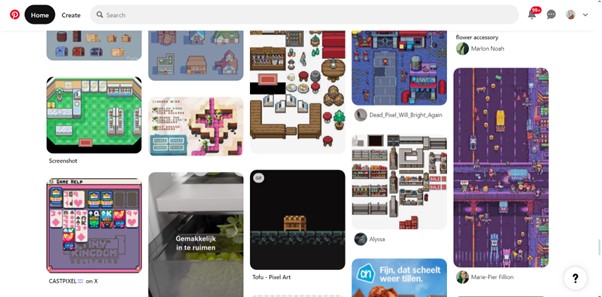
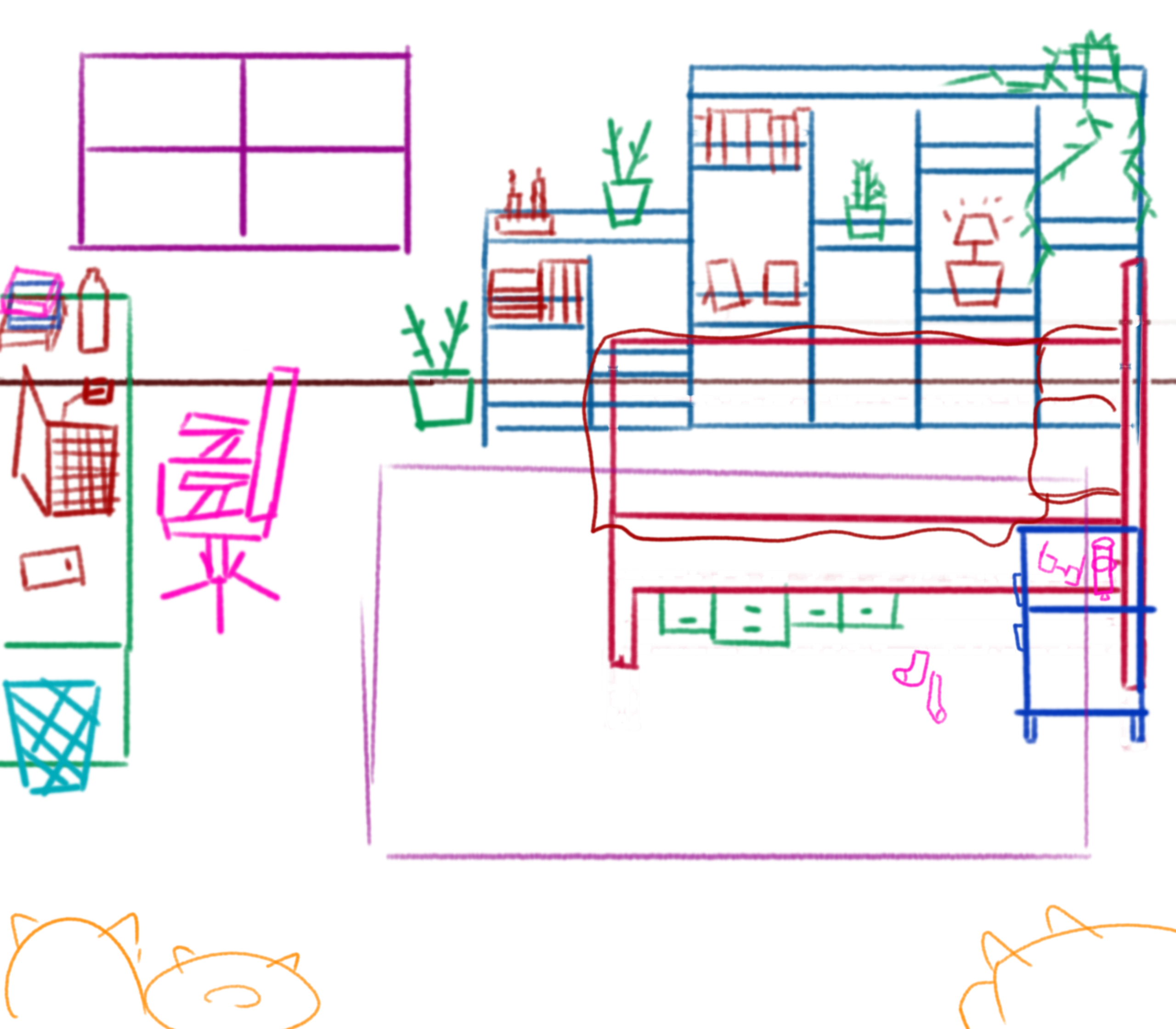
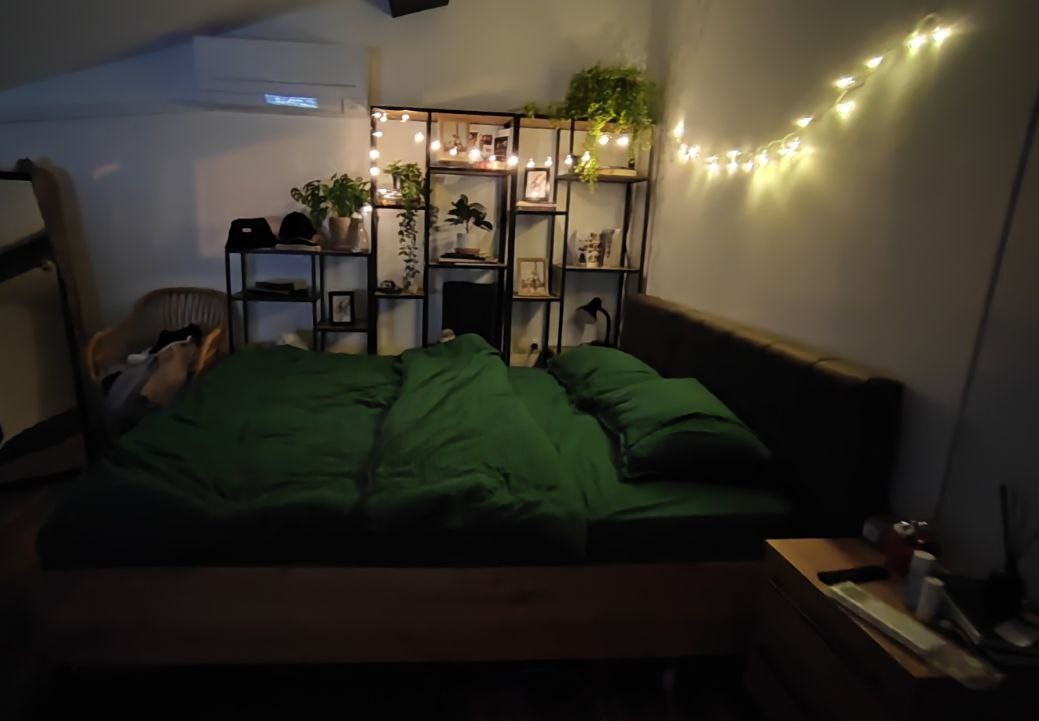
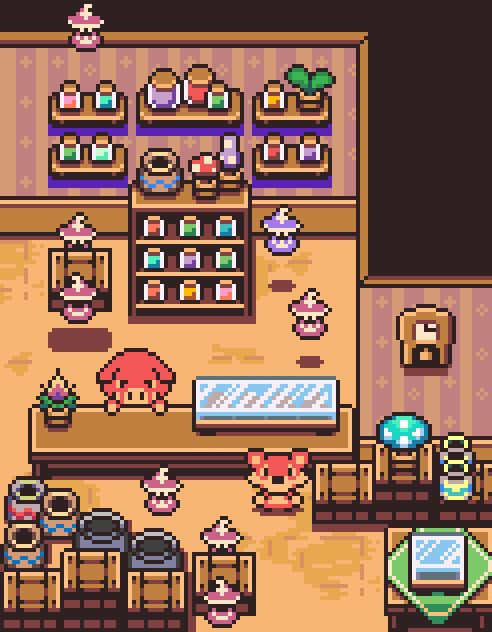
Firstly I looked at a few inspirations in pinterest regarding how do I want my room to be and what style do I want it with the set tiles in mind being 16 by 16. I wanted to go for more cartoony vibes with warm colours. Eventually I did a small and quick sketch of what I wanted, it was a combination of my room back in bulgaria and some imagniation. I wanted to have as well few of my plushies I currently have in real life and basically make it as personal as possible. (sketch is the first picture)

>

Starting in Aseprite:

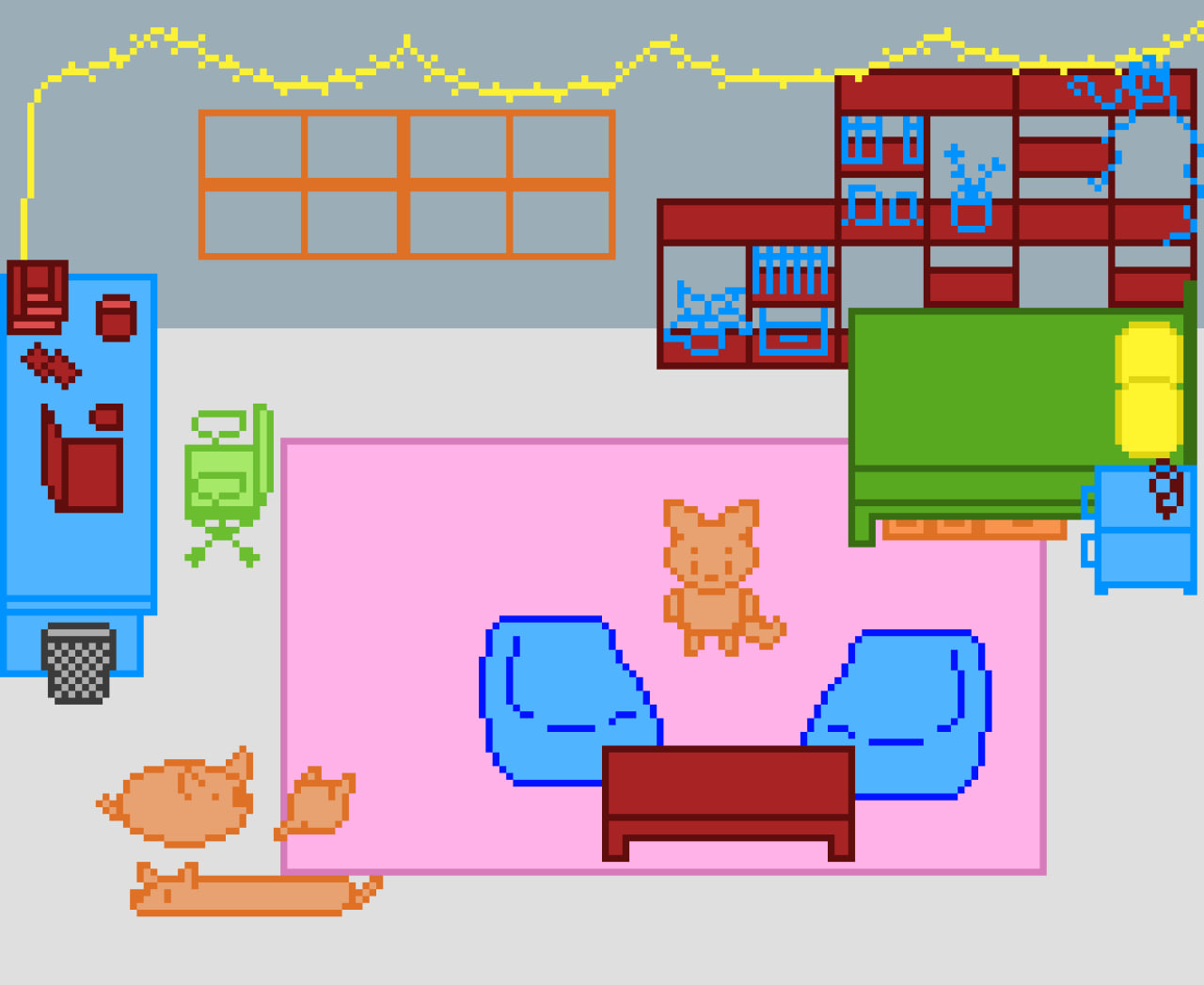
Once I had a base sketch of what I wanted I jumped in the pixel art software Aseprise to make a simple re-sketch of that but this time in pixel art. The issue I was having while it was a normal sketch is that I couldn't really adjust the perspective and also the scaling. So redoing it now in pixel art is going to help me make with better perspective and scale using a grid. For deciding on a colour palette I found a super useful website that helps a lot when it comes to deciding on that giving you a viriety of palettes and examples how they look in pixelart.

>

PALETTE FINDER

Finishing up:

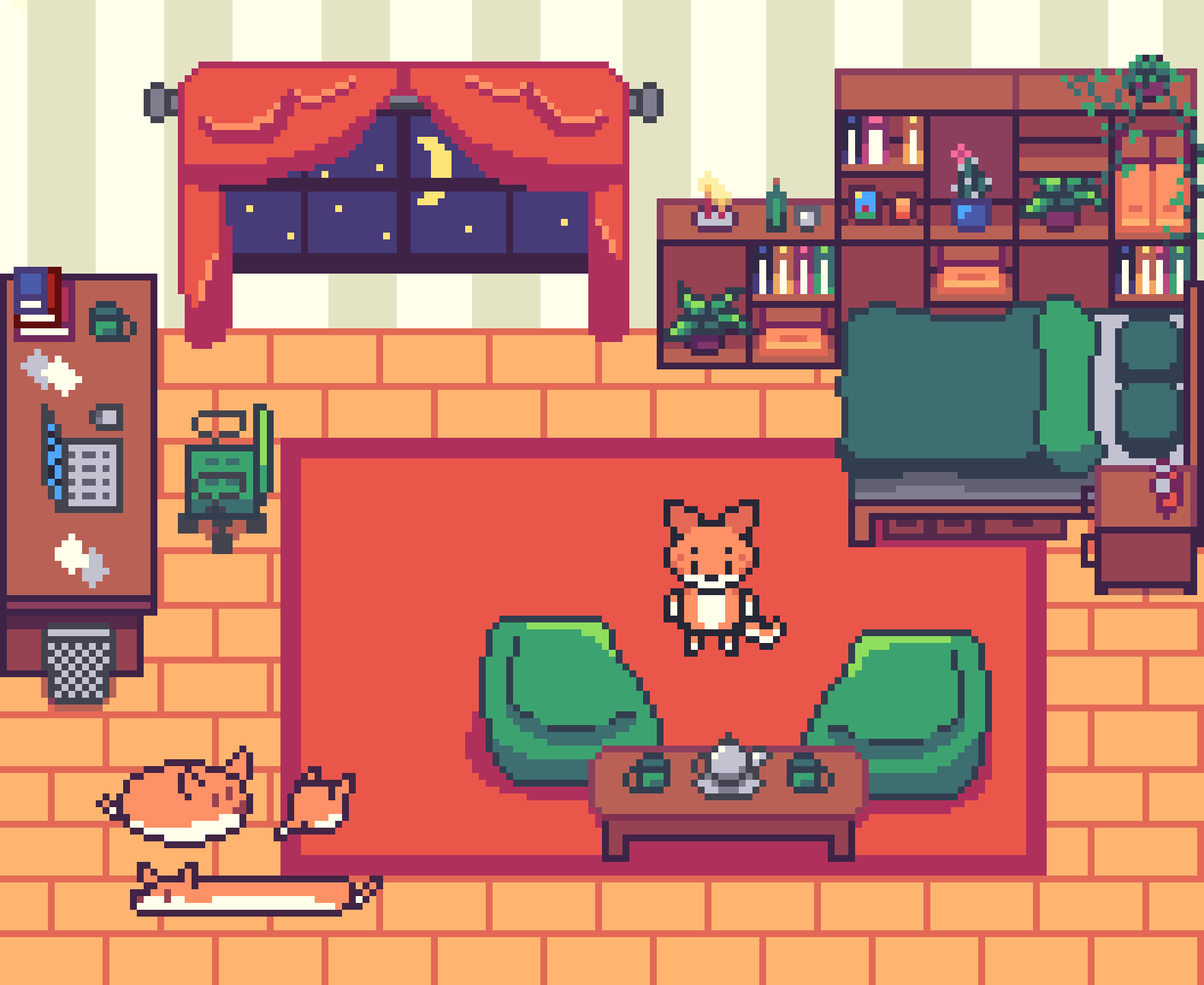
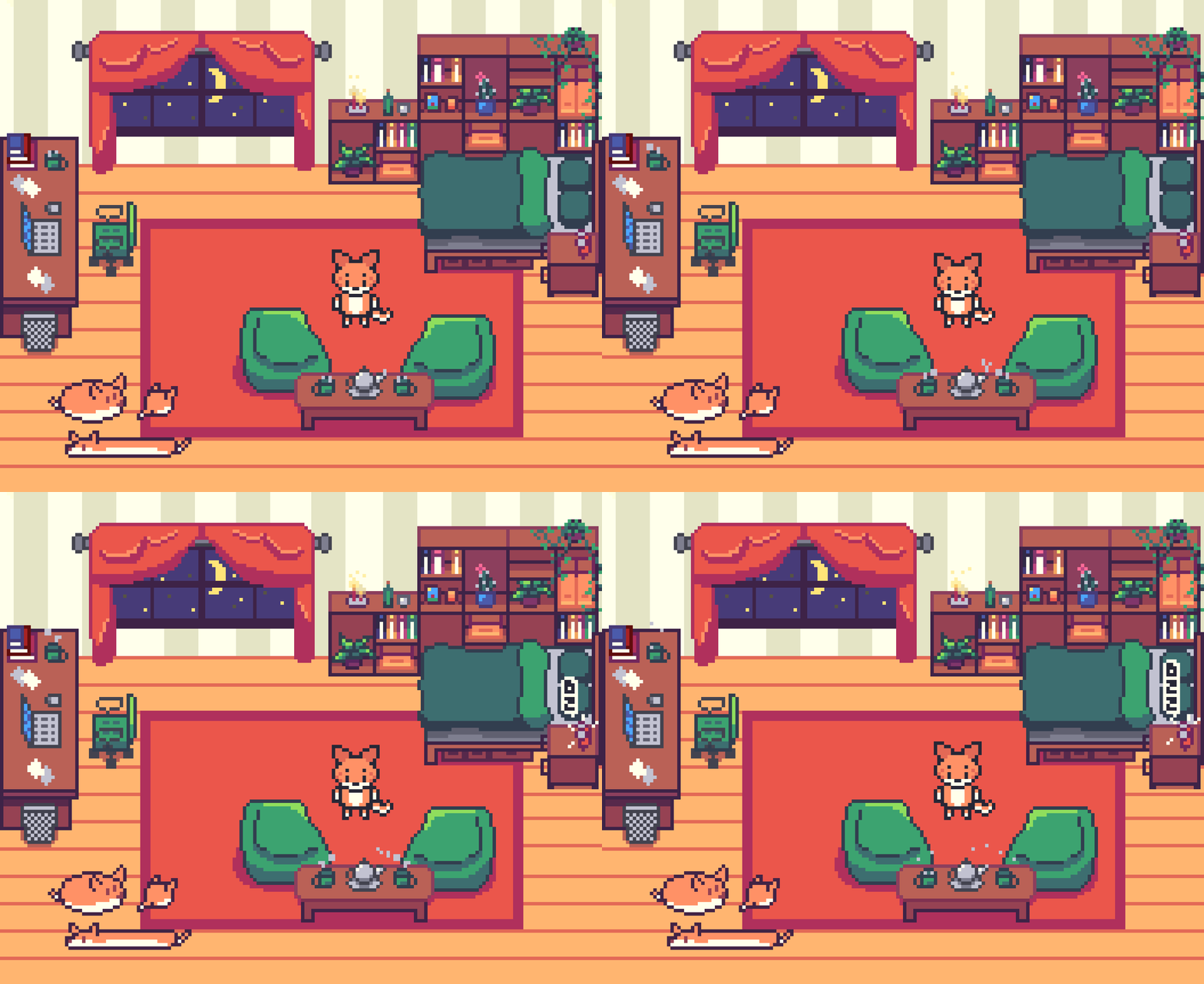
After doing the pixel sketch I immediately jumped into colouring it and shading it. It was a lovely and relaxing process. Once I was done I got a qucik feedback from one of the professors that the tiles I used for flooring might be too much and too distracting, so I reworked them and make them loong tiles while still keeping the warmth feeling. Eventually added some animation for the cups and stars and it became super cozy!

>

Result

A cozy mini-rpg pixelart which served as a base for a game. There are few little animations scattered around and also managed to make exactly what I envisioned. Click bellow to try it out:

PIXEL RPG

Reflection

How did it go:

It went pretty good and fast! I am super happy with my first time doing such a perspective in pixel art and on top of that doing some animations! This is one of the few times I managed to make something exactly how I envisioned it!

What did I learn:

New Software which is Aseprite, it was my first time working with it and it was pretty easy to work with, especially when it comes to doing the animations in there.

What I would do differently next time:

I would have done a bigger area with different rooms to explore a bit more of the different furnitures I can draw in such perspective.